















Ads

Epson WorkForce Pro WF-8090 Black Ink Cartridges

Epson WorkForce Pro WF-8090 Color Ink Cartridges

Epson WorkForce Pro WF-8090 Maintenance Kits

Epson WorkForce Pro WF-8090 Photo Paper

Epson WorkForce Pro WF-8090 Warranty and Services

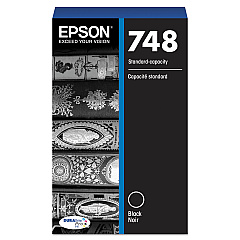
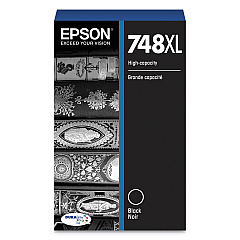
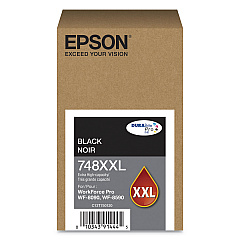
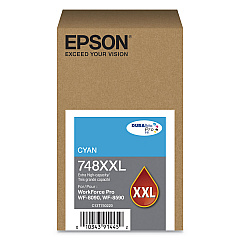
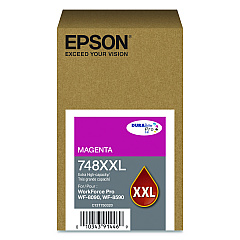
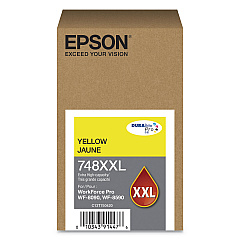
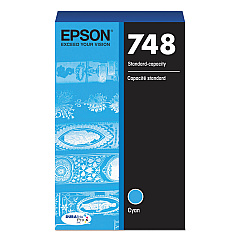
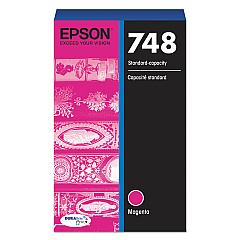
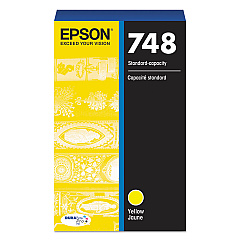
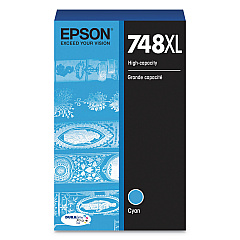
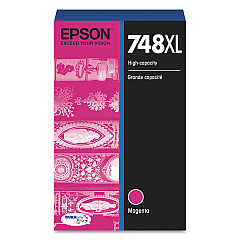
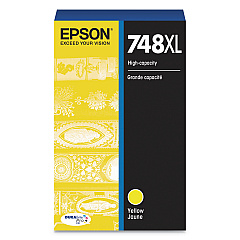
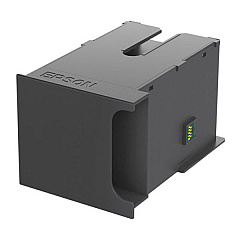
Enhance your printing experience with genuine Epson WorkForce Pro WF-8090 Ink Cartridges. This comprehensive range includes the T671200 Ink Maintenance Box and a variety of color options in standard, XL, and XXL capacities. Choose from T748120 Black, T748220 Cyan, T748320 Magenta, and T748420 Yellow cartridges for everyday printing needs. For higher volume requirements, opt for the XL series (T748XL120, T748XL220, T748XL320, T748XL420) or the XXL series (T748XXL120, T748XXL220, T748XXL320, T748XXL420) to maximize efficiency and reduce cartridge changes. These authentic Epson cartridges ensure optimal print quality, vibrant colors, and sharp text, making them ideal for businesses, schools, government offices, and healthcare facilities. Trust in Epson's superior ink technology to deliver professional-grade results for all your printing needs with the WorkForce Pro WF-8090.

Epson WorkForce Pro WF-8090 Ink Cartridges FAQs

  • What is the difference between standard, XL, and XXL cartridges?

    Standard cartridges have the lowest capacity, XL cartridges have a higher capacity, and XXL cartridges offer the highest capacity, allowing for more prints before replacement.

  • Are these cartridges compatible with other Epson printers?

    These cartridges are specifically designed for the Epson WorkForce Pro WF-8090 printer. Always check your printer's compatibility before purchasing.

  • How long do these ink cartridges typically last?

    The lifespan of ink cartridges varies depending on usage, print settings, and the specific cartridge capacity (standard, XL, or XXL).

  • Can I use third-party ink cartridges in my Epson WorkForce Pro WF-8090?

    While third-party cartridges may work, using genuine Epson cartridges ensures optimal print quality and prevents potential damage to your printer.

  • What is the purpose of the T671200 Ink Maintenance Box?

    The Ink Maintenance Box collects waste ink during printing and maintenance operations, helping to keep your printer clean and functioning properly.

  • How do I know when it's time to replace a cartridge?

    Your printer will display a message when ink levels are low. You can also check ink levels through the printer's control panel or your computer's printer software.

  • Are these cartridges environmentally friendly?

    Epson designs its cartridges with environmental considerations in mind. They can be recycled through Epson's cartridge recycling program.

  • Can I buy these cartridges in bulk for my business?

    Yes, many suppliers offer bulk purchasing options for businesses. Contact the seller for information on bulk orders and potential discounts.

  • How should I store unused ink cartridges?

    Store unused cartridges in a cool, dry place at room temperature. Keep them in their original packaging until ready for use to prevent drying out.

  • What should I do if my printer doesn't recognize a new cartridge?

    Ensure the cartridge is properly installed and compatible with your printer model. If issues persist, clean the cartridge contacts and try reinserting it.

Warehouse Locations

Policy & Agreement | Copyright © 1995-2026 BlueDogInk.com
