













Ads

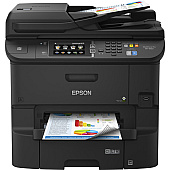
Epson WorkForce Pro WF-6530 Black Ink Cartridges

Epson WorkForce Pro WF-6530 Color Ink Cartridges

Epson WorkForce Pro WF-6530 Photo Paper

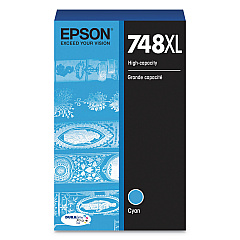
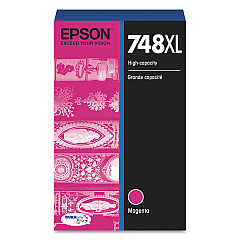
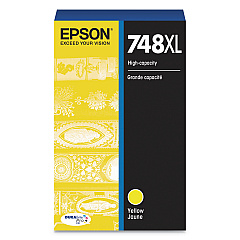
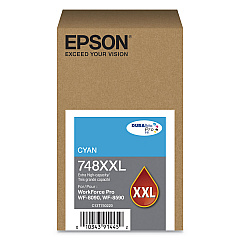
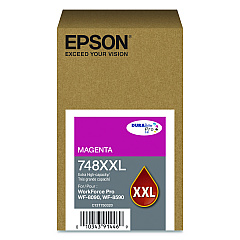
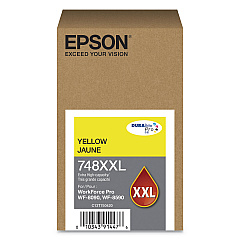
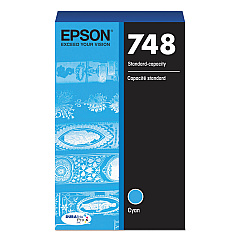
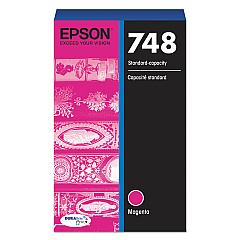
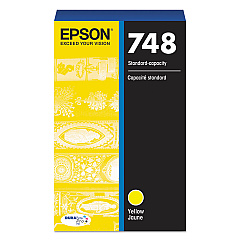
Enhance your printing experience with genuine Epson WorkForce Pro WF-6530 Ink Cartridges. These high-quality cartridges are designed to deliver exceptional results for businesses, schools, government offices, and healthcare facilities. Available in standard, XL, and XXL sizes, these cartridges offer a range of options to suit your printing needs. The T748 series includes Black, Cyan, Magenta, and Yellow inks, ensuring vibrant color reproduction and crisp text. With Epson's advanced DURABrite Ultra ink technology, your prints will resist water, fading, and smudging, making them ideal for professional documents and marketing materials. These cartridges are engineered to work seamlessly with your Epson WorkForce Pro WF-6530 printer, maximizing efficiency and minimizing downtime. Choose Epson ink cartridges for reliable, high-volume printing that meets the demands of your busy workplace.

Epson WorkForce Pro WF-6530 Ink Cartridges FAQs

  • What is the difference between standard, XL, and XXL ink cartridges?

    Standard cartridges have a lower page yield, while XL and XXL cartridges offer higher page yields, allowing for more prints before replacement.

  • Are these cartridges compatible with other Epson printers?

    These cartridges are specifically designed for the Epson WorkForce Pro WF-6530 printer. Always check your printer's compatibility before purchasing.

  • How long do these ink cartridges last?

    The lifespan of the cartridges depends on usage and print volume. XL and XXL cartridges typically last longer than standard ones.

  • Can I use third-party ink cartridges in my Epson WorkForce Pro WF-6530?

    While third-party cartridges may work, using genuine Epson cartridges ensures optimal print quality and prevents potential damage to your printer.

  • How do I install these ink cartridges?

    Follow the instructions in your printer's manual. Generally, you'll need to open the printer's ink cartridge cover, remove the old cartridge, and insert the new one until it clicks into place.

  • Are these cartridges environmentally friendly?

    Epson offers a cartridge recycling program to minimize environmental impact. Check Epson's website for details on how to recycle used cartridges.

  • What is DURABrite Ultra ink technology?

    DURABrite Ultra is Epson's pigment-based ink technology that produces water-resistant, smudge-proof, and fade-resistant prints.

  • How many pages can I print with these cartridges?

    Page yield varies depending on the cartridge size and print content. Check the product specifications for estimated page yields.

  • Can I mix different sizes of cartridges in my printer?

    Yes, you can use a combination of standard, XL, and XXL cartridges in your Epson WorkForce Pro WF-6530 printer.

  • What should I do if my printer doesn't recognize the new cartridge?

    Ensure the cartridge is properly installed and compatible with your printer model. If issues persist, clean the cartridge contacts and try reinserting it.

Warehouse Locations

Policy & Agreement | Copyright © 1995-2026 BlueDogInk.com
