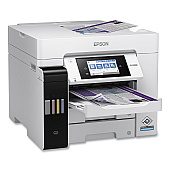
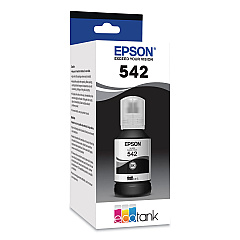
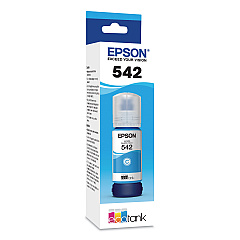
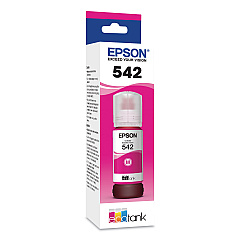





Epson WorkForce Pro ST-C5000 Black Ink Cartridges

Epson WorkForce Pro ST-C5000 Color Ink Cartridges

Epson WorkForce Pro ST-C5000 Ink Set

Epson WorkForce Pro ST-C5000 Maintenance Kits

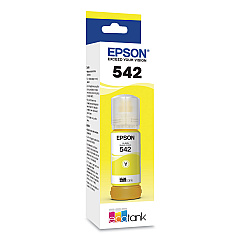
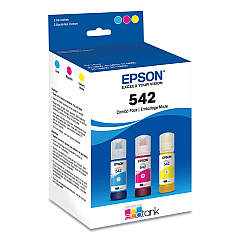
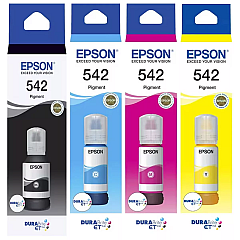
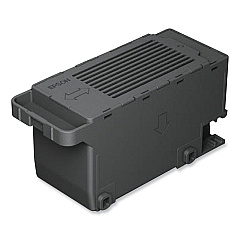
Maximize your printing efficiency with genuine Epson WorkForce Pro ST-C5000 Ink Cartridges. This high-performance printer utilizes Epson's innovative 542 ink bottle series, including Black (T542120-S), Cyan (T542220-S), Magenta (T542320-S), and Yellow (T542420-S) bottles. For added convenience, a Multi-Color pack (T542520-S) is available. These ink bottles deliver exceptional print quality and yield, making them ideal for businesses, schools, and healthcare facilities with high-volume printing needs. The Epson C9345 Maintenance Box (C12C934591) ensures your printer remains in top condition, minimizing downtime. With these reliable supplies, your Epson WorkForce Pro ST-C5000 will consistently produce crisp text and vibrant graphics, meeting the demands of professional environments while offering cost-effective printing solutions.

Epson WorkForce Pro ST-C5000 Ink Cartridges FAQs

  • How long do Epson 542 ink bottles last?

    Epson 542 ink bottles can last for thousands of pages, with exact yield varying based on print content and settings.

  • Are these ink bottles compatible with other Epson printers?

    Epson 542 ink bottles are specifically designed for the WorkForce Pro ST-C5000 and may not be compatible with other models.

  • How often should I replace the maintenance box?

    The maintenance box should be replaced when prompted by the printer, typically after several thousand pages.

  • Can I use third-party ink in my Epson WorkForce Pro ST-C5000?

    While third-party inks may work, using genuine Epson ink is recommended to ensure optimal print quality and printer longevity.

  • What's the difference between individual ink bottles and the multi-color pack?

    The multi-color pack includes cyan, magenta, and yellow inks, while individual bottles allow you to replace only the color you need.

  • How do I install the ink bottles?

    Simply remove the bottle cap, insert the bottle into the corresponding color tank, and let it drain. The printer will stop automatically when full.

  • Are these ink bottles refillable?

    No, Epson 542 ink bottles are not designed to be refilled. Always use new, genuine Epson ink bottles.

  • What's the shelf life of unopened ink bottles?

    Unopened ink bottles typically have a shelf life of two years from the production date when stored properly.

  • Can I buy these supplies in bulk for my business?

    Yes, bulk purchasing options are often available for businesses. Contact your Epson reseller for more information.

  • How eco-friendly are these ink bottles?

    Epson's ink bottle system produces less waste compared to traditional cartridges, making it a more environmentally friendly option.

Warehouse Locations

Policy & Agreement | Copyright © 1995-2026 BlueDogInk.com
