














Ads

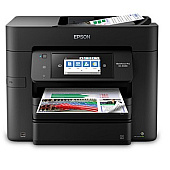
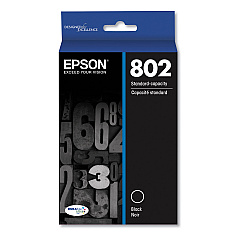
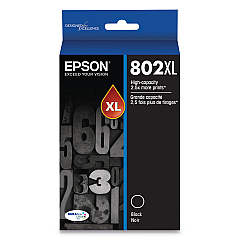
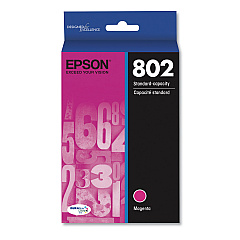
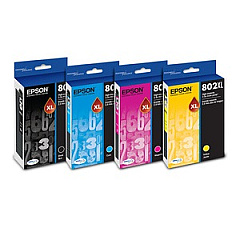
Epson WorkForce Pro EC-4040 Black Ink Cartridges

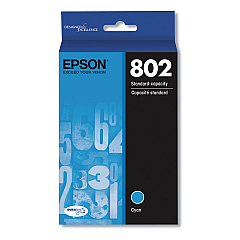
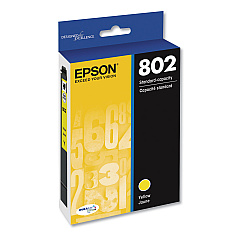
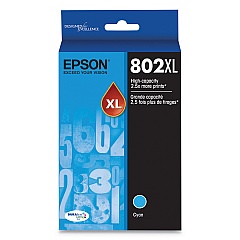
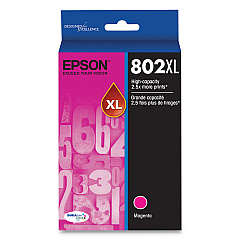
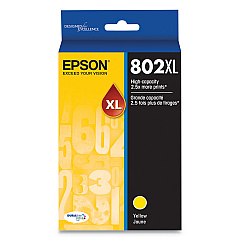
Epson WorkForce Pro EC-4040 Color Ink Cartridges

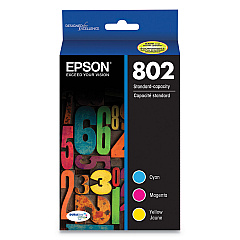
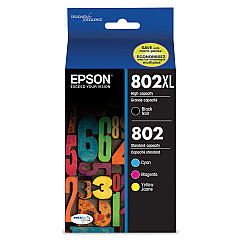
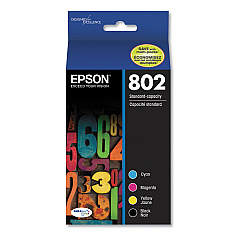
Epson WorkForce Pro EC-4040 Ink Set

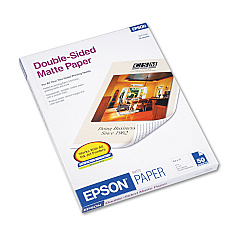
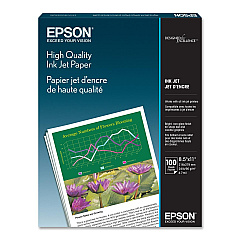
Epson WorkForce Pro EC-4040 Copy Paper

Epson WorkForce Pro EC-4040 Photo Paper

Enhance your printing experience with genuine Epson WorkForce Pro EC-4040 Ink Cartridges. These high-quality cartridges are designed to deliver exceptional results for businesses, schools, government offices, and healthcare facilities. The EC-4040 utilizes a range of T802 and T802XL ink cartridges, including black, cyan, magenta, and yellow options, as well as convenient multipack and combo pack choices. These cartridges ensure crisp text, vibrant colors, and long-lasting prints that meet professional standards. With options for both standard and high-capacity cartridges, you can choose the best fit for your printing needs and budget. Trust in the reliability and performance of genuine Epson ink to keep your WorkForce Pro EC-4040 running smoothly and producing top-quality documents and images for all your important projects.

Epson WorkForce Pro EC-4040 Ink Cartridges FAQs

  • What is the difference between T802 and T802XL ink cartridges?

    T802XL cartridges have a higher ink capacity than standard T802 cartridges, allowing for more prints before replacement.

  • Are these ink cartridges compatible with other Epson printers?

    These cartridges are specifically designed for the Epson WorkForce Pro EC-4040 and may not be compatible with other models.

  • How long do these ink cartridges typically last?

    The lifespan of ink cartridges varies depending on usage, but XL cartridges generally last longer than standard ones.

  • Can I use third-party ink cartridges in my Epson WorkForce Pro EC-4040?

    While third-party cartridges may work, using genuine Epson cartridges ensures optimal print quality and printer performance.

  • What is the shelf life of unopened ink cartridges?

    Unopened Epson ink cartridges typically have a shelf life of two years from the date of production.

  • How do I properly store unused ink cartridges?

    Store cartridges in a cool, dry place away from direct sunlight and extreme temperatures to maintain their quality.

  • Can I recycle empty ink cartridges?

    Yes, Epson offers a cartridge recycling program. Check their website for details on how to participate.

  • What should I do if my printer doesn't recognize a new cartridge?

    Try removing and reinserting the cartridge, cleaning the contacts, or updating your printer's firmware.

  • How do I know when it's time to replace an ink cartridge?

    Your printer will display a low ink warning, or you may notice a decrease in print quality.

  • Is it necessary to replace all color cartridges at once?

    No, you can replace individual color cartridges as needed, but replacing all at once can ensure consistent color output.

Warehouse Locations

Policy & Agreement | Copyright © 1995-2026 BlueDogInk.com
