













Ads

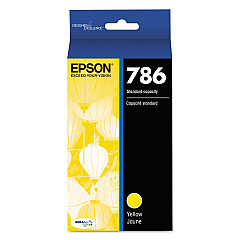
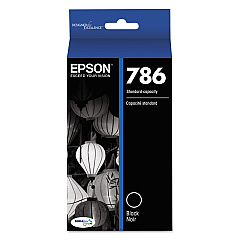
Epson WF-5620 Black Ink Cartridges

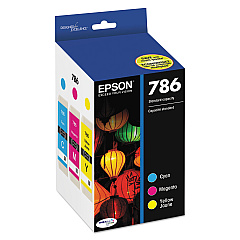
Epson WF-5620 Color Ink Cartridges

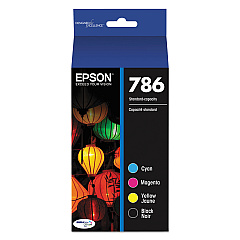
Epson WF-5620 Ink Set

Epson WF-5620 Maintenance Kits

Epson WF-5620 Photo Paper

Epson WF-5620 Warranty and Services

  • Epson EPPBIJWP3 Warranty

    Item EPPBIJWP3

    Epson EPPBIJWP3 Warranty

    EPSON Extended Service Plan (Next Business Day Upgrade) (3 Year)..

    Status

    In Stock

    $31.99

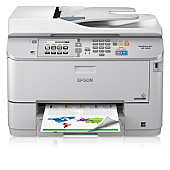
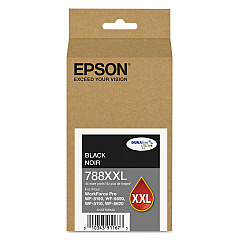
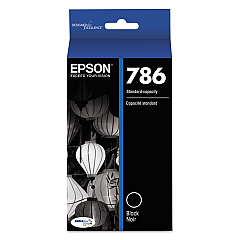
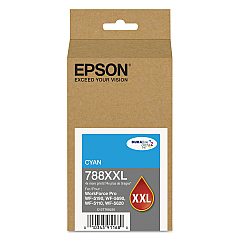
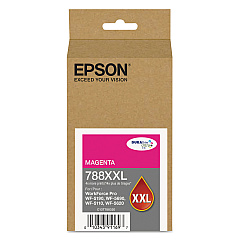
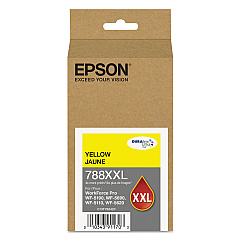
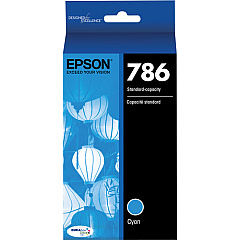
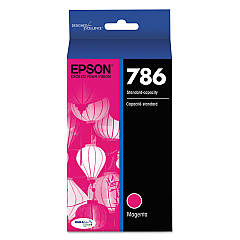
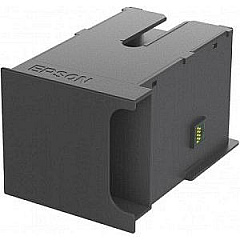
Ensure optimal performance for your Epson WorkForce Pro WF-5620 printer with our comprehensive range of Epson WF-5620 Ink Cartridges. From standard capacity to high-yield options, we offer a variety of genuine Epson cartridges to suit your printing needs. Choose from individual color cartridges including black, cyan, magenta, and yellow, or opt for cost-effective combo packs. The T671000 Maintenance Box keeps your printer in top condition, while the T786120-BCS Combo Pack provides a complete set of inks. For high-volume printing, consider the T788XXL series, offering extended print yields. Whether you're a small business, educational institution, or healthcare facility, our selection of Epson WF-5620 Ink Cartridges ensures crisp text and vibrant colors for all your professional documents and marketing materials.

Epson WF-5620 Ink Cartridges FAQs

  • What is the difference between standard and XXL ink cartridges?

    XXL cartridges have a higher ink capacity and yield more pages than standard cartridges, making them more cost-effective for high-volume printing.

  • Are these ink cartridges compatible with other Epson printers?

    These cartridges are specifically designed for the Epson WF-5620 printer. Always check your printer's compatibility before purchasing ink cartridges.

  • How long do these ink cartridges typically last?

    The lifespan of ink cartridges varies depending on usage, but XXL cartridges generally last longer than standard ones.

  • What is the purpose of the T671000 Maintenance Box?

    The Maintenance Box collects waste ink during printing and cleaning cycles, helping to maintain your printer's performance.

  • Can I use third-party ink cartridges in my Epson WF-5620?

    While third-party cartridges may work, using genuine Epson cartridges ensures optimal print quality and prevents potential damage to your printer.

  • How do I know when it's time to replace my ink cartridges?

    Your Epson WF-5620 printer will display a low ink warning when cartridges need replacement.

  • Are these ink cartridges environmentally friendly?

    Epson designs its cartridges with recyclable materials and offers a cartridge recycling program to minimize environmental impact.

  • What's the shelf life of unopened ink cartridges?

    Unopened Epson ink cartridges typically have a shelf life of two years from the date of production when stored properly.

  • How do I install new ink cartridges in my Epson WF-5620?

    Your printer's user manual provides step-by-step instructions for replacing ink cartridges. Generally, it involves opening the printer cover, removing the old cartridge, and inserting the new one until it clicks into place.

  • What should I do if my printer doesn't recognize a new ink cartridge?

    Try removing and reinserting the cartridge. If the issue persists, clean the cartridge contacts and ensure it's properly seated. If problems continue, contact Epson support for assistance.

Warehouse Locations

Policy & Agreement | Copyright © 1995-2026 BlueDogInk.com
