













Ads

Epson WF-5110 Black Ink Cartridges

Epson WF-5110 Color Ink Cartridges

Epson WF-5110 Ink Set

Epson WF-5110 Maintenance Kits

Epson WF-5110 Photo Paper

Epson WF-5110 Warranty and Services

  • Epson EPPBIJWP3 Warranty

    Item EPPBIJWP3

    Epson EPPBIJWP3 Warranty

    EPSON Extended Service Plan (Next Business Day Upgrade) (3 Year)..

    Status

    In Stock

    $31.99

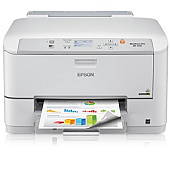
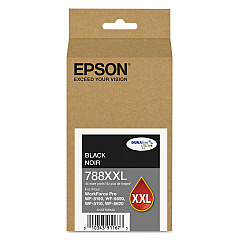
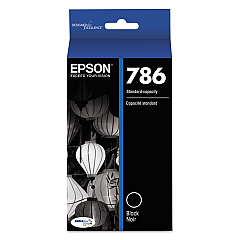
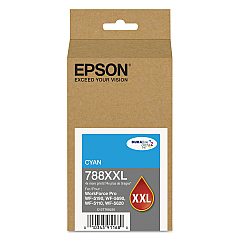
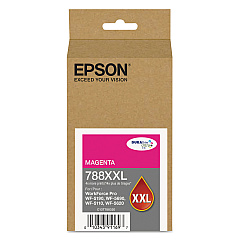
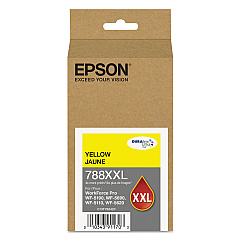
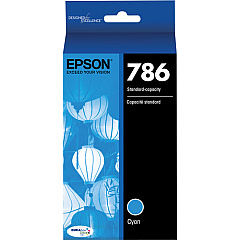
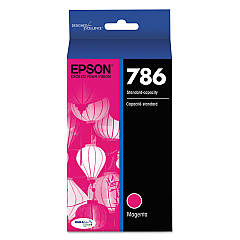
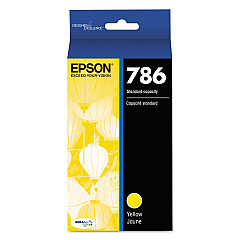
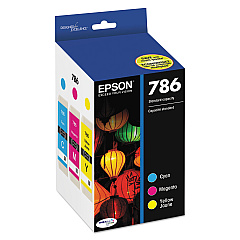
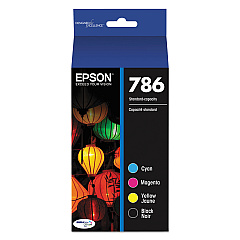
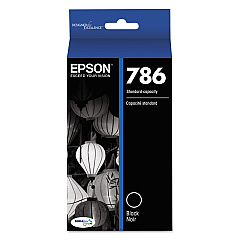
Ensure optimal performance for your Epson WorkForce Pro WF-5110 printer with our comprehensive range of Epson WF-5110 Ink Cartridges. From standard capacity to high-yield options, we offer a variety of genuine Epson cartridges to suit your printing needs. Choose from individual color cartridges including black, cyan, magenta, and yellow, or opt for cost-effective combo packs. The T671000 Maintenance Box keeps your printer in top condition, while the T786120-BCS Combo Pack provides a complete set of inks. For high-volume printing, consider the T788XXL series, offering extended page yields. Whether you're printing business documents or vibrant graphics, these Epson WF-5110 Ink Cartridges deliver exceptional quality and reliability. Trust in Epson's advanced DURABrite Ultra ink technology for smudge, fade, and water-resistant prints that make a lasting impression.

Epson WF-5110 Ink Cartridges FAQs

  • What is the difference between standard and XXL ink cartridges?

    XXL cartridges have a higher ink capacity and yield more pages than standard cartridges, making them more cost-effective for high-volume printing.

  • Are these ink cartridges compatible with other Epson printers?

    These cartridges are specifically designed for the Epson WF-5110 printer. Always check your printer's compatibility before purchasing ink cartridges.

  • How long do these ink cartridges typically last?

    The lifespan of ink cartridges varies depending on usage and print settings. On average, standard cartridges last 2-3 months, while XXL cartridges can last 4-6 months.

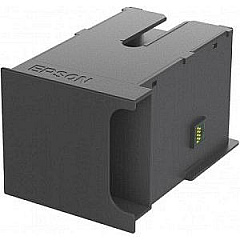
  • What is the purpose of the T671000 Maintenance Box?

    The Maintenance Box collects waste ink during printing and cleaning cycles, helping to maintain the printer's performance and prevent ink leaks.

  • Can I use third-party ink cartridges in my Epson WF-5110 printer?

    While third-party cartridges may work, using genuine Epson cartridges ensures optimal print quality and helps maintain your printer's warranty.

  • How do I know when it's time to replace my ink cartridges?

    Your printer will display a low ink warning when cartridges need replacement. You can also check ink levels through the printer's control panel or software.

  • Are these ink cartridges environmentally friendly?

    Epson ink cartridges are designed to be recyclable. Many office supply stores offer ink cartridge recycling programs.

  • What is DURABrite Ultra ink technology?

    DURABrite Ultra is Epson's pigment-based ink technology that produces smudge, fade, and water-resistant prints suitable for both plain and specialty papers.

  • How should I store unused ink cartridges?

    Store unused cartridges in a cool, dry place in their original packaging. Avoid extreme temperatures and direct sunlight to maintain ink quality.

  • Can I buy individual color cartridges or do I need to replace all colors at once?

    You can purchase individual color cartridges for the Epson WF-5110, allowing you to replace only the colors that are low or empty.

Warehouse Locations

Policy & Agreement | Copyright © 1995-2026 BlueDogInk.com
