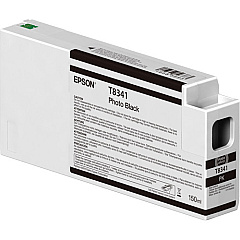
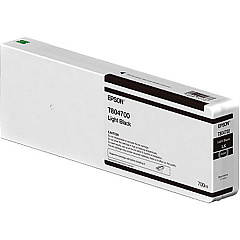
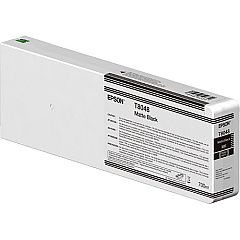
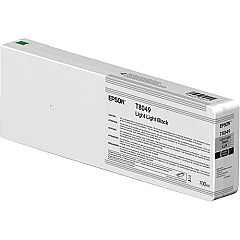
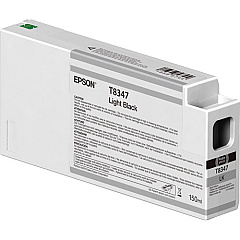
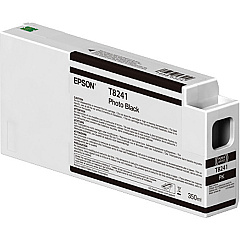
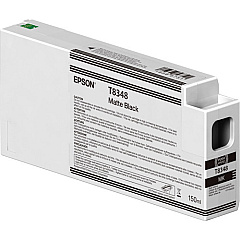
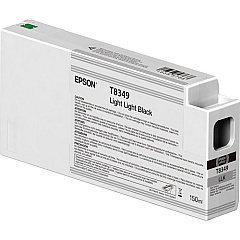
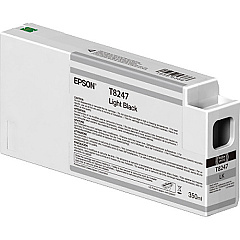
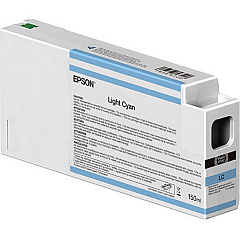
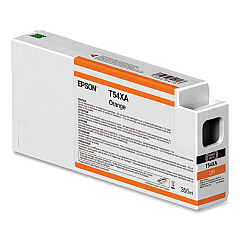
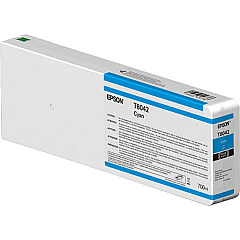
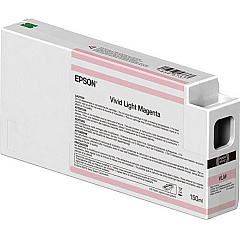
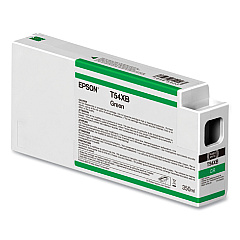
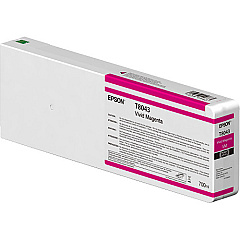
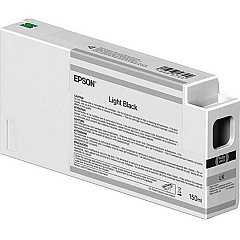
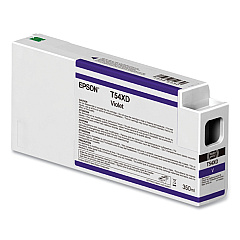
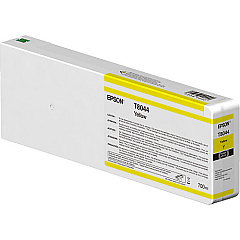
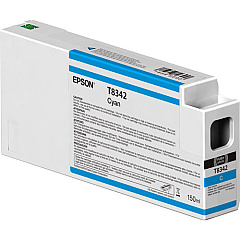
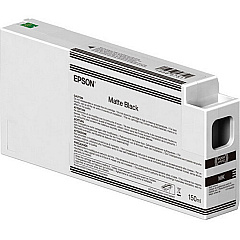
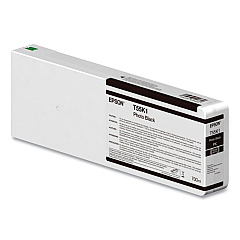
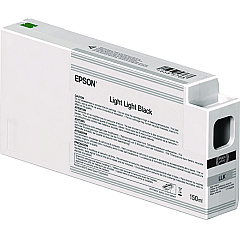
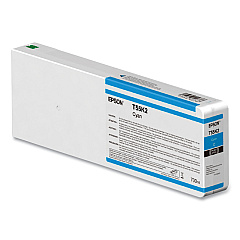
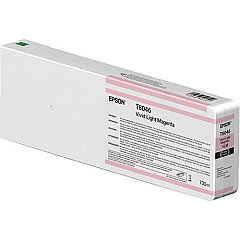
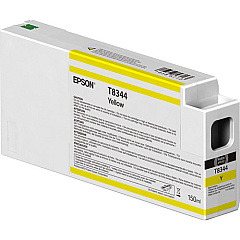
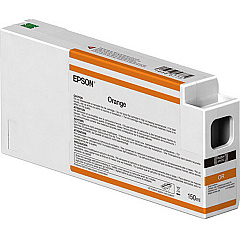
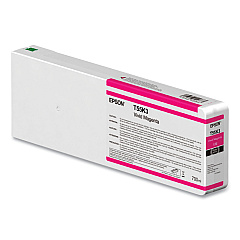
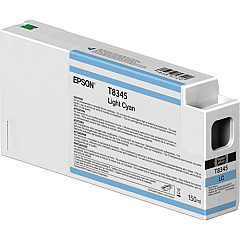
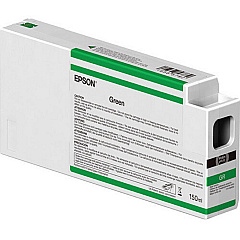
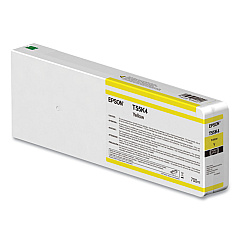
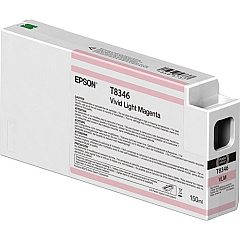
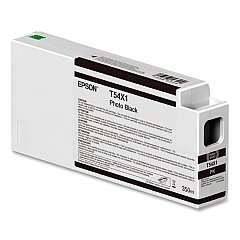
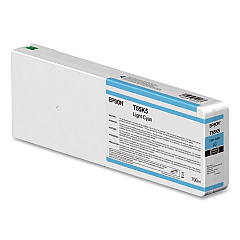
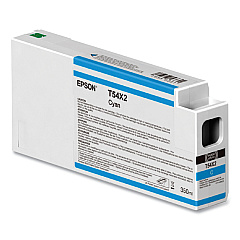
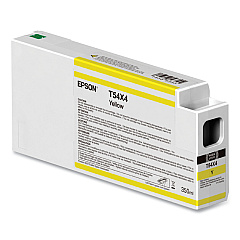
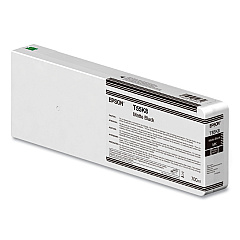
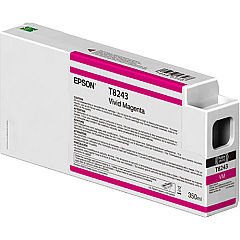
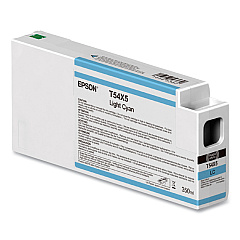
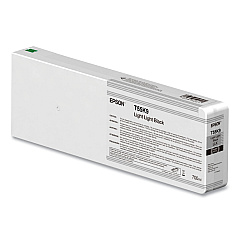
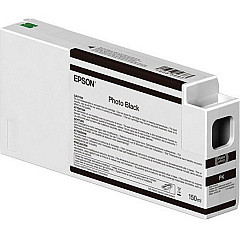
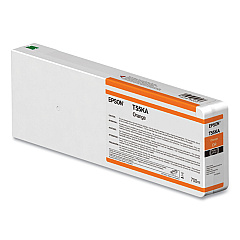
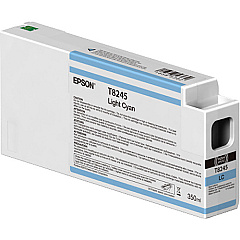
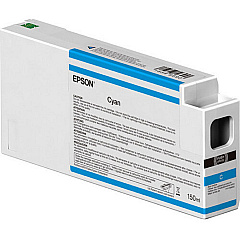
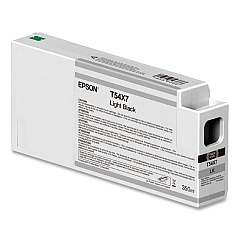
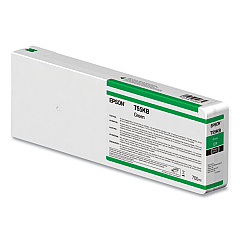
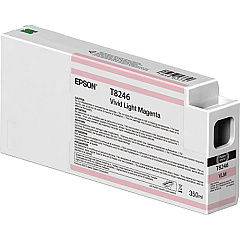
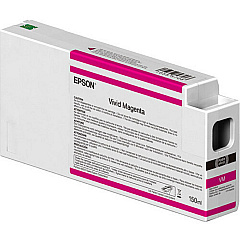
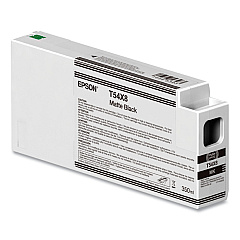
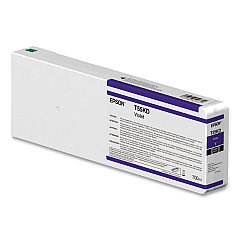
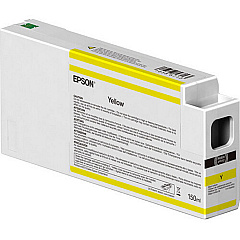
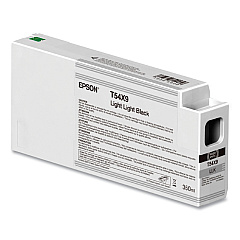





Epson SureColor P8000 Black Ink Cartridges

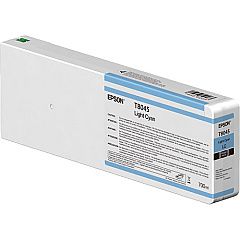
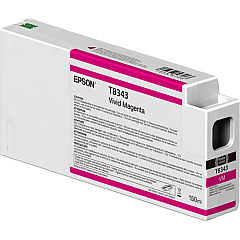
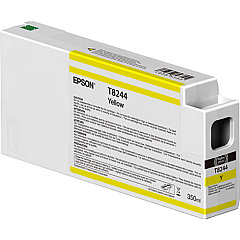
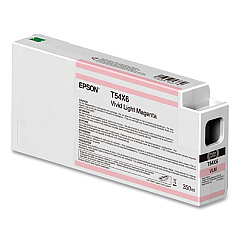
Epson SureColor P8000 Color Ink Cartridges

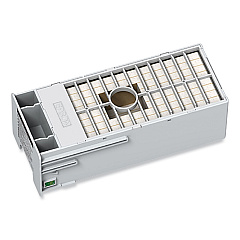
Epson SureColor P8000 Maintenance Kits

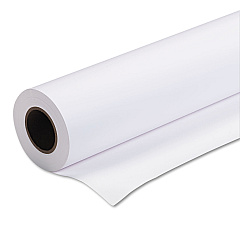
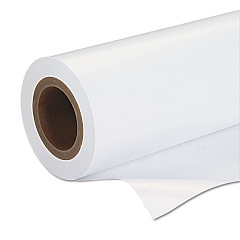
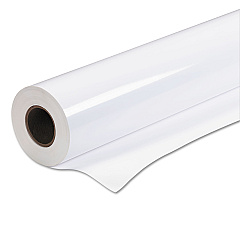
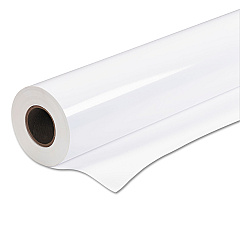
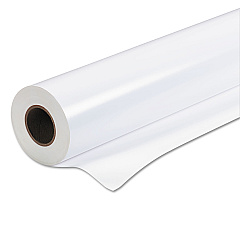
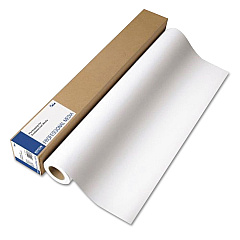
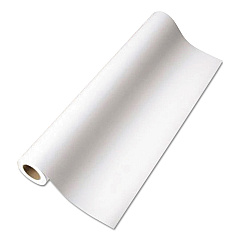
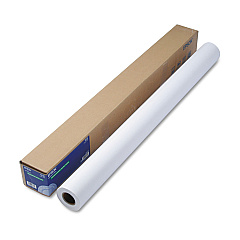
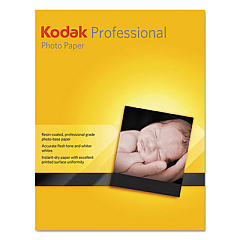
Epson SureColor P8000 Large Format Paper

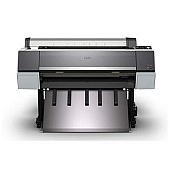
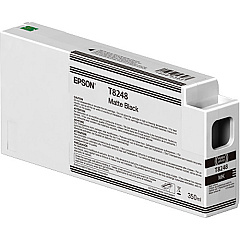
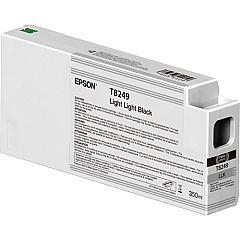
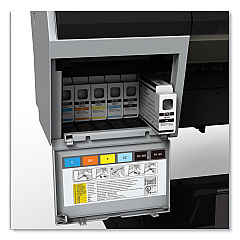
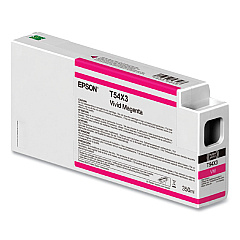
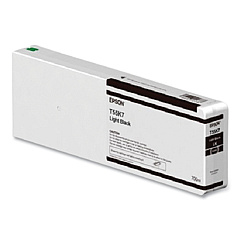
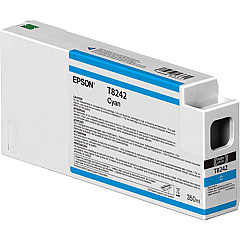
Elevate your printing experience with Epson SureColor P8000 Ink Cartridges, designed to deliver exceptional color accuracy and longevity. This comprehensive range includes various shades of black, cyan, magenta, and specialized light tones, ensuring unparalleled print quality for professional photographers and artists. The UltraChrome HD ink technology provides a wider color gamut and deeper, richer blacks, resulting in stunning, gallery-quality prints. Whether you're working with vivid colors or subtle gradations, these high-capacity cartridges offer consistent, fade-resistant results. Compatible with the Epson SureColor P8000 printer, these cartridges are essential for maintaining optimal performance and achieving breathtaking, archival-quality output. Invest in Epson SureColor P8000 Ink Cartridges to unlock the full potential of your large-format printing projects.

Epson SureColor P8000 Ink Cartridges FAQs

  • How long do Epson SureColor P8000 Ink Cartridges typically last?

    The lifespan of these cartridges varies depending on usage, but they generally last for several hundred to a few thousand prints, depending on the image content and print settings.

  • Are these ink cartridges compatible with other Epson printers?

    No, Epson SureColor P8000 Ink Cartridges are specifically designed for use with the Epson SureColor P8000 printer and are not compatible with other models.

  • What is the shelf life of unopened Epson SureColor P8000 Ink Cartridges?

    Unopened cartridges typically have a shelf life of about two years from the production date when stored properly at room temperature.

  • Can I use third-party ink cartridges in my Epson SureColor P8000 printer?

    While third-party cartridges may be available, using genuine Epson ink cartridges is recommended to ensure optimal print quality and to maintain your printer's warranty.

  • How do I properly store unused ink cartridges?

    Store unused cartridges in a cool, dry place at room temperature. Avoid exposure to direct sunlight or extreme temperatures.

  • What's the difference between Photo Black and Matte Black ink cartridges?

    Photo Black is used for glossy media, while Matte Black is optimized for matte and fine art papers, providing deeper blacks on these surfaces.

  • How often should I replace the ink cartridges in my Epson SureColor P8000?

    Replace cartridges when the printer indicates low ink levels or when print quality begins to deteriorate. It's best to have replacement cartridges on hand to avoid interruptions.

  • Are Epson SureColor P8000 Ink Cartridges environmentally friendly?

    Epson designs its cartridges with environmental considerations in mind and offers a recycling program for used cartridges in many regions.

  • Can I mix different capacities of ink cartridges in my Epson SureColor P8000?

    Yes, you can use both standard and high-capacity cartridges simultaneously in your printer, depending on your printing needs and preferences.

  • How do I know which ink cartridges are compatible with my Epson SureColor P8000?

    Refer to your printer's manual or the Epson website for a complete list of compatible ink cartridges. Always use cartridges specifically designed for the SureColor P8000 model.

Warehouse Locations

Policy & Agreement | Copyright © 1995-2026 BlueDogInk.com
