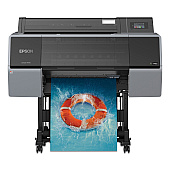
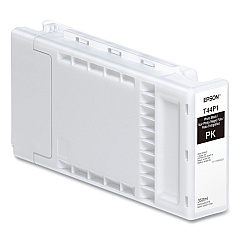
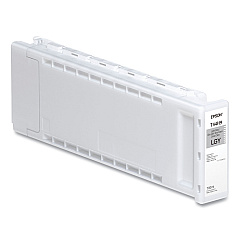
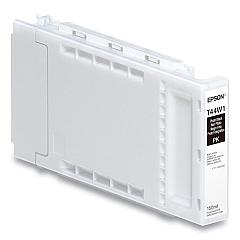
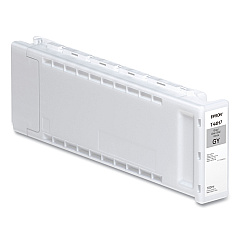
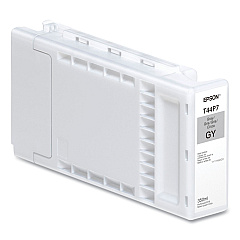
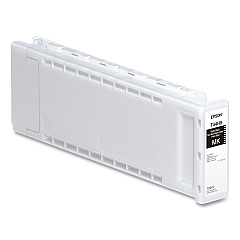
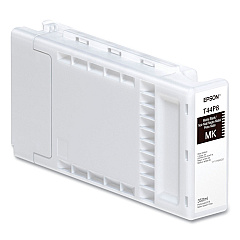
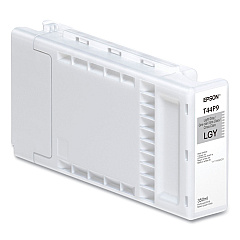
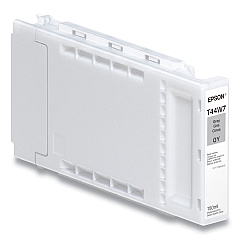
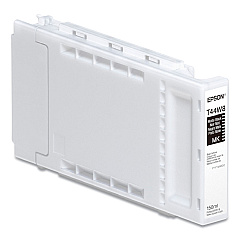
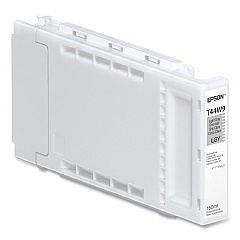
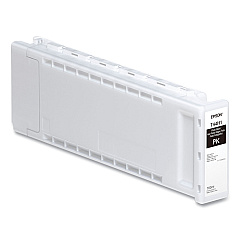
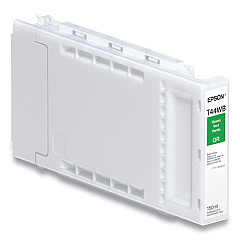
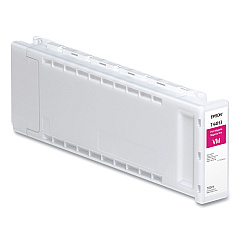
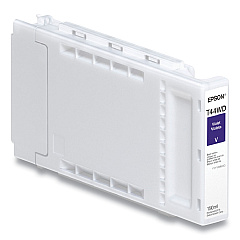
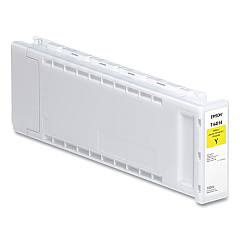
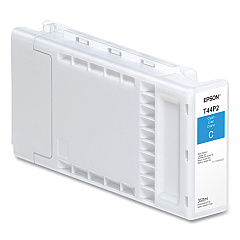
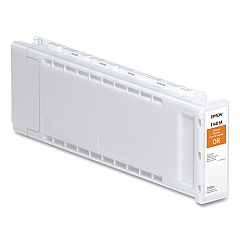
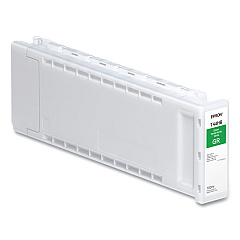
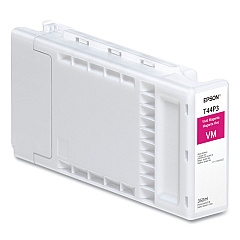
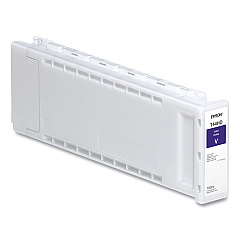
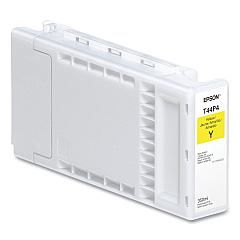
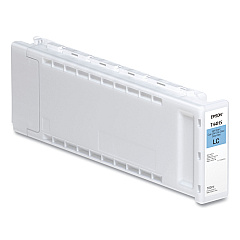
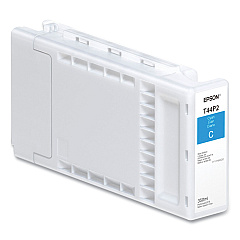
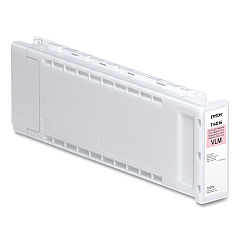
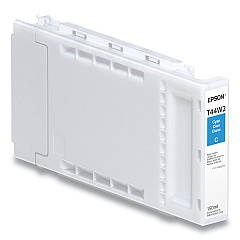
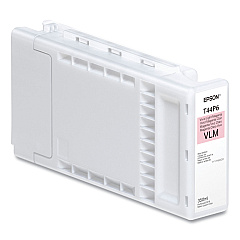
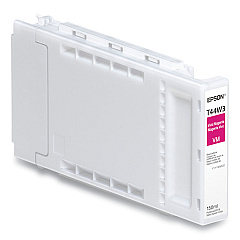
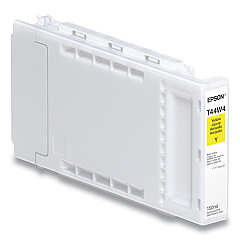
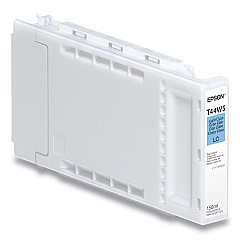
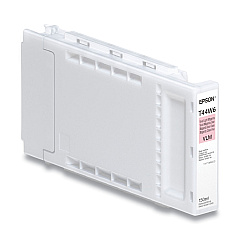
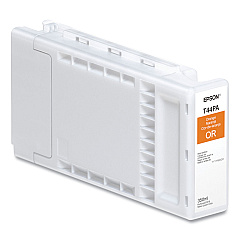
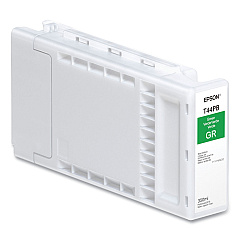
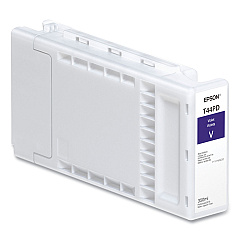
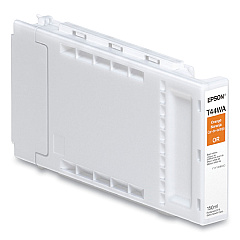
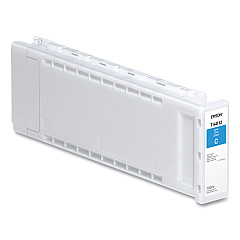
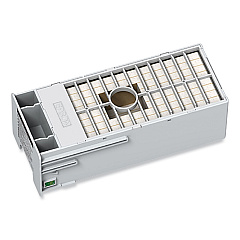





Epson SureColor P7570 Black Ink Cartridges

Epson SureColor P7570 Color Ink Cartridges

Epson SureColor P7570 Maintenance Kits

Elevate your printing experience with Epson SureColor P7570 Ink Cartridges, designed to deliver exceptional color accuracy and longevity. This comprehensive range includes 12 high-capacity cartridges in various colors, from Photo Black to Violet, ensuring vibrant and true-to-life prints. The T44H and T44P series cartridges are specifically engineered for the Epson SureColor P7570 printer, guaranteeing optimal performance and stunning results. Whether you're a professional photographer, graphic designer, or fine art enthusiast, these ink cartridges provide the tools to bring your vision to life with unparalleled precision and depth. Experience the perfect balance of color, clarity, and durability with Epson SureColor P7570 Ink Cartridges, and take your printing capabilities to new heights.

Epson SureColor P7570 Printers Supplies FAQs

  • What is the difference between T44H and T44P series cartridges?

    T44H cartridges are standard capacity, while T44P cartridges are high capacity, offering more ink for extended printing.

  • How long do Epson SureColor P7570 Ink Cartridges typically last?

    The lifespan of cartridges varies depending on usage, but high-capacity T44P cartridges generally last longer than standard T44H cartridges.

  • Are these cartridges compatible with other Epson printers?

    These cartridges are specifically designed for the Epson SureColor P7570 and may not be compatible with other models.

  • Can I use third-party ink cartridges in my Epson SureColor P7570?

    While third-party cartridges may work, using genuine Epson cartridges ensures optimal print quality and printer longevity.

  • How do I properly store unused ink cartridges?

    Store cartridges in a cool, dry place, away from direct sunlight, and in their original packaging until ready for use.

  • What should I do if a cartridge is not recognized by the printer?

    Try removing and reinserting the cartridge. If the issue persists, clean the cartridge contacts and try again.

  • Can I refill these ink cartridges?

    Epson does not recommend refilling cartridges as it may affect print quality and potentially damage the printer.

  • How often should I replace the ink cartridges?

    Replace cartridges when the printer indicates low ink levels or when print quality noticeably decreases.

  • Are these cartridges environmentally friendly?

    Epson offers a cartridge recycling program to minimize environmental impact. Check their website for details.

  • What is the shelf life of unopened ink cartridges?

    Unopened cartridges typically have a shelf life of two years from the production date when stored properly.

Warehouse Locations

Policy & Agreement | Copyright © 1995-2026 BlueDogInk.com
