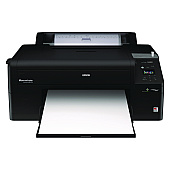
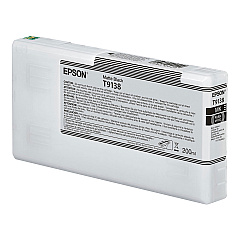
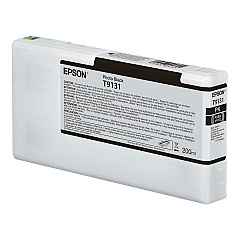
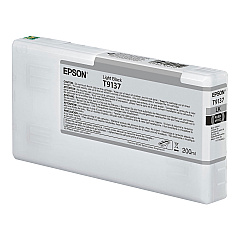
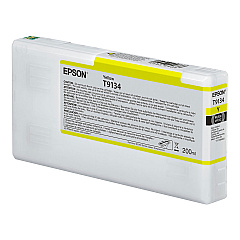
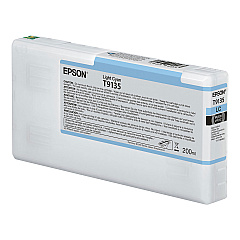
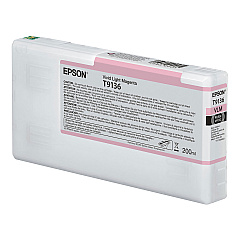
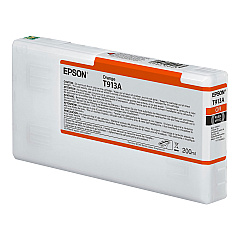





Epson SureColor P5000CE SpectroProofer Black Ink Cartridges

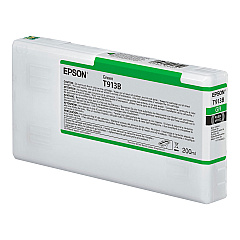
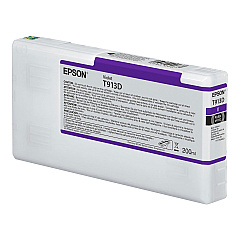
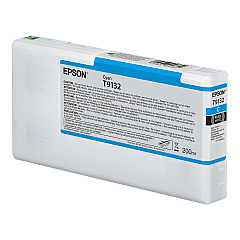
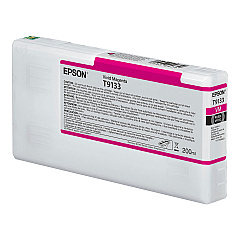
Epson SureColor P5000CE SpectroProofer Color Ink Cartridges

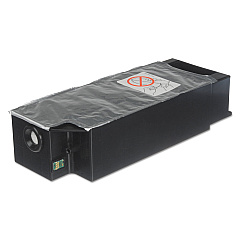
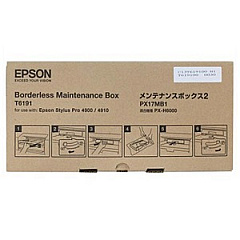
Epson SureColor P5000CE SpectroProofer Maintenance Kits

Elevate your printing capabilities with Epson SureColor P5000CE SpectroProofer Ink Cartridges, designed for exceptional color accuracy and longevity. This comprehensive set includes 11 high-capacity ink cartridges, ranging from standard black, cyan, magenta, and yellow to specialized light cyan, light magenta, light black, matte black, orange, green, and violet. The system also features a maintenance kit and borderfree maintenance tank for optimal performance. These professional-grade cartridges deliver stunning, true-to-life prints with remarkable detail and vibrancy. Whether you're producing fine art reproductions, professional photography prints, or precise color proofs, the Epson SureColor P5000CE SpectroProofer Ink Cartridges ensure consistent, gallery-quality results that meet the demands of discerning professionals across various industries.

Epson SureColor P5000CE SpectroProofer Printers Supplies FAQs

  • What is the page yield for these ink cartridges?

    Page yield varies depending on the specific cartridge and print settings. It's best to check Epson's official specifications for accurate yield information.

  • Are these cartridges compatible with other Epson printers?

    These cartridges are specifically designed for the Epson SureColor P5000CE SpectroProofer. They may not be compatible with other Epson printer models.

  • How long do these ink cartridges last before expiring?

    Typically, Epson ink cartridges have a shelf life of about two years from the production date if unopened and stored properly.

  • Can I use third-party ink cartridges instead of genuine Epson ones?

    While third-party options exist, using genuine Epson cartridges ensures optimal print quality and prevents potential damage to your printer.

  • How do I know when it's time to replace a cartridge?

    The printer's control panel will display a message when a cartridge is running low or needs replacement.

  • What's the difference between the Black and Matte Black cartridges?

    Black is used for glossy papers, while Matte Black is optimized for matte and fine art papers, providing deeper blacks on these surfaces.

  • How often should I replace the maintenance kit?

    The maintenance kit should be replaced when prompted by the printer, typically after a certain number of prints or time period.

  • Are these cartridges environmentally friendly?

    Epson has a cartridge recycling program in place. Check their website for details on how to recycle used cartridges responsibly.

  • Can I replace individual color cartridges or do I need to replace them all at once?

    You can replace individual cartridges as needed. There's no need to replace all cartridges simultaneously.

  • What should I do if a cartridge is not recognized by the printer?

    First, ensure the cartridge is properly installed. If issues persist, clean the cartridge contacts and try again. If problems continue, contact Epson support.

Warehouse Locations

Policy & Agreement | Copyright © 1995-2026 BlueDogInk.com
