











Ads

Epson SureColor P5000 Black Ink Cartridges

Epson SureColor P5000 Color Ink Cartridges

Epson SureColor P5000 Maintenance Kits

Epson SureColor P5000 Paper

Epson SureColor P5000 Copy Paper

Epson SureColor P5000 Card Stock

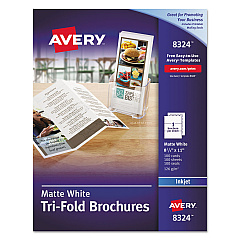
  • Avery 8324 Tri-Fold Brochures

    Item 8324

    Avery 8324 Tri-Fold Brochures

    Tri-Fold Brochures for Inkjet Printers, 8 1/2 x 11, White, 100 Sheets/Box..

    Status

    In Stock

    $19.54

Epson SureColor P5000 Photo Paper

Epson SureColor P5000 Large Format Paper

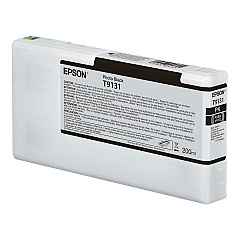
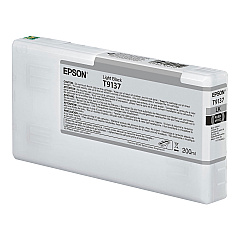
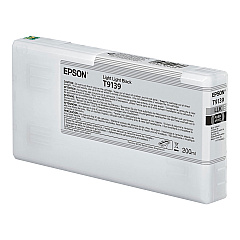
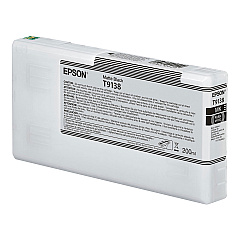
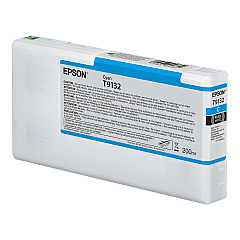
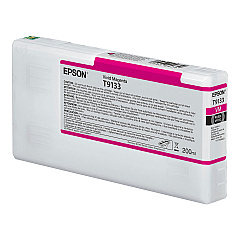
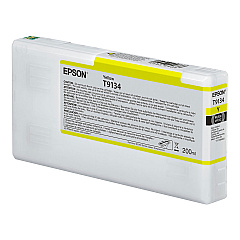
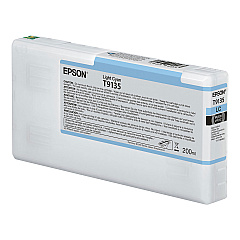
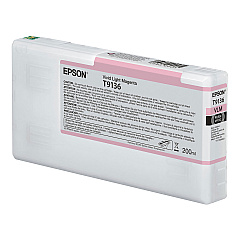
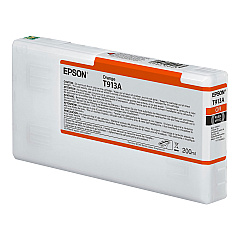
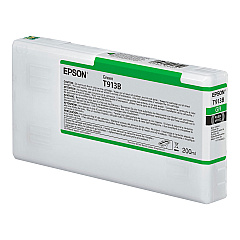
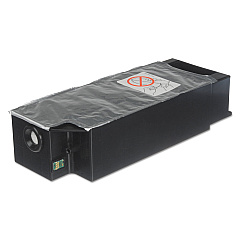
Elevate your printing experience with Epson SureColor P5000 Ink Cartridges, designed to deliver exceptional quality and performance. This comprehensive range includes the T619000 Maintenance Kit and T619100 Borderfree Maintenance Tank for optimal printer care. The T913 series offers a spectrum of colors, from vibrant Black, Cyan, Magenta, and Yellow to subtle Light Cyan, Light Magenta, and Light Black. For precise tonal gradations, choose the Matte Black and Light Light Black cartridges. Unique Orange and Green inks expand your color gamut for stunning prints. Each cartridge is engineered to produce vivid, long-lasting results, ensuring your professional-grade prints maintain their brilliance. Whether you're a photographer, artist, or design professional, these Epson SureColor P5000 Ink Cartridges provide the tools to bring your creative vision to life with unparalleled accuracy and depth.

Epson SureColor P5000 Ink Cartridges FAQs

  • How long do Epson SureColor P5000 Ink Cartridges typically last?

    The lifespan of these cartridges varies depending on usage, but they generally last for several hundred prints. Regular users may need to replace them every few months, while occasional users might find them lasting up to a year.

  • Are these ink cartridges compatible with other Epson printer models?

    No, the Epson T913 series ink cartridges are specifically designed for the SureColor P5000 printer and are not compatible with other Epson models.

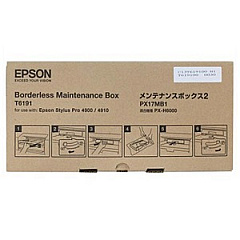
  • What is the purpose of the Maintenance Kit and Borderfree Maintenance Tank?

    The Maintenance Kit helps maintain the printer's optimal performance, while the Borderfree Maintenance Tank collects waste ink during borderless printing and cleaning cycles.

  • Can I use third-party ink cartridges in my Epson SureColor P5000?

    While third-party cartridges may work, using genuine Epson cartridges is recommended to ensure optimal print quality and to maintain your printer's warranty.

  • How do I know when it's time to replace an ink cartridge?

    The printer's display panel will show a low ink warning when a cartridge needs replacement. You can also check ink levels through the printer software on your computer.

  • What's the difference between Matte Black and Photo Black ink?

    Matte Black is optimized for matte papers, providing deeper blacks on these surfaces. Photo Black is designed for glossy and semi-glossy papers, offering richer blacks on these media types.

  • Are these inks archival quality?

    Yes, Epson SureColor P5000 inks are archival quality, designed to produce prints that resist fading and maintain color integrity for many years when properly stored.

  • How should I store unused ink cartridges?

    Store unused cartridges in a cool, dry place at room temperature. Keep them in their original packaging until you're ready to use them to prevent the ink from drying out.

  • Can I refill these ink cartridges?

    Epson does not recommend refilling these cartridges. Doing so may affect print quality and potentially damage your printer, voiding the warranty.

  • What should I do if a cartridge is not recognized by the printer?

    First, ensure the cartridge is properly installed. If the issue persists, try cleaning the cartridge contacts and reinserting it. If problems continue, the cartridge may be defective and need replacement.

Warehouse Locations

Policy & Agreement | Copyright © 1995-2026 BlueDogInk.com
