





Ads

Epson Stylus Pro 3880 Signature Worthy Edition Black Ink Cartridges

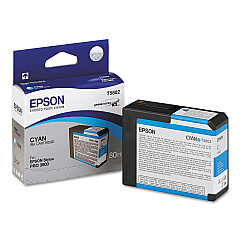
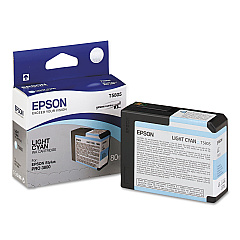
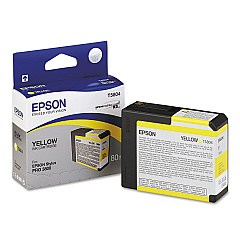
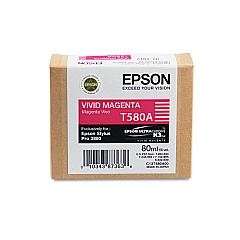
Epson Stylus Pro 3880 Signature Worthy Edition Color Ink Cartridges

Epson Stylus Pro 3880 Signature Worthy Edition Maintenance Kits

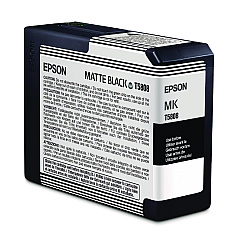
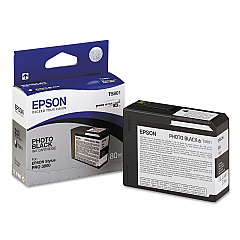
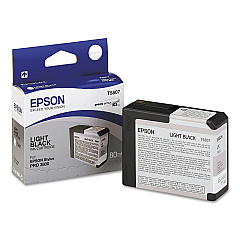
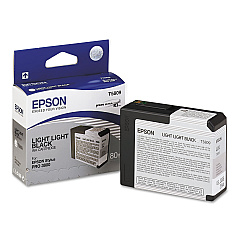
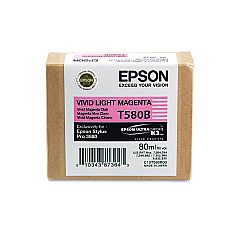
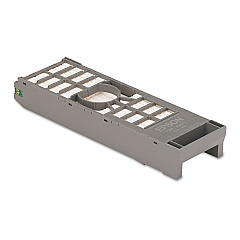
Elevate your printing experience with Epson Stylus Pro 3880 Signature Worthy Edition Ink Cartridges. This comprehensive set includes nine high-quality ink cartridges, each designed to deliver exceptional color accuracy and longevity. From Photo Black to Vivid Light Magenta, these cartridges work in harmony to produce stunning, professional-grade prints. The inclusion of Light Black and Light Light Black inks ensures smooth gradations and precise tonal control, perfect for both color and black-and-white photography. The Maintenance Cartridge keeps your printer in top condition, ensuring consistent performance. Whether you're a professional photographer, artist, or graphic designer, these Signature Worthy cartridges will help you achieve gallery-quality prints that truly stand out. Trust in Epson's renowned quality to bring your creative vision to life with vibrant, long-lasting results.

Epson Stylus Pro 3880 Signature Worthy Edition Ink Cartridges FAQs

  • How long do Epson Stylus Pro 3880 Signature Worthy Edition Ink Cartridges last?

    The lifespan of these cartridges varies depending on usage, but they typically last for several hundred prints. Regular users may need to replace them every few months, while occasional users may find they last much longer.

  • Are these cartridges compatible with other Epson printers?

    No, these cartridges are specifically designed for the Epson Stylus Pro 3880 Signature Worthy Edition printer and are not compatible with other models.

  • What's the difference between Photo Black and Matte Black ink?

    Photo Black ink is optimized for glossy and semi-glossy papers, while Matte Black ink is designed for matte and fine art papers. The printer automatically switches between them based on the paper type selected.

  • Can I use third-party ink cartridges instead of genuine Epson ones?

    While third-party cartridges may work, using genuine Epson cartridges ensures the best print quality and helps maintain your printer's warranty.

  • How often should I replace the Maintenance Cartridge?

    The Maintenance Cartridge typically needs replacement after processing about 100,000 prints, but this can vary based on usage patterns and print sizes.

  • What's the shelf life of unopened ink cartridges?

    Unopened Epson ink cartridges typically have a shelf life of two years from the date of production when stored properly at room temperature.

  • Can I mix old and new ink cartridges in the printer?

    Yes, you can use a mix of old and new cartridges as long as they're all genuine Epson cartridges and haven't expired.

  • How do I know when it's time to replace an ink cartridge?

    The printer's display panel will show a warning when ink levels are low. You can also check ink levels through the printer software on your computer.

  • Are these cartridges environmentally friendly?

    Epson designs its cartridges with environmental considerations in mind. They can be recycled through Epson's cartridge recycling program.

  • What's the difference between Light Cyan and Vivid Light Magenta?

    Light Cyan and Vivid Light Magenta are lighter versions of their respective colors. They help create smoother color transitions and more accurate skin tones in prints.

Warehouse Locations

Policy & Agreement | Copyright © 1995-2026 BlueDogInk.com
