




Ads

Epson Stylus Pro 3880 Designer Edition Black Ink Cartridges

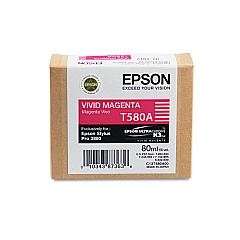
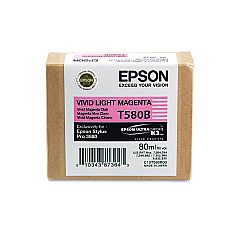
Epson Stylus Pro 3880 Designer Edition Color Ink Cartridges

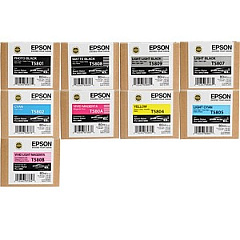
Epson Stylus Pro 3880 Designer Edition Ink Set

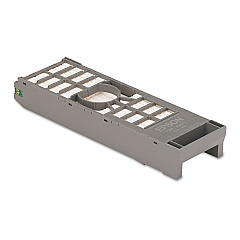
Epson Stylus Pro 3880 Designer Edition Maintenance Kits

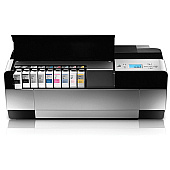
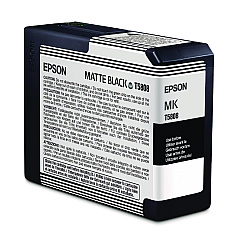
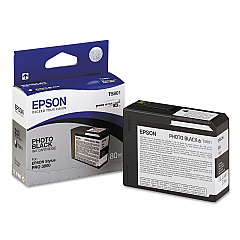
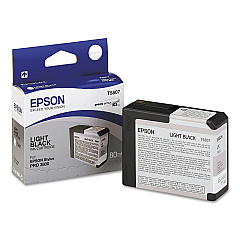
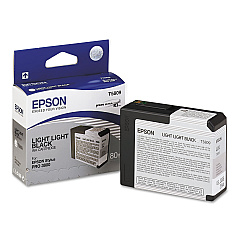
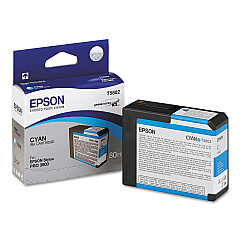
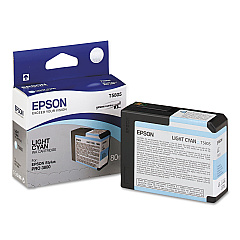
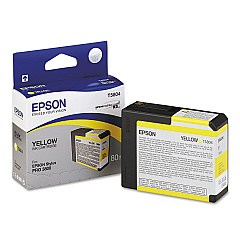
Elevate your printing experience with Epson Stylus Pro 3880 Designer Edition Ink Cartridges. This comprehensive range of high-quality ink cartridges is specifically designed to deliver exceptional results for professional photographers, artists, and designers. The collection includes a variety of colors, from Photo Black and Cyan to Vivid Magenta and Light Light Black, ensuring precise color reproduction and stunning image quality. With options like the convenient Epson 3880 Ink Cartridge Bundle and individual cartridges for each shade, you can easily maintain your printer's performance. The Epson T582000 Maintenance Cartridge is also available to keep your printer in top condition. Choose Epson Stylus Pro 3880 Designer Edition Ink Cartridges for unparalleled print quality, color accuracy, and longevity in your creative projects.

Epson Stylus Pro 3880 Designer Edition Ink Cartridges FAQs

  • What is the shelf life of Epson Stylus Pro 3880 Designer Edition Ink Cartridges?

    Typically, unopened cartridges have a shelf life of up to two years from the production date when stored properly.

  • Are these ink cartridges compatible with other Epson printer models?

    No, these cartridges are specifically designed for the Epson Stylus Pro 3880 Designer Edition printer.

  • How often should I replace the Epson T582000 Maintenance Cartridge?

    The maintenance cartridge should be replaced when prompted by the printer, which varies depending on usage.

  • Can I use third-party ink cartridges with the Epson Stylus Pro 3880 Designer Edition?

    While third-party cartridges may work, using genuine Epson cartridges is recommended for optimal print quality and to maintain warranty coverage.

  • What is the difference between Photo Black and Matte Black ink cartridges?

    Photo Black is used for glossy media, while Matte Black is optimized for matte and fine art papers.

  • How many prints can I expect from a single ink cartridge?

    The number of prints varies depending on factors such as image content, print settings, and paper type.

  • Are these ink cartridges environmentally friendly?

    Epson ink cartridges are designed to be recyclable, and Epson offers a cartridge recycling program in many regions.

  • Can I mix old and new ink cartridges in the printer?

    Yes, you can use a mix of old and new cartridges as long as they are not expired and are properly installed.

  • How do I know when it's time to replace an ink cartridge?

    The printer will display a message on its LCD screen when an ink cartridge needs to be replaced.

  • What should I do if my printer doesn't recognize a new ink cartridge?

    Try removing and reinserting the cartridge, cleaning the cartridge contacts, or restarting the printer. If issues persist, contact Epson support.

Warehouse Locations

Policy & Agreement | Copyright © 1995-2026 BlueDogInk.com
