














Ads

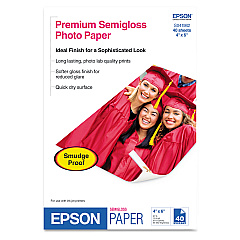
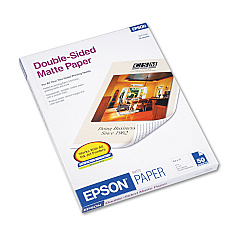
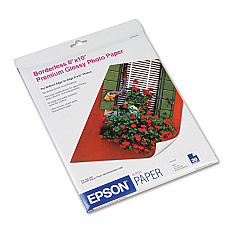
Epson Stylus Photo R260 Photo Paper

Enhance your printing experience with genuine Epson Stylus Photo R260 Ink Cartridges. These high-quality cartridges are designed to deliver exceptional color accuracy and longevity for your professional and personal printing needs. The comprehensive range includes individual cartridges for black, cyan, magenta, yellow, light cyan, and light magenta, as well as convenient multipack options. Whether you're printing vibrant photos or crisp documents, these cartridges ensure optimal performance and stunning results. The Epson T077920 and T078920 Color Ink Cartridge Multipacks offer a cost-effective solution for high-volume printing. With Epson's advanced ink technology, you can trust these cartridges to produce fade-resistant prints that maintain their quality for years. Maximize your Epson Stylus Photo R260 printer's potential and achieve professional-grade output with these reliable and efficient ink cartridges.

Epson Stylus Photo R260 Ink Cartridges FAQs

  • How long do Epson Stylus Photo R260 Ink Cartridges typically last?

    The lifespan of ink cartridges varies depending on usage, but on average, they can last for 200-300 pages of standard printing.

  • Are these ink cartridges compatible with other Epson printer models?

    These cartridges are specifically designed for the Epson Stylus Photo R260. Always check your printer's compatibility before purchasing ink cartridges.

  • Can I use third-party ink cartridges in my Epson Stylus Photo R260?

    While third-party cartridges may work, using genuine Epson cartridges ensures optimal print quality and prevents potential damage to your printer.

  • How do I install new ink cartridges in my Epson Stylus Photo R260?

    Turn on the printer, open the cartridge cover, remove the old cartridge, insert the new one until it clicks, and close the cover. The printer will recognize the new cartridge automatically.

  • What's the difference between the T077920 and T078920 Color Ink Cartridge Multipacks?

    Both are color multipacks, but they may contain different quantities or combinations of ink cartridges. Check the product descriptions for specific details.

  • How can I extend the life of my ink cartridges?

    Print only when necessary, use draft mode for non-critical documents, and keep your printer on to prevent ink from drying out in the print head.

  • Are these ink cartridges environmentally friendly?

    Epson offers a cartridge recycling program. Check their website for details on how to recycle your used cartridges responsibly.

  • What should I do if my printer doesn't recognize a new cartridge?

    Ensure the cartridge is properly seated, clean the contacts, and restart your printer. If issues persist, contact Epson support.

  • How long can I store unopened ink cartridges?

    Unopened cartridges can typically be stored for up to two years. Always check the expiration date on the package.

  • Can I mix different brands of ink cartridges in my Epson Stylus Photo R260?

    It's not recommended to mix brands as it may affect print quality and potentially damage your printer. Stick to genuine Epson cartridges for best results.

Warehouse Locations

Policy & Agreement | Copyright © 1995-2026 BlueDogInk.com
