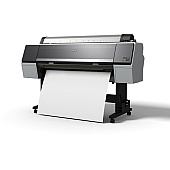
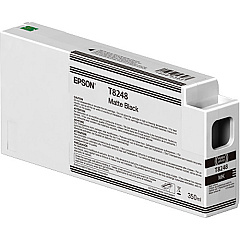
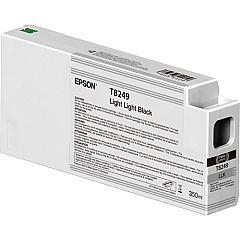
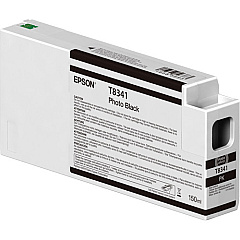
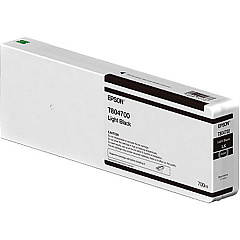
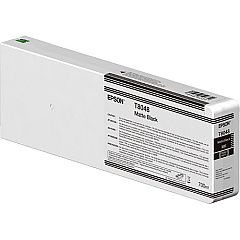
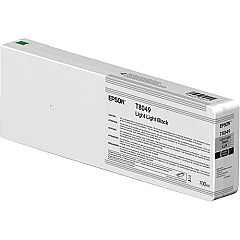
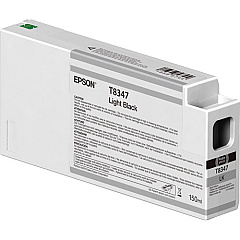
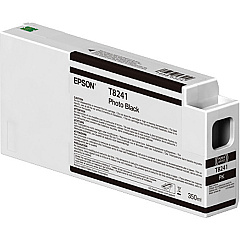
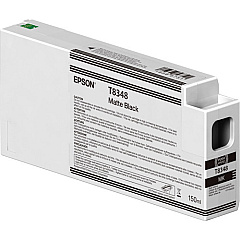
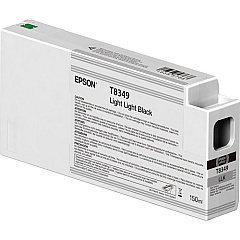
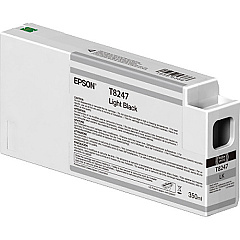
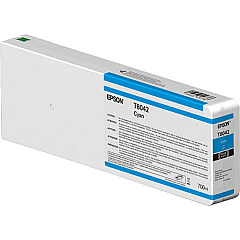
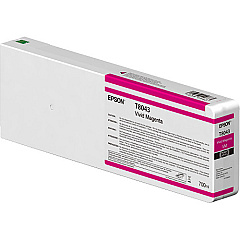
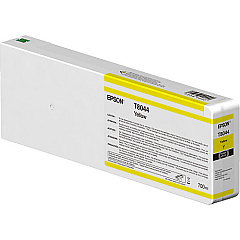
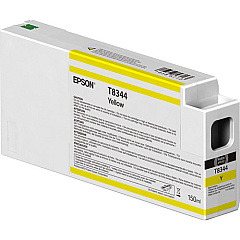
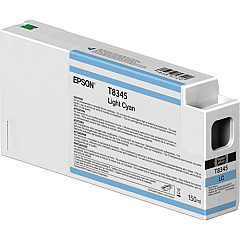
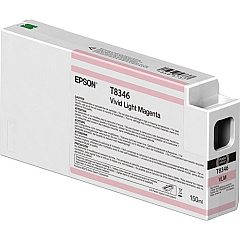
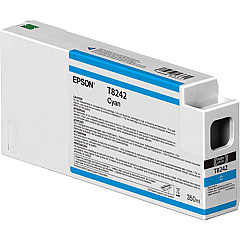





Epson P8000 Black Ink Cartridges

Epson P8000 Color Ink Cartridges

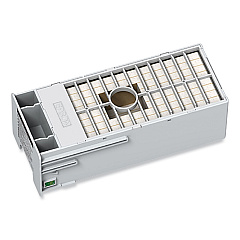
Epson P8000 Maintenance Kits

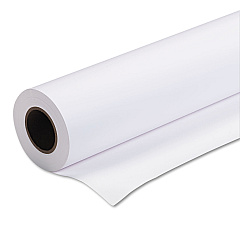
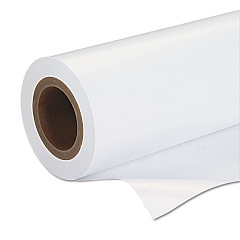
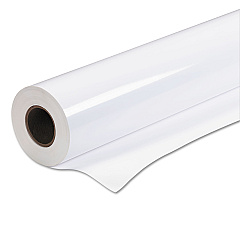
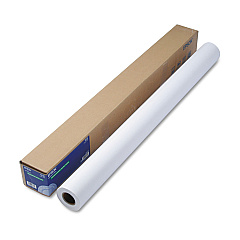
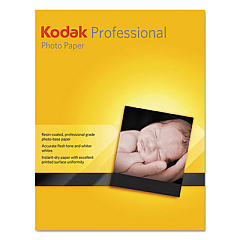
Epson P8000 Large Format Paper

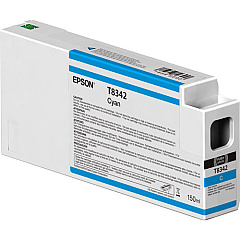
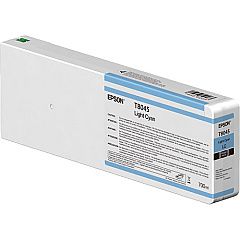
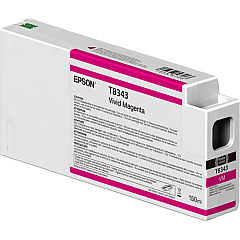
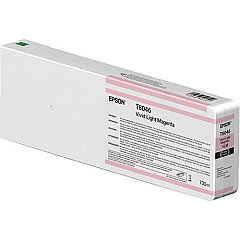
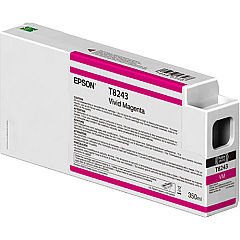
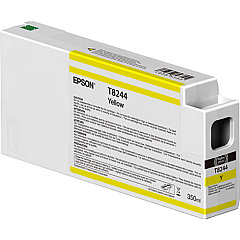
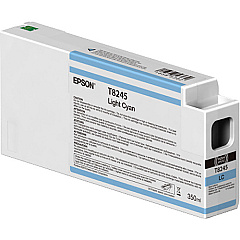
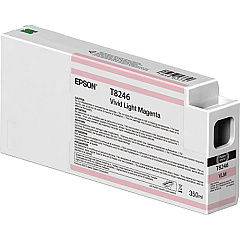
Elevate your printing experience with Epson P8000 Ink Cartridges, designed for exceptional quality and performance. This comprehensive range includes a variety of colors and shades, from vibrant Cyan and Magenta to subtle Light Black and Light Light Black. The Epson 834 series offers high-capacity cartridges for extended printing, while the T804, T824, and T834 series provide options for different printing needs. Whether you're producing professional photographs, fine art prints, or detailed technical drawings, these cartridges deliver outstanding color accuracy and longevity. The inclusion of specialized inks like Matte Black and Vivid Magenta ensures versatility across various media types. For optimal printer maintenance, the T699700 Ink Maintenance Tank is also available. Trust in Epson P8000 Ink Cartridges for consistent, high-quality results in your large-format printing projects.

Epson P8000 Ink Cartridges FAQs

  • What is the difference between the T804, T824, and T834 series cartridges?

    The T804, T824, and T834 series are different capacities of ink cartridges for the Epson P8000. T834 is typically the highest capacity, followed by T824, then T804.

  • Are these cartridges compatible with other Epson printers?

    These cartridges are specifically designed for the Epson P8000 printer. They may not be compatible with other Epson models.

  • How long do these ink cartridges typically last?

    The lifespan of the cartridges depends on usage, but high-capacity cartridges like the T834 series can last for several months of regular printing.

  • What is the purpose of the Light Light Black ink?

    Light Light Black ink helps create smoother gradations and more accurate grayscale prints, especially important for black and white photography.

  • Can I use third-party ink cartridges in my Epson P8000?

    While third-party cartridges may work, using genuine Epson cartridges ensures the best print quality and prevents potential damage to your printer.

  • What is the Ink Maintenance Tank used for?

    The Ink Maintenance Tank collects waste ink during printing and cleaning processes, helping to maintain the printer's performance.

  • How often should I replace the Ink Maintenance Tank?

    The frequency of replacement depends on usage, but typically it needs to be replaced when the printer indicates it's full or after several complete sets of ink cartridges have been used.

  • Are these cartridges environmentally friendly?

    Epson designs its cartridges with environmental considerations in mind, and offers recycling programs for used cartridges in many regions.

  • Can I mix different series of cartridges in my Epson P8000?

    It's recommended to use cartridges from the same series for optimal performance. Mixing different series may lead to inconsistent print quality.

  • How should I store unused ink cartridges?

    Store unused cartridges in a cool, dry place away from direct sunlight. Keep them in their original packaging until ready for use to prevent drying out.

Warehouse Locations

Policy & Agreement | Copyright © 1995-2026 BlueDogInk.com
