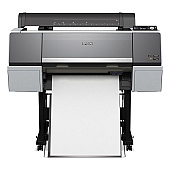
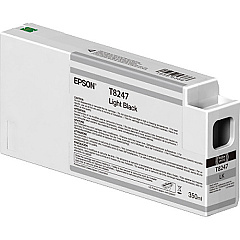
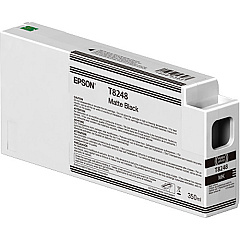
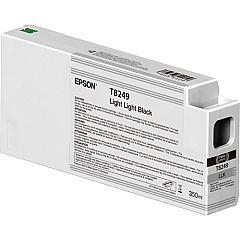
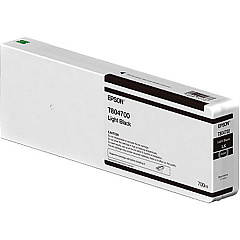
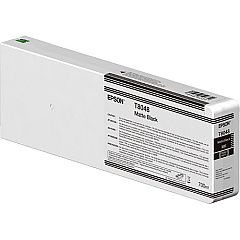
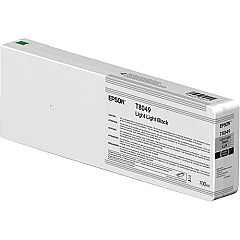
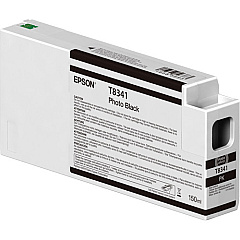
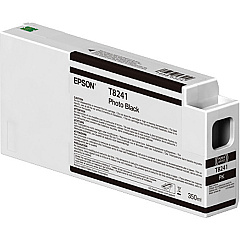
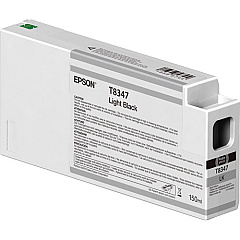
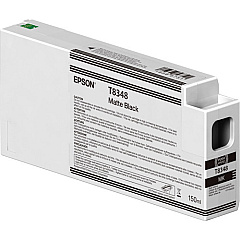
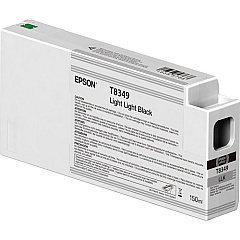
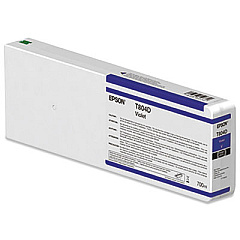





Epson P7000 Black Ink Cartridges

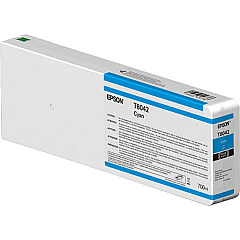
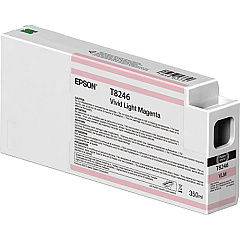
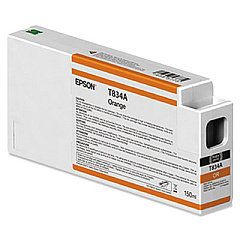
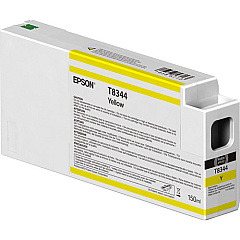
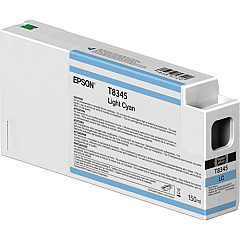
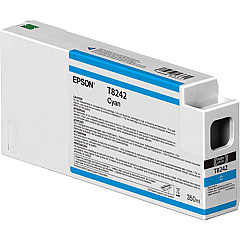
Epson P7000 Color Ink Cartridges

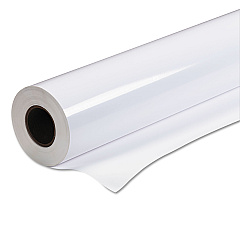
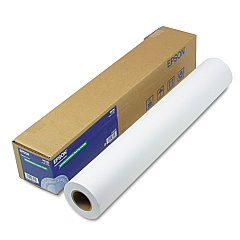
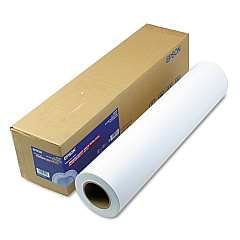
Epson P7000 Large Format Paper

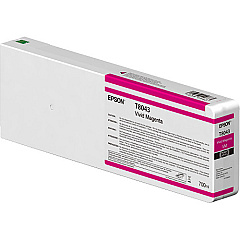
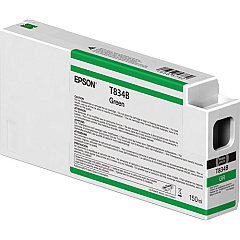
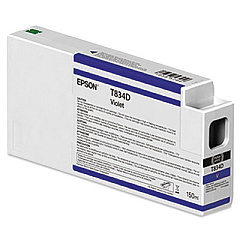
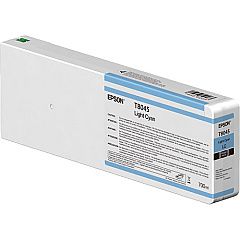
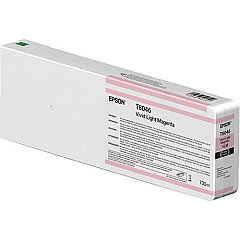
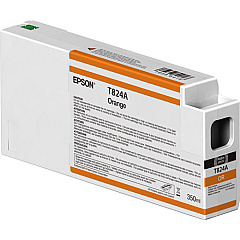
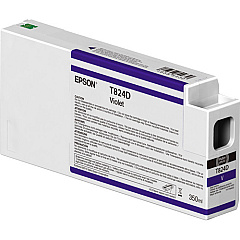
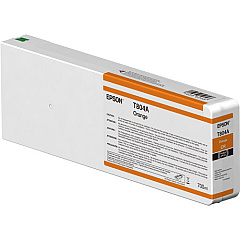
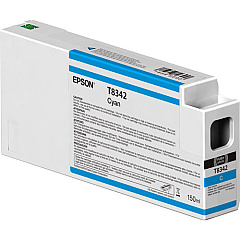
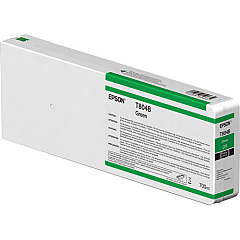
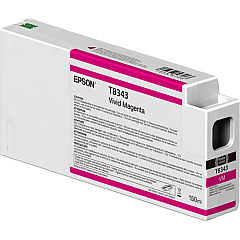
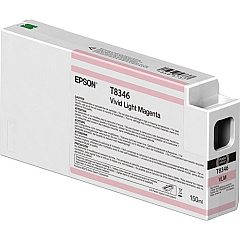
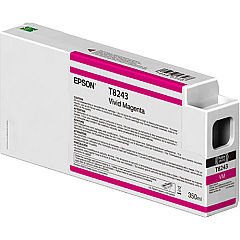
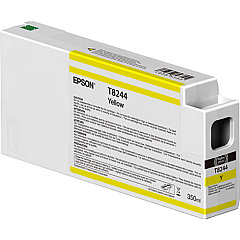
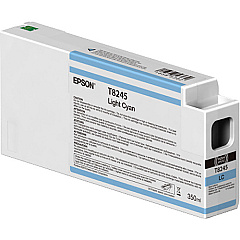
Elevate your printing experience with Epson P7000 Ink Cartridges, designed for unparalleled color accuracy and longevity. This comprehensive range includes vibrant hues like Orange, Green, and Violet, alongside essential Cyan, Magenta, and Black variants. The Epson P7000 utilizes a sophisticated 10-color UltraChrome HDX pigment ink system, ensuring your prints boast exceptional color gamut and stunning detail. Whether you're producing fine art reproductions, professional photography prints, or high-quality proofs, these cartridges deliver consistent, gallery-quality results. With options for Light Cyan, Vivid Light Magenta, and multiple Black densities, you can achieve subtle gradations and rich, deep shadows. Trust in Epson's renowned quality to bring your creative vision to life with unmatched precision and vibrancy.

Epson P7000 Ink Cartridges FAQs

  • How long do Epson P7000 Ink Cartridges typically last?

    The lifespan of Epson P7000 Ink Cartridges varies depending on usage, but they generally last for several hundred prints. Heavy coverage or large format printing may require more frequent replacements.

  • Are these ink cartridges compatible with other Epson printers?

    Epson P7000 Ink Cartridges are specifically designed for the P7000 model and may not be compatible with other Epson printers. Always check your printer's specifications for the correct cartridge type.

  • Can I use third-party ink cartridges in my Epson P7000 printer?

    While third-party cartridges may be available, using genuine Epson P7000 Ink Cartridges is recommended to ensure optimal print quality and to maintain your printer's warranty.

  • How do I know when it's time to replace an ink cartridge?

    Your Epson P7000 printer will display a warning message when ink levels are low. You can also check ink levels through the printer's control panel or your computer's printer software.

  • Are these cartridges environmentally friendly?

    Epson is committed to environmental sustainability. The cartridges are designed to be recyclable, and Epson offers a cartridge recycling program in many regions.

  • What's the difference between Matte Black and Photo Black ink cartridges?

    Matte Black is optimized for printing on matte and fine art papers, while Photo Black is ideal for glossy and semi-glossy media, providing deeper blacks and better contrast on these surfaces.

  • Can I replace individual color cartridges, or do I need to replace them all at once?

    You can replace individual Epson P7000 Ink Cartridges as needed. The printer uses each color independently, allowing you to replace only the depleted colors.

  • How should I store unused ink cartridges?

    Store unused Epson P7000 Ink Cartridges in a cool, dry place away from direct sunlight. Keep them in their original packaging until you're ready to install them to prevent damage and drying out.

  • Do these cartridges come with a warranty?

    Yes, genuine Epson P7000 Ink Cartridges come with a limited warranty. Check the packaging or Epson's website for specific warranty details in your region.

  • How do I properly install new ink cartridges in my Epson P7000 printer?

    To install new cartridges, turn on your printer, open the ink cartridge cover, press the cartridge you want to replace, remove it, shake the new cartridge, insert it into the correct slot, and press until it clicks. Close the cover to complete the installation.

Warehouse Locations

Policy & Agreement | Copyright © 1995-2026 BlueDogInk.com
