


Images
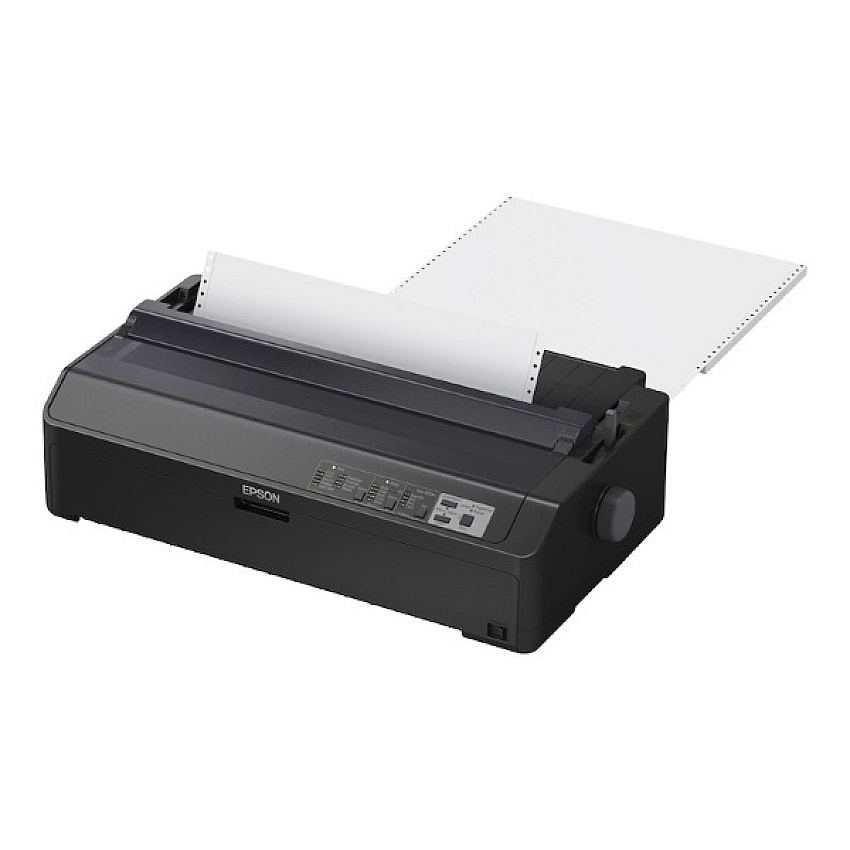


$801.99
Free Shipping
Part #: C11CF40202
Status: In Stock

$761.89
$801.99
Free Shipping
Part #: C11CF40202
Status: In Stock
$761.89
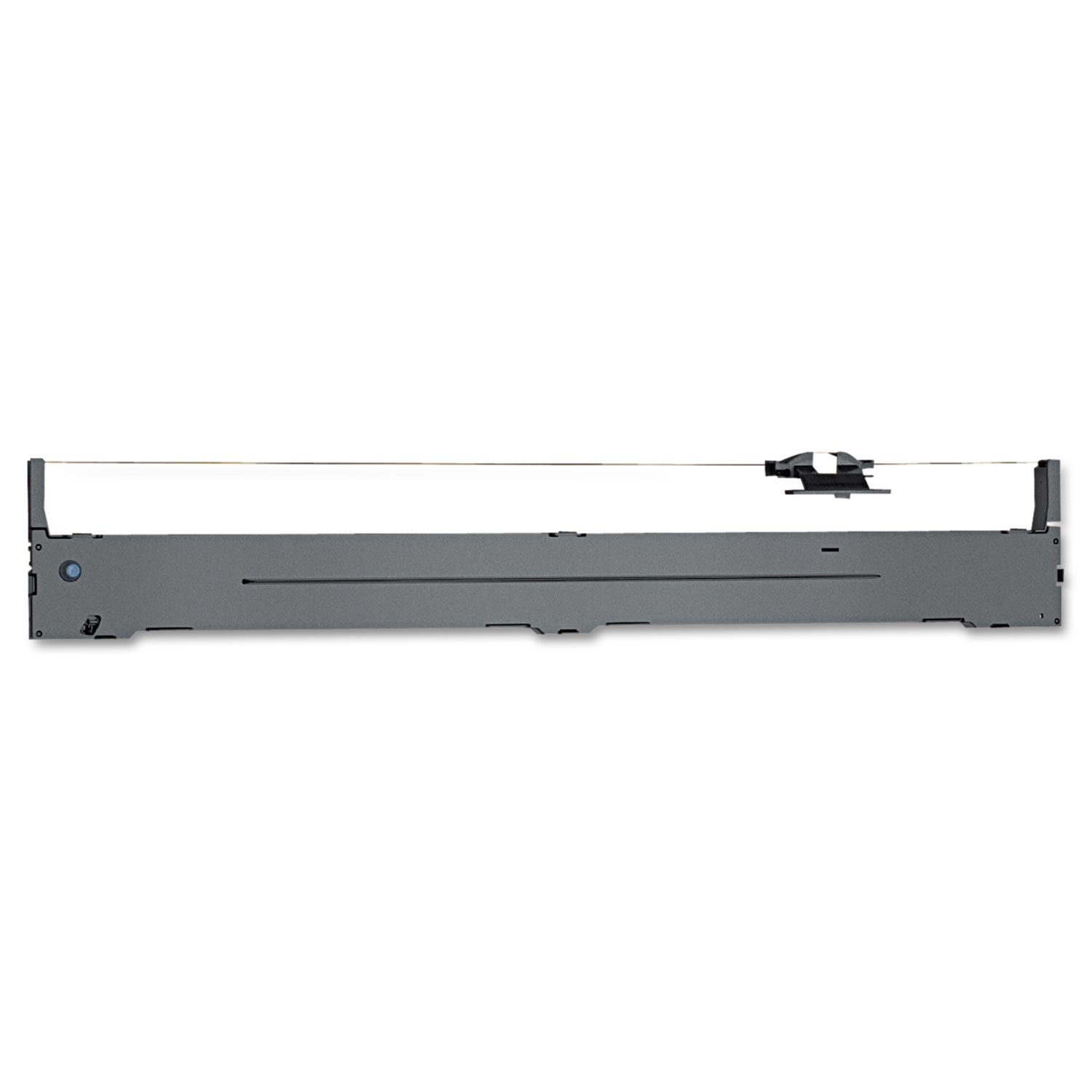
ITEM S015335
Epson S015335 Black Ribbon CartridgeS015335 Black Fabric Ribbon Cartridge; Yield: 12 million characters
$26.35
In Stock
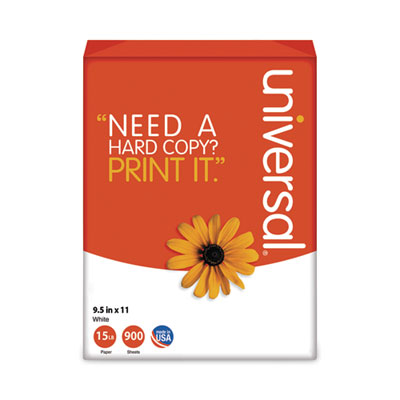
ITEM 15705
Universal 15705 Printout Paper4-Part Carbonless Paper, 15lb, 9-1/2 x 11, Perforated, White, 900 Sheets
$139.99
In Stock
Free Shipping

ITEM 15802
Universal 15802 Printout PaperComputer Paper, 20lb, 9-1/2 x 11, Letter Trim Perforations, White, 2400 Sheets
$72.99
In Stock

ITEM 15865
Universal 15865 Printout PaperComputer Paper, 20lb, 14-7/8 x 11, White, 2400 Sheets
$111.99
In Stock
Free Shipping
Brand
Category
Model
C11CF40202

Bluedogink is an authorized Boardwalk dealer 
What are the main features of the Epson LQ-2090II Network Printer?
The Epson LQ-2090II Network Printer features a 24-pin dot matrix technology, a print speed of up to 550 cps, and a robust design suitable for high-volume printing. It also supports network connectivity, making it ideal for various business environments.
How do I connect the Epson LQ-2090II to a network?
To connect the Epson LQ-2090II to a network, use the built-in Ethernet port to link the printer to your network router or switch. Follow the instructions in the printer's manual to configure the network settings.
Is the Epson LQ-2090II compatible with Windows and Mac operating systems?
Yes, the Epson LQ-2090II is compatible with various versions of Windows and Mac operating systems. Ensure that you download the appropriate drivers from the Epson website to ensure seamless integration.
What type of paper can the Epson LQ-2090II handle?
The Epson LQ-2090II can handle various types of media, including continuous paper, multi-part forms up to six parts, labels, envelopes, and single sheets, making it versatile for different printing needs.
How do I perform routine maintenance on the Epson LQ-2090II?
Routine maintenance for the Epson LQ-2090II includes regularly cleaning the print head, platen, and paper path to ensure smooth operation. Refer to the user manual for detailed instructions on cleaning and maintaining the printer.
What should I do if the Epson LQ-2090II displays a paper jam error?
If the Epson LQ-2090II displays a paper jam error, turn off the printer and gently remove any stuck paper. Check the paper path for any scraps or obstructions, then reload the paper correctly before turning the printer back on.

Bluedogink.com is a leading provider of printer, printer supplies, office and paper products.
Our wholesale price on Epson Lq-2090ii Network Printer (C11CF40202) info is part of our commitment to provide consumers with the lowest discount price available. Our customers are very important to us. We cater to many industries including military, government, schools, educational, medical, corporate, healthcare, legal, accounting, finance and many more. So, act now and buy Epson Lq-2090ii Network Printer (C11CF40202) at our low price.






Thank you for your interest in this item.
Please note: Once you receive word that this item is available, it's up to you to act! An email notification guarantees neither inventory nor price. But don't worry: should you miss out on the first shipment, you can always request another notification.

your order $99+
Sign up for the best discounts and exclusive offers not advertised anywhere else
your order $99+
Sign up for the best discounts and exclusive offers not advertised anywhere else
 At Checkout
*Get $10 off your order $99+, limit one use per customer, expires in 14 days