


Images


Was: $49.80
Price in Checkout
Part #: 1790415
Status: In Stock

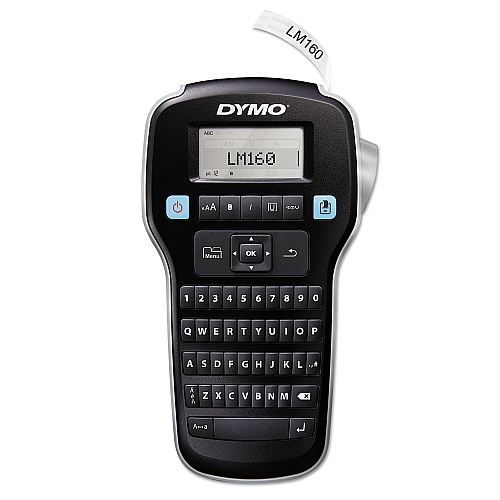
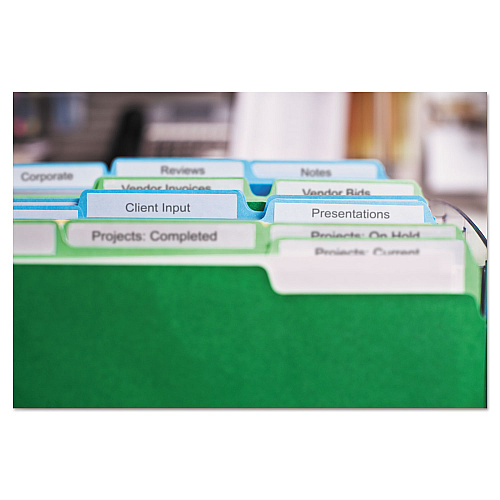
LabelManager 160 lets you format your labels fast with one-touch smart keys. Computer-style keyboard offers fast text entry. Large, 13 character x 1 line display shows text effects on screen before you print up to two lines with a maximum print height of 22.7 point. Choose from 6 font sizes, 8 text styles, 4 boxes and 228 symbols and clip art images. Reprint last label, without retyping using last-label memory feature. Stylish, easy-to-use label maker also includes vertical printing, a manual tape cutter, and 1/2 black/white starter D1 cassette. Maximize battery life with auto power-off feature that turns off label maker when not in use. Label maker uses Dymo D1 labels in 1/4", 3/8" and 1/2" widths and operates on six AAA batteries or AC adapter. Batteries and adapter are not included.
Was: $49.80
Price in Checkout
Part #: 1790415
Status: In Stock
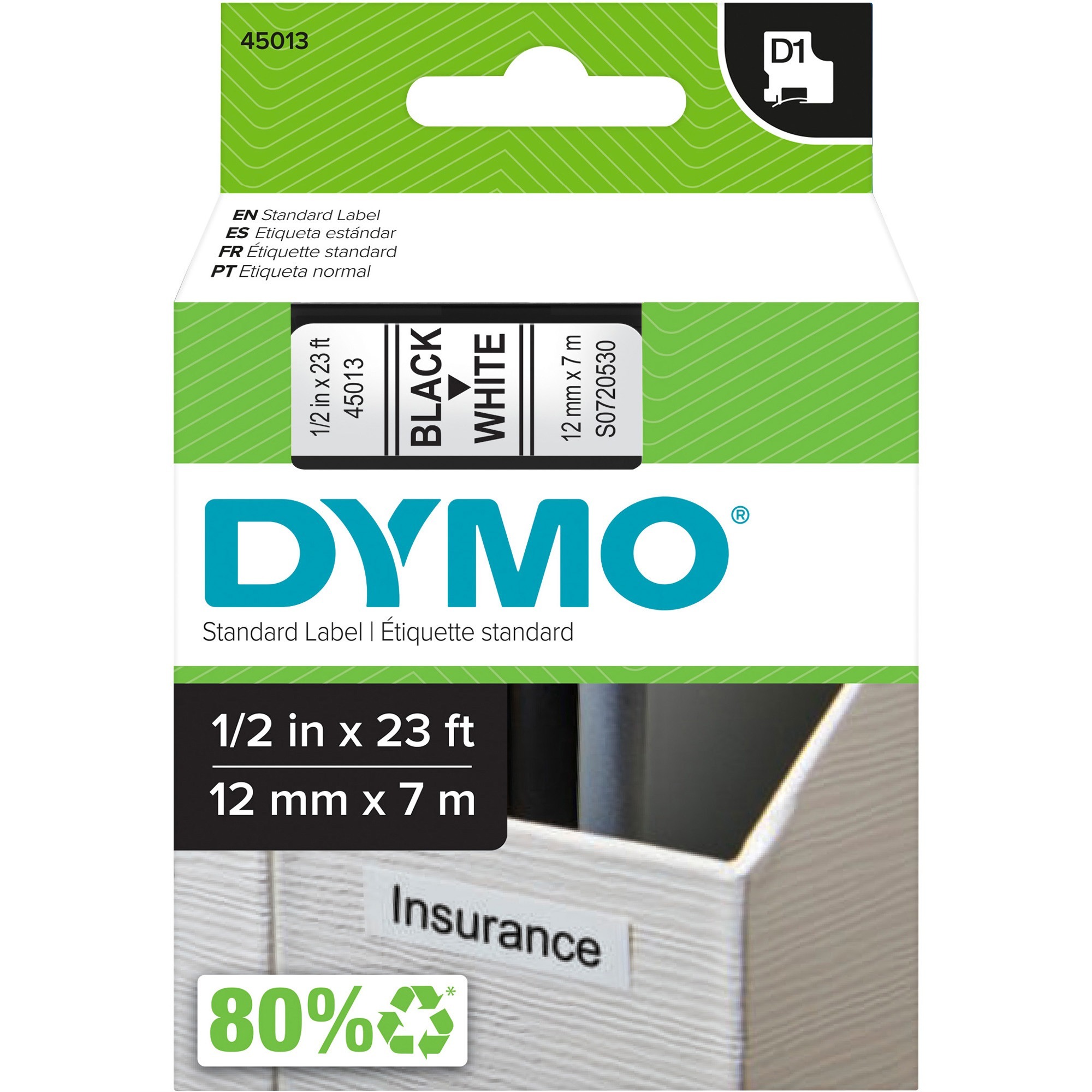
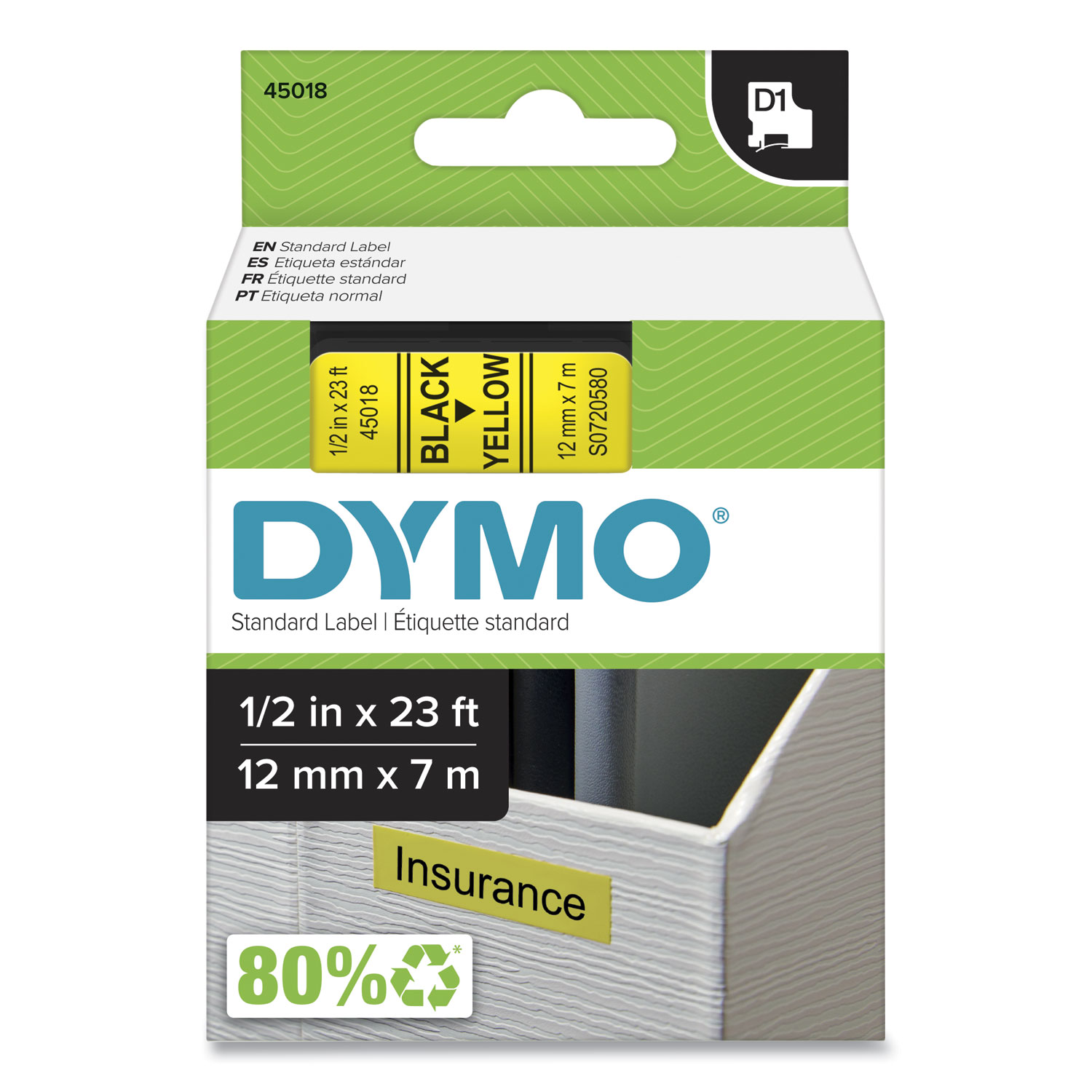

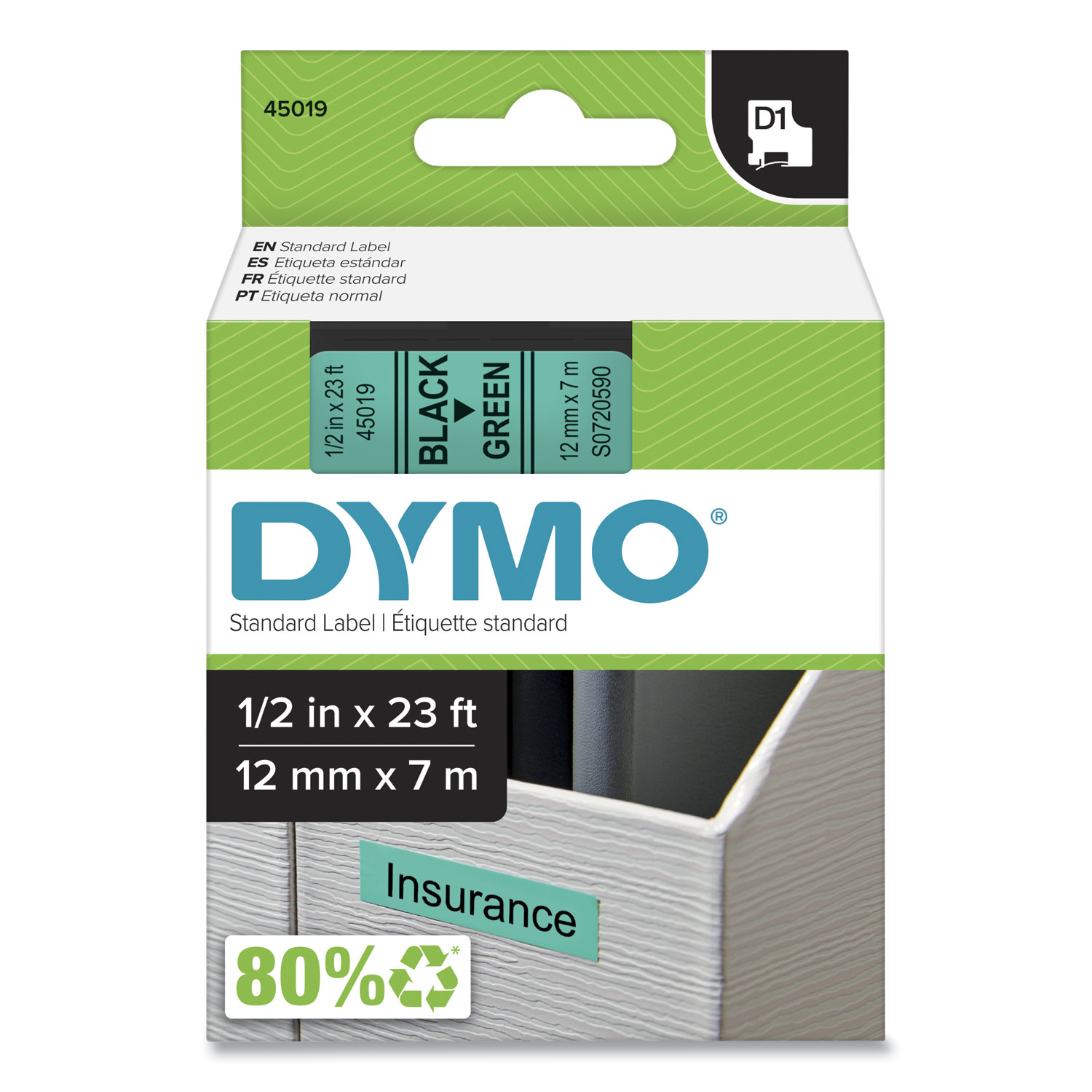
ITEM 45019
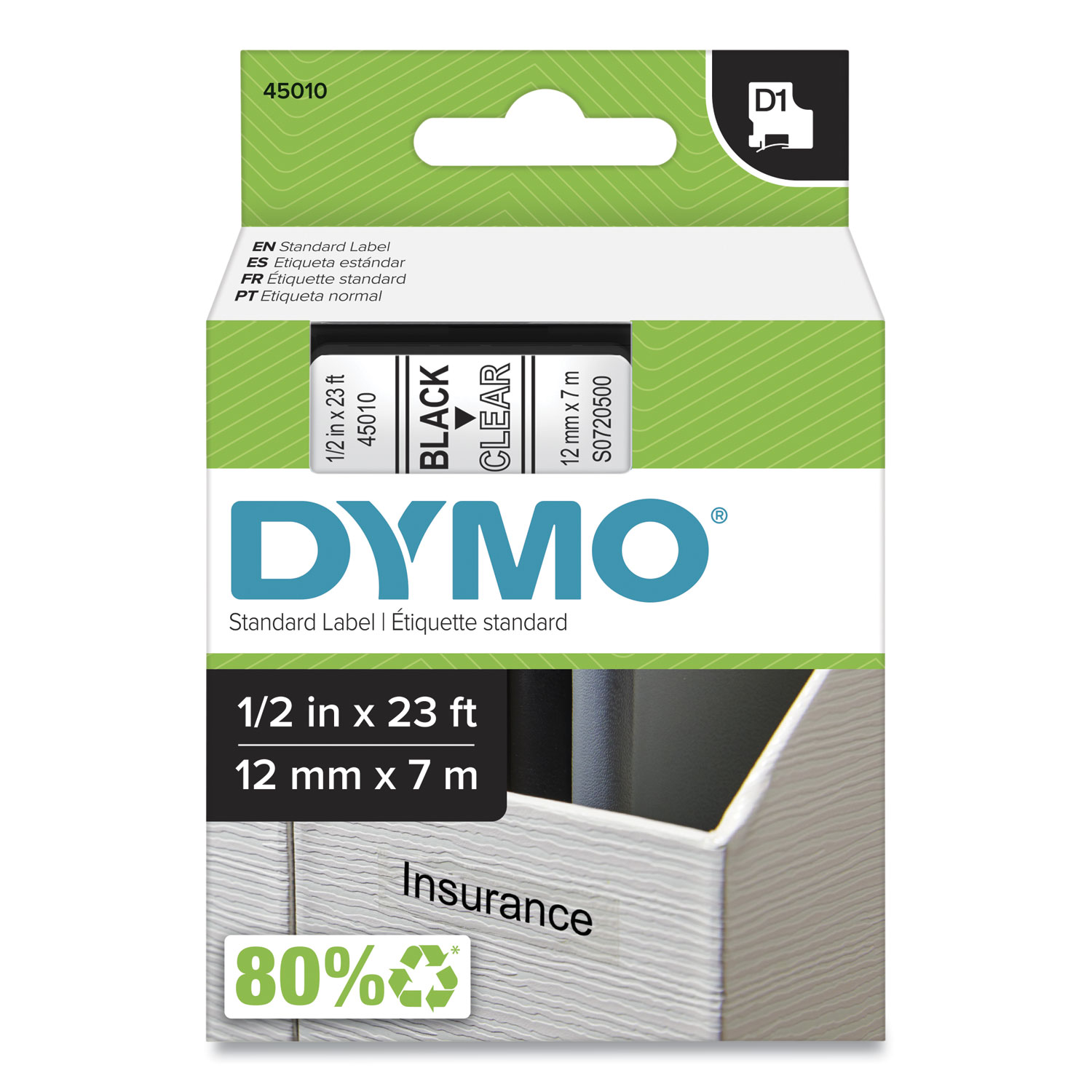
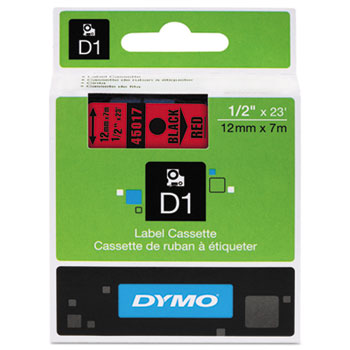
Dymo 45019 D1 Tape Cartridge1/2" (12 mm) Standard D1 Labels, green with black type, 23' long, 1 roll per package
$17.99
In Stock
Brand
Category
Model
1790415

Bluedogink is an authorized Boardwalk dealer 
What type of labels can be used with the Dymo LabelManager 160?
The Dymo LabelManager 160 is compatible with D1 label tapes, which are available in 1/4, 3/8, and 1/2 inch widths.
Does the Dymo LabelManager 160 require batteries or an adapter?
The LabelManager 160 operates using 6 AAA batteries, and it can also be powered with an optional AC adapter.
What are the key features of the Dymo LabelManager 160?
Key features include a QWERTY keyboard, quick-access buttons for punctuation, currency symbols, and diacritical marks, and customizable label formatting options.
Can I use special characters when printing labels with the Dymo LabelManager 160?
Yes, the Dymo LabelManager 160 includes a variety of special characters and symbols that can be easily accessed and added to your labels.
Is the Dymo LabelManager 160 portable?
Yes, the LabelManager 160 is lightweight and portable, making it easy to take on the go for labeling tasks in different locations.
How do I change the label tape on the Dymo LabelManager 160?
To change the label tape, open the tape compartment, remove the old tape cassette, insert the new D1 label tape, and close the compartment securely.

Bluedogink.com is a leading provider of printer, printer supplies, office and paper products.
Our wholesale price on Dymo LabelManager 160 info is part of our commitment to provide consumers with the lowest discount price available. Our customers are very important to us. We cater to many industries including military, government, schools, educational, medical, corporate, healthcare, legal, accounting, finance and many more. So, act now and buy Dymo LabelManager 160 at our low price.







Thank you for your interest in this item.
Please note: Once you receive word that this item is available, it's up to you to act! An email notification guarantees neither inventory nor price. But don't worry: should you miss out on the first shipment, you can always request another notification.

your order $99+
Sign up for the best discounts and exclusive offers not advertised anywhere else
your order $99+
Sign up for the best discounts and exclusive offers not advertised anywhere else
 At Checkout
*Get $10 off your order $99+, limit one use per customer, expires in 14 days