










Ads

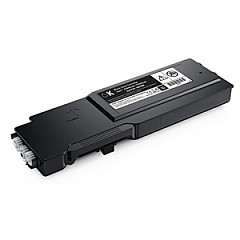
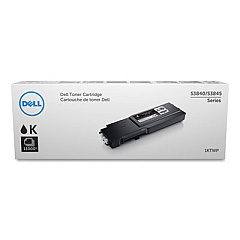
Dell S3845cdn Black Toner Cartridges

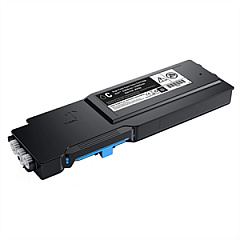
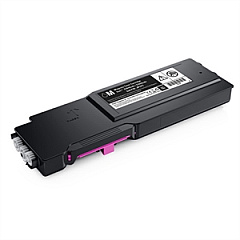
Dell S3845cdn Color Toner Cartridges

Dell S3845cdn Drum Units

Dell S3845cdn Waste Toner Kits

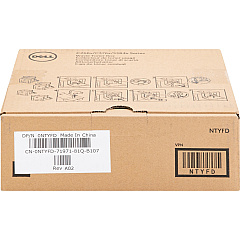
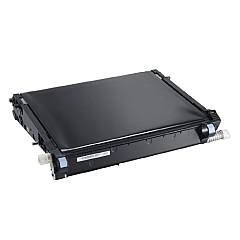
  • Dell NTYFD Waste Container

    Item NTYFD

    Dell NTYFD Waste Container

    331-8438 Toner Cartridge Waste Container; Yield: 30,000 pages..

    Status

    In Stock

    $28.62

Dell S3845cdn Maintenance Kits

Dell S3845cdn Copy Paper

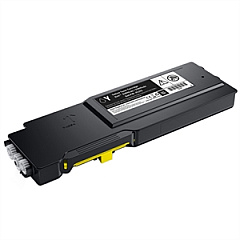
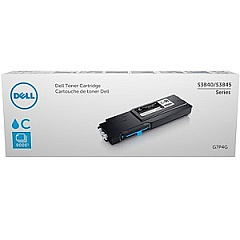
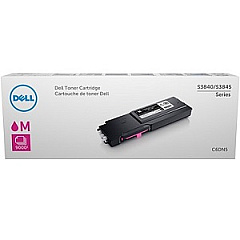
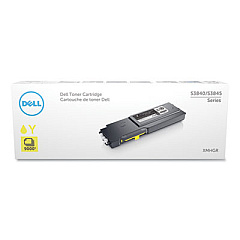
Ensure optimal performance and stunning print quality with genuine Dell S3845cdn Toner Cartridges. These high-capacity cartridges are designed specifically for the Dell S3845cdn printer, delivering crisp text and vibrant colors for all your printing needs. The comprehensive range includes black, cyan, magenta, and yellow toner cartridges, as well as essential maintenance components like the imaging drum kit and waste container. With options such as the Dell 1KTWP Black Toner Cartridge and Dell G7P4G Cyan Toner Cartridge, you can count on consistent, professional results for every print job. Whether you're printing important business documents or colorful marketing materials, these Dell S3845cdn Toner Cartridges provide the reliability and quality you need to make a lasting impression.

Dell S3845cdn Toner Cartridges FAQs

  • How long do Dell S3845cdn toner cartridges typically last?

    The lifespan of Dell S3845cdn toner cartridges varies depending on usage and print density. On average, a standard capacity cartridge can print around 6,000 pages, while high-capacity cartridges can yield up to 15,000 pages.

  • Are these toner cartridges compatible with other Dell printer models?

    These toner cartridges are specifically designed for the Dell S3845cdn printer. They may not be compatible with other Dell printer models. Always check your printer's compatibility before purchasing.

  • How often should I replace the imaging drum kit?

    The Dell TWR5P Imaging Drum Kit typically needs replacement after approximately 100,000 pages. However, this can vary based on usage patterns and print quality settings.

  • What is the purpose of the waste container?

    The Dell NTYFD Waste Container collects excess toner that isn't fused to the paper during printing. It helps maintain print quality and prevents toner from contaminating the printer's internal components.

  • Can I use third-party or refilled toner cartridges in my Dell S3845cdn printer?

    While third-party cartridges may work, using genuine Dell toner cartridges ensures optimal print quality and printer performance. Using non-Dell cartridges may void your printer's warranty.

  • How do I know when it's time to replace a toner cartridge?

    Your Dell S3845cdn printer will display a message on its control panel when a toner cartridge is running low or needs replacement. You can also check toner levels through the printer's software interface.

  • What's the difference between standard and high-capacity toner cartridges?

    High-capacity toner cartridges, like the Dell 50Y0W Black Toner Cartridge, contain more toner and can print more pages than standard cartridges. They are more cost-effective for high-volume printing needs.

  • How should I store unused toner cartridges?

    Store unused toner cartridges in a cool, dry place away from direct sunlight. Keep them in their original packaging until you're ready to use them to protect them from dust and damage.

  • Is it necessary to replace all color cartridges at the same time?

    No, you only need to replace the specific color cartridge that's empty. However, for optimal color balance, consider replacing all color cartridges if they're all running low.

  • How often should the maintenance kit be replaced?

    The Dell 7XDTM Maintenance Kit typically needs replacement after about 200,000 pages. However, this can vary based on usage and environmental factors. Your printer will alert you when it's time for maintenance.

Warehouse Locations

Policy & Agreement | Copyright © 1995-2026 BlueDogInk.com
