





Ads

Dell Color Smart Printer S5840cdn Black Toner Cartridges

Dell Color Smart Printer S5840cdn Color Toner Cartridges

Dell Color Smart Printer S5840cdn Drum Units

Dell Color Smart Printer S5840cdn Waste Toner Kits

  • Dell 1YP6C Waste Container

    Item 1YP6C

    Dell 1YP6C Waste Container

    591-BBCN Toner Waste Container; Yield: 90,000 pages..

    Status

    In Stock

    $27.65

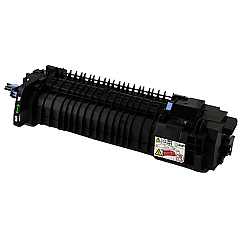
Dell Color Smart Printer S5840cdn Fusers

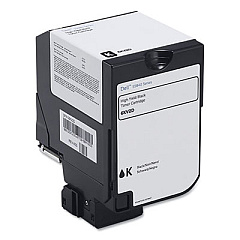
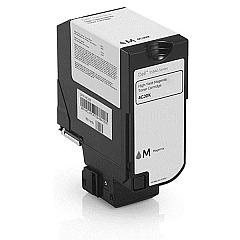
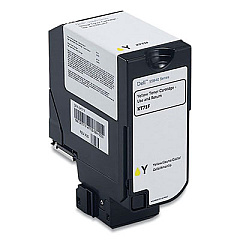
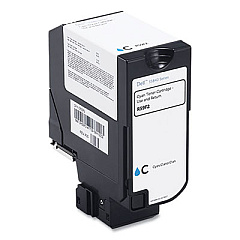
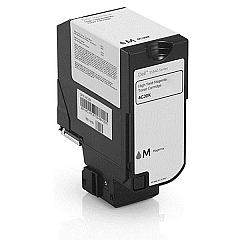
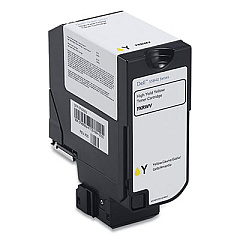
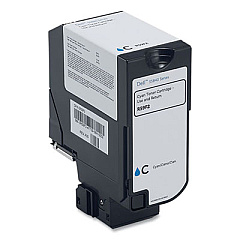
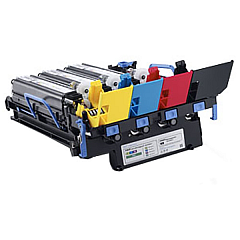
Enhance your printing experience with genuine Dell Color Smart Printer S5840cdn Toner Cartridges. These high-quality consumables ensure optimal performance and vibrant output for your Dell S5840cdn printer. Our comprehensive range includes the Dell 1YP6C Waste Container, color toners in cyan (9DJ63, R59F2), magenta (9MKKY, K83JD), and yellow (H6VRY, KT71F), as well as black toners (JDCTN, W3GR6). The F0K4T Color Imaging Kit and PT1RY Fuser are also available to maintain your printer's efficiency. By choosing authentic Dell supplies, you guarantee crisp text, sharp images, and consistent color reproduction. These cartridges are designed to work seamlessly with your Dell Color Smart Printer S5840cdn, providing reliable performance and reducing downtime. Invest in genuine Dell toner cartridges to maximize your printer's potential and achieve professional-quality results every time.

Dell Color Smart Printer S5840cdn Printers Supplies FAQs

  • How long do Dell Color Smart Printer S5840cdn Toner Cartridges typically last?

    The lifespan of toner cartridges varies depending on usage, but they generally last for several thousand pages. Refer to the specific cartridge's yield information for more accurate estimates.

  • Are these toner cartridges compatible with other Dell printer models?

    These cartridges are specifically designed for the Dell Color Smart Printer S5840cdn. They may not be compatible with other Dell printer models.

  • What's the difference between the standard and high-yield toner cartridges?

    High-yield cartridges contain more toner and can print more pages than standard cartridges, making them more cost-effective for high-volume printing.

  • How often should I replace the waste container?

    The waste container should be replaced when indicated by your printer, typically after several thousand pages or when it reaches its capacity.

  • Can I use third-party toner cartridges with my Dell S5840cdn printer?

    While third-party cartridges may work, using genuine Dell cartridges ensures optimal print quality and prevents potential damage to your printer.

  • How do I install a new toner cartridge in my Dell S5840cdn printer?

    Refer to your printer's user manual for specific instructions, but generally, you'll need to open the front panel, remove the old cartridge, and insert the new one until it clicks into place.

  • What's the purpose of the Color Imaging Kit?

    The Color Imaging Kit contains components that transfer toner onto paper. It helps maintain print quality and should be replaced periodically as recommended by your printer.

  • How often should I replace the fuser unit?

    The fuser unit typically lasts for several hundred thousand pages. Replace it when your printer indicates it's necessary or if you notice a decline in print quality.

  • Are these toner cartridges environmentally friendly?

    Dell offers a recycling program for used toner cartridges, helping to reduce environmental impact. Check Dell's website for details on their recycling initiatives.

  • What should I do if I experience print quality issues with new cartridges?

    First, ensure the cartridges are properly installed. If issues persist, try printing a test page or cleaning the print heads. If problems continue, contact Dell support for assistance.

Warehouse Locations

Policy & Agreement | Copyright © 1995-2026 BlueDogInk.com
