









Ads

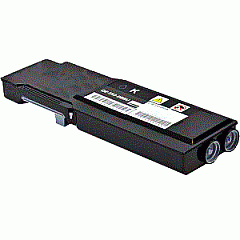
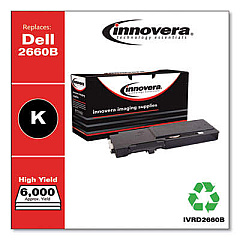
Dell C2665dnf Black Toner Cartridges

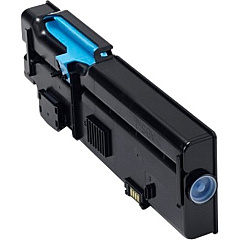
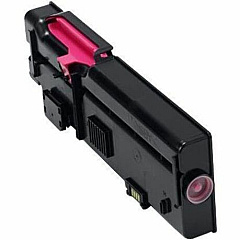
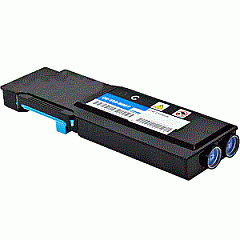
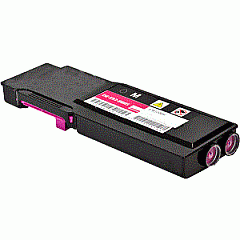
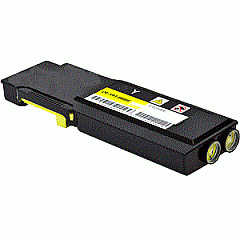
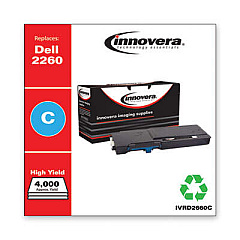
Dell C2665dnf Color Toner Cartridges

Dell C2665dnf Waste Toner Kits

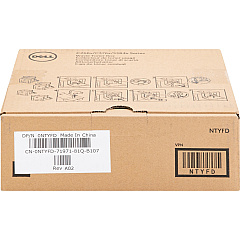
  • Dell NTYFD Waste Container

    Item NTYFD

    Dell NTYFD Waste Container

    331-8438 Toner Cartridge Waste Container; Yield: 30,000 pages..

    Status

    In Stock

    $28.62

Dell C2665dnf Maintenance Kits

Dell C2665dnf Copy Paper

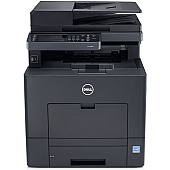
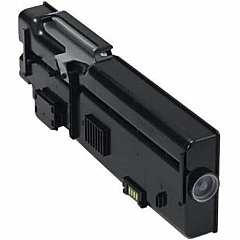
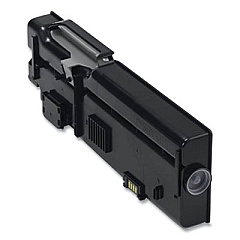
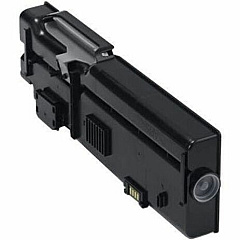
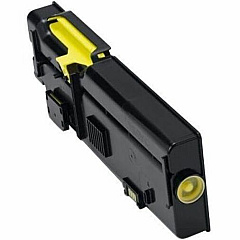
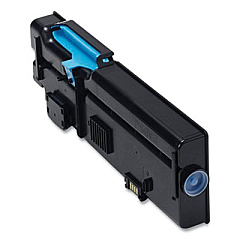
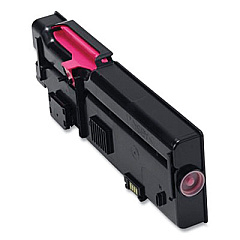
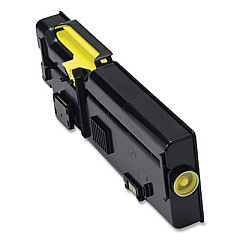
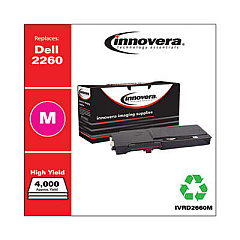
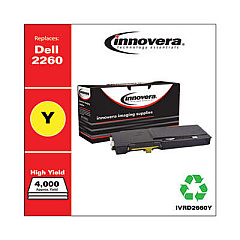
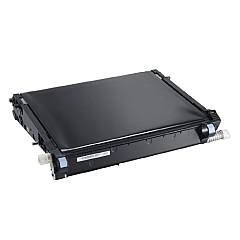
Ensure optimal performance and stunning print quality with genuine Dell C2665dnf Toner Cartridges. These high-capacity cartridges are designed specifically for the Dell C2665dnf multifunction color laser printer, delivering crisp text and vibrant graphics for all your business needs. The comprehensive range includes black, cyan, magenta, and yellow toner cartridges, as well as essential maintenance components like imaging drum kits and waste containers. With options such as the Dell 3070F Black Toner Cartridge for high-volume printing and the Dell R9PYX Yellow Toner Cartridge for vivid color output, you can tailor your supplies to match your specific requirements. Trust in the reliability and consistency of genuine Dell toner cartridges to keep your C2665dnf running smoothly and efficiently, ensuring professional-quality results for every print job.

Dell C2665dnf Toner Cartridges FAQs

  • How long do Dell C2665dnf toner cartridges typically last?

    The lifespan of toner cartridges varies depending on usage, but standard capacity cartridges typically yield around 3,000 pages, while high-capacity cartridges can print up to 6,000 pages.

  • Are these toner cartridges compatible with other Dell printer models?

    These toner cartridges are specifically designed for the Dell C2665dnf printer and may not be compatible with other models. Always check your printer's compatibility before purchasing.

  • How often should I replace the imaging drum kit?

    The imaging drum kit (Dell TWR5P) typically needs replacement after processing about 50,000 pages, but this can vary based on usage patterns.

  • What is the purpose of the waste container?

    The waste container (Dell NTYFD) collects excess toner that isn't fused to the paper during printing. It should be replaced when indicated by your printer to prevent leaks and maintain print quality.

  • Can I use third-party toner cartridges in my Dell C2665dnf printer?

    While third-party cartridges may work, using genuine Dell toner cartridges ensures optimal print quality and prevents potential damage to your printer.

  • How do I know when it's time to replace a toner cartridge?

    Your printer will display a message when toner levels are low. You can also check toner levels through the printer's control panel or your computer's printer software.

  • What's the difference between standard and high-capacity toner cartridges?

    High-capacity cartridges, like the Dell 67H2T Black Toner Cartridge, contain more toner and can print more pages than standard cartridges, making them more economical for high-volume printing.

  • How should I store unused toner cartridges?

    Store unused cartridges in their original packaging in a cool, dry place away from direct sunlight. Avoid extreme temperatures and humidity to maintain cartridge quality.

  • Is it necessary to replace all color cartridges at the same time?

    No, you only need to replace the specific color cartridge that has run out. However, replacing all colors at once can ensure consistent print quality across all hues.

  • What is the maintenance kit used for?

    The Dell 7XDTM Maintenance Kit includes components that wear out over time, such as the fuser and transfer roller. It helps maintain print quality and extend the life of your printer.

Warehouse Locations

Policy & Agreement | Copyright © 1995-2026 BlueDogInk.com
