





Ads

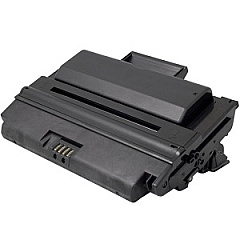
Dell 2335dn MFP Black Toner Cartridges

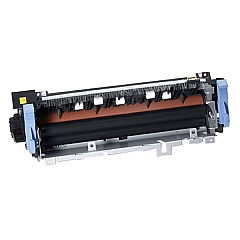
Dell 2335dn MFP Fusers

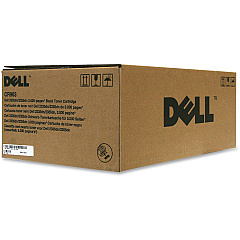
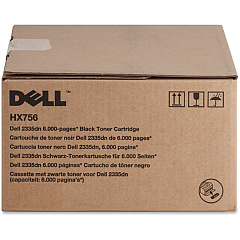
Ensure optimal performance for your Dell 2335dn MFP with our comprehensive range of Dell 2335dn MFP Toner Cartridges and supplies. Our selection includes the Dell CR963 Black Toner Cartridge for everyday printing needs, and the high-capacity Dell HX756 Black Toner Cartridge for larger print jobs. Maintain your printer's efficiency with the Dell KW449 Fuser Unit, which guarantees crisp, professional-quality output. For smooth paper handling, we offer the Dell Tray 1 Separation Pad Holder Assembly (UG960). These genuine Dell supplies are designed to work seamlessly with your 2335dn MFP, ensuring consistent, high-quality results for all your business, educational, healthcare, or wholesale printing needs. By choosing authentic Dell products, you'll maximize your printer's lifespan and minimize downtime, keeping your operations running smoothly and efficiently.

Dell 2335dn MFP Printers Supplies FAQs

  • What is the page yield of the Dell CR963 Black Toner Cartridge?

    The Dell CR963 Black Toner Cartridge typically yields around 3,000 pages at 5% coverage.

  • How often should I replace the Dell KW449 Fuser Unit?

    The Dell KW449 Fuser Unit should be replaced approximately every 100,000 pages, but this can vary depending on usage patterns.

  • Are these Dell 2335dn MFP supplies compatible with other Dell printer models?

    These supplies are specifically designed for the Dell 2335dn MFP and may not be compatible with other Dell printer models. Always check your printer's compatibility before purchasing.

  • What's the difference between the Dell CR963 and HX756 toner cartridges?

    The Dell HX756 is a high-capacity toner cartridge, offering a higher page yield compared to the standard Dell CR963 cartridge.

  • How can I tell when it's time to replace the Tray 1 Separation Pad Holder Assembly?

    You may need to replace the Tray 1 Separation Pad Holder Assembly if you experience frequent paper jams or multiple sheets feeding at once.

  • Are these genuine Dell supplies?

    Yes, all the supplies listed are genuine Dell products, ensuring optimal performance and compatibility with your Dell 2335dn MFP.

  • Can I use third-party toner cartridges in my Dell 2335dn MFP?

    While third-party cartridges may work, using genuine Dell supplies ensures the best print quality and helps maintain your printer's warranty.

  • How do I install the new toner cartridge in my Dell 2335dn MFP?

    To install a new toner cartridge, open the front cover, remove the old cartridge, unpack the new one, and insert it until it clicks into place. Then close the front cover.

  • What should I do with my used toner cartridges?

    Dell offers a recycling program for used toner cartridges. You can return them to Dell for environmentally friendly disposal.

  • How can I extend the life of my Dell 2335dn MFP toner cartridges?

    To extend toner life, use draft mode for internal documents, print in grayscale when color isn't necessary, and ensure your printer firmware is up to date for optimal efficiency.

Warehouse Locations

Policy & Agreement | Copyright © 1995-2026 BlueDogInk.com
