









Ads

Dell 1710n Black Toner Cartridges

Dell 1710n Drum Units

Dell 1710n Copy Paper

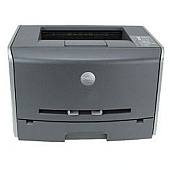
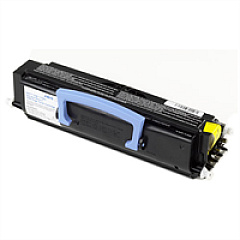
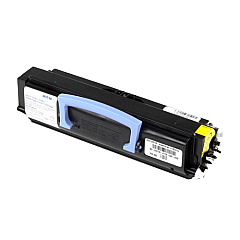
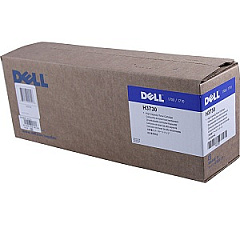
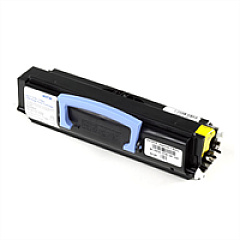
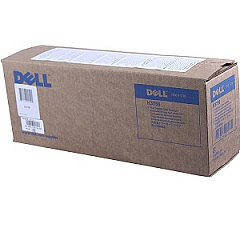
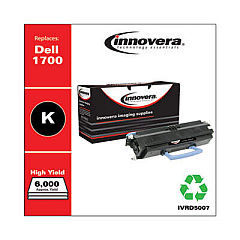
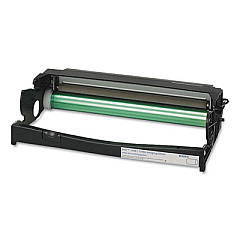
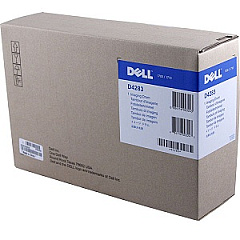
Enhance your printing efficiency with premium Dell 1710n Toner Cartridges. Our comprehensive range includes the high-yield Dell 310-5400 and 310-5402 Black Toner Cartridges, delivering exceptional print quality and longevity. For optimal performance, pair these with the Dell 310-5404 or D4283 Imaging Drum Kits, ensuring crisp, professional results every time. The Dell K3756 Black Toner Cartridge offers a cost-effective solution for lower-volume printing needs. These Dell 1710n Toner Cartridges are engineered to meet the demanding requirements of businesses, educational institutions, government offices, and healthcare facilities. With their reliable output and impressive page yields, these cartridges minimize downtime and maximize productivity. Trust in the consistency and clarity of genuine Dell supplies to produce sharp text and graphics, making your documents stand out. Invest in quality and efficiency with our selection of Dell 1710n Toner Cartridges.

Dell 1710n Toner Cartridges FAQs

  • What is the page yield for the Dell 310-5400 High Yield Black Toner Cartridge?

    The Dell 310-5400 High Yield Black Toner Cartridge typically yields around 6,000 pages at 5% coverage.

  • Are these Dell 1710n Toner Cartridges compatible with other Dell printer models?

    These cartridges are specifically designed for the Dell 1710n printer. Always check your printer's compatibility before purchasing.

  • How often should I replace the Imaging Drum Kit?

    The Imaging Drum Kit typically needs replacement after processing about 30,000 pages, but this can vary based on usage patterns.

  • What's the difference between the Dell 310-5400 and 310-5402 toner cartridges?

    Both are high-yield black toner cartridges for the Dell 1710n, but they may have slight differences in manufacturing or packaging. They are generally interchangeable.

  • Can I use third-party toner cartridges in my Dell 1710n printer?

    While third-party cartridges may work, using genuine Dell cartridges ensures optimal print quality and prevents potential damage to your printer.

  • How do I know when it's time to replace my toner cartridge?

    Your Dell 1710n printer will typically display a low toner warning. You may also notice a decrease in print quality.

  • Are these toner cartridges environmentally friendly?

    Dell offers a recycling program for used toner cartridges, promoting environmental sustainability.

  • What's the shelf life of unopened Dell 1710n Toner Cartridges?

    Unopened toner cartridges can typically last for 1-2 years when stored in a cool, dry place away from direct sunlight.

  • How do I install a new toner cartridge in my Dell 1710n printer?

    Open the front cover, remove the old cartridge, unpack the new one, and insert it until it clicks into place. Close the cover to complete installation.

  • What should I do if I experience print quality issues with these cartridges?

    First, ensure the cartridge is properly installed. If issues persist, try printing a test page or cleaning the printer. If problems continue, contact Dell support.

Warehouse Locations

Policy & Agreement | Copyright © 1995-2026 BlueDogInk.com
