







Ads

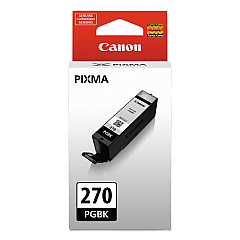
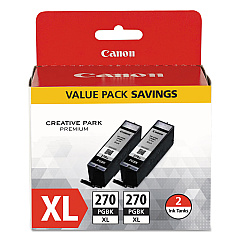
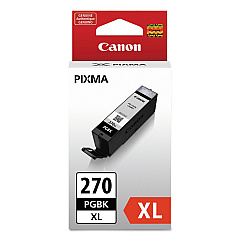
Canon PIXMA TS9020 Black Ink Cartridges

Canon PIXMA TS9020 Color Ink Cartridges

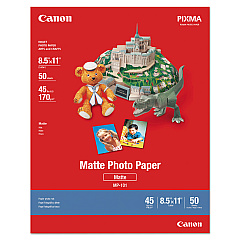
Canon PIXMA TS9020 Photo Paper

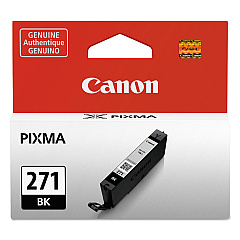
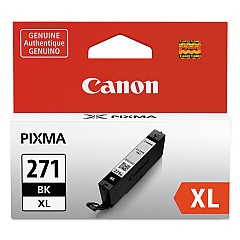
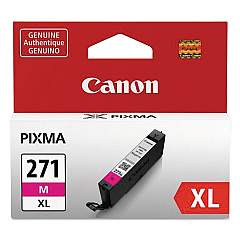
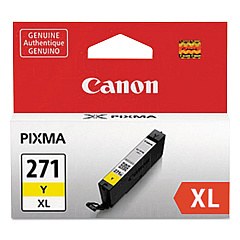
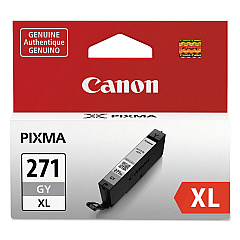
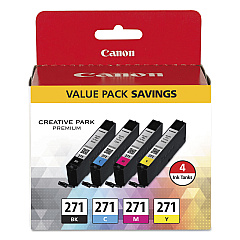
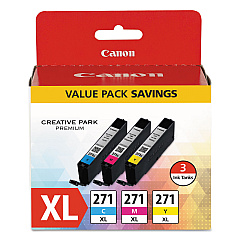
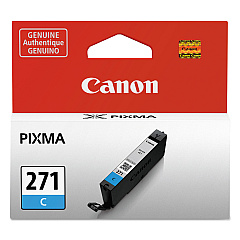
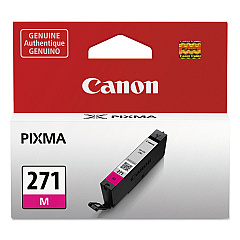
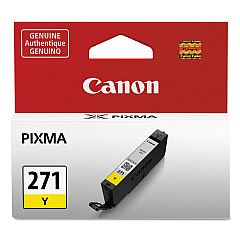
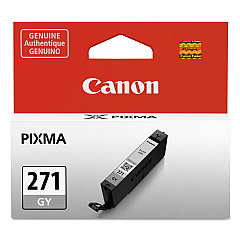
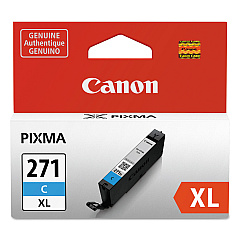
Enhance your printing experience with genuine Canon PIXMA TS9020 Ink Cartridges. These high-quality cartridges ensure vibrant, long-lasting prints for all your personal and professional needs. Choose from a variety of options, including the cost-effective CLI-271 BK/CMY 4 Color Value Pack or individual color tanks in black, cyan, magenta, yellow, and gray. For high-volume printing, opt for the XL versions, which offer increased page yields. The PGI-270 series provides rich, pigment-based black ink for crisp text and sharp images. Whether you're printing photos, documents, or creative projects, these Canon ink cartridges deliver exceptional results. Maximize your Canon PIXMA TS9020 printer's performance and enjoy stunning, professional-quality prints with these reliable, easy-to-install ink cartridges.

Canon PIXMA TS9020 Ink Cartridges FAQs

  • What is the difference between CLI-271 and PGI-270 ink cartridges?

    CLI-271 cartridges contain dye-based ink for color printing, while PGI-270 cartridges contain pigment-based black ink for text and monochrome printing.

  • How do I know when to replace my ink cartridges?

    Your Canon PIXMA TS9020 printer will display a low ink warning on its screen when cartridges need replacement.

  • Can I use non-Canon ink cartridges in my PIXMA TS9020?

    While third-party cartridges may work, using genuine Canon ink cartridges ensures the best print quality and protects your printer's warranty.

  • What's the difference between standard and XL ink cartridges?

    XL cartridges contain more ink and offer a higher page yield, making them more cost-effective for frequent printing.

  • How long do unopened ink cartridges last?

    Unopened Canon ink cartridges typically have a shelf life of 1-2 years from the date of manufacture when stored properly.

  • Can I use CLI-271 cartridges interchangeably with CLI-271XL?

    Yes, you can use both standard and XL cartridges in your Canon PIXMA TS9020 printer.

  • How do I install new ink cartridges in my PIXMA TS9020?

    Open the printer's front cover, wait for the cartridge holder to move to the center, then gently push the empty cartridge to remove it and insert the new one until it clicks into place.

  • What should I do if my printer doesn't recognize a new ink cartridge?

    Remove the cartridge, clean the gold contacts with a lint-free cloth, and reinsert it. If the problem persists, try resetting the printer or contacting Canon support.

  • How many pages can I print with a standard CLI-271 ink cartridge?

    Page yield varies depending on print content, but on average, a standard CLI-271 cartridge can print approximately 300-400 pages.

  • Is it necessary to replace all ink cartridges at once?

    No, you only need to replace the specific color cartridge that has run out of ink. The Canon PIXMA TS9020 allows for individual cartridge replacement.

Warehouse Locations

Policy & Agreement | Copyright © 1995-2026 BlueDogInk.com
