




Ads

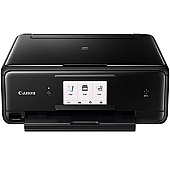
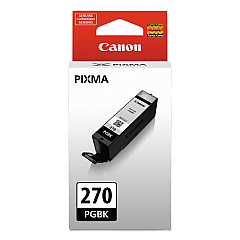
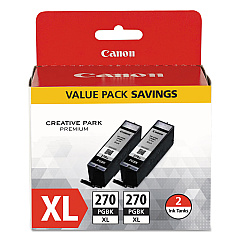
Canon PIXMA TS8020 Black Ink Cartridges

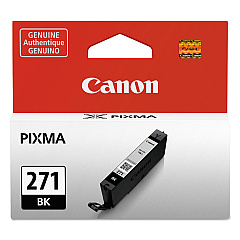
Canon PIXMA TS8020 Color Ink Cartridges

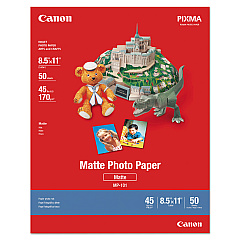
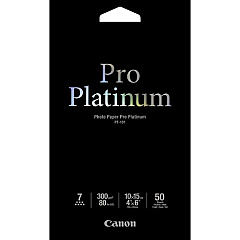
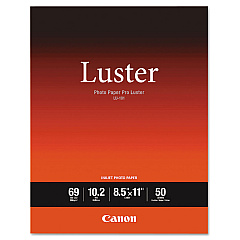
Canon PIXMA TS8020 Photo Paper

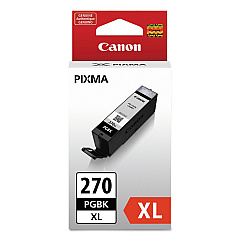
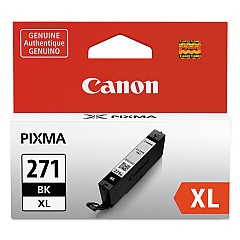
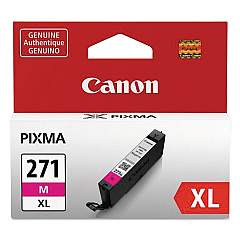
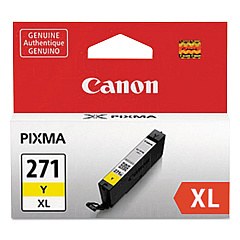
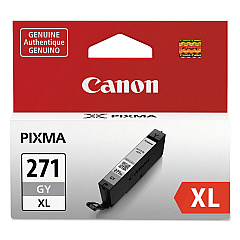
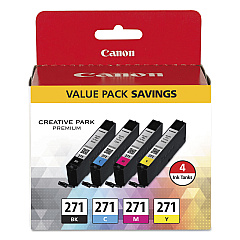
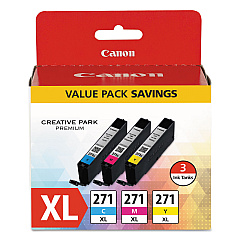
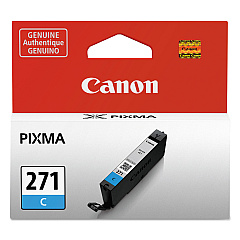
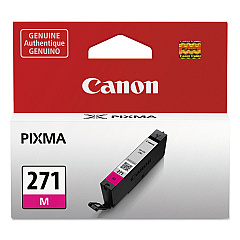
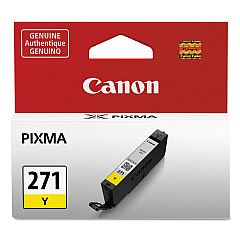
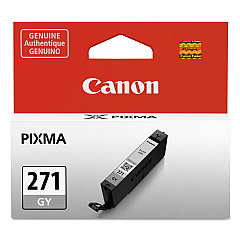
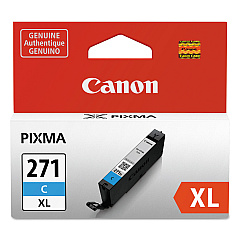
Enhance your printing experience with genuine Canon PIXMA TS8020 Ink Cartridges. These high-quality cartridges ensure vibrant, long-lasting prints for all your personal and professional needs. Choose from a variety of options, including the CLI-271 BK/CMY 4 Color Value Pack for cost-effective printing, or individual tanks in black, cyan, magenta, yellow, and gray for precise color control. For high-volume printing, opt for the XL versions, which offer increased page yields. The PGI-270 pigment black ink delivers crisp, sharp text, while the CLI-271 inks produce stunning photos and graphics. With options like combo packs and twin packs, you can stock up and save. Trust in Canon's superior ink technology to bring your documents and images to life with exceptional clarity and color accuracy.

Canon PIXMA TS8020 Ink Cartridges FAQs

  • What ink cartridges are compatible with the Canon PIXMA TS8020 printer?

    The Canon PIXMA TS8020 uses CLI-271 series cartridges (black, cyan, magenta, yellow, and gray) and PGI-270 series for pigment black. Both standard and XL sizes are available.

  • How long do Canon PIXMA TS8020 ink cartridges last?

    The lifespan of ink cartridges varies depending on usage and print settings. XL cartridges typically last longer than standard ones, offering more prints per cartridge.

  • Can I use third-party ink cartridges in my Canon PIXMA TS8020?

    While third-party cartridges may work, Canon recommends using genuine Canon ink cartridges for optimal print quality and to maintain your printer's warranty.

  • What's the difference between CLI-271 and PGI-270 ink cartridges?

    CLI-271 cartridges are dye-based and used for color printing, while PGI-270 is a pigment-based black ink used primarily for text documents.

  • How do I install ink cartridges in the Canon PIXMA TS8020?

    Open the printer's front cover, wait for the cartridge holder to move to the center, then gently push each cartridge into its designated slot until it clicks into place.

  • Are Canon PIXMA TS8020 ink cartridges refillable?

    Canon does not recommend refilling cartridges as it may affect print quality and potentially damage the printer. It's best to use new, genuine Canon cartridges.

  • What's the benefit of using XL ink cartridges?

    XL cartridges contain more ink than standard cartridges, allowing for more prints before replacement. This can be more cost-effective for high-volume printing.

  • How can I check the ink levels in my Canon PIXMA TS8020?

    You can check ink levels through the printer's LCD display, or by using the Canon printer software on your computer.

  • What should I do if my Canon PIXMA TS8020 doesn't recognize a new ink cartridge?

    Ensure the cartridge is properly installed and the protective tape is removed. If issues persist, clean the cartridge contacts and try reinserting it.

  • Can I use CLI-271 or PGI-270 cartridges in other Canon printer models?

    These cartridges are designed specifically for certain Canon models, including the TS8020. Always check your printer's manual for compatible cartridge models.

Warehouse Locations

Policy & Agreement | Copyright © 1995-2026 BlueDogInk.com
