


Images


$151.56
Part #: 4462C082
Status: In Stock

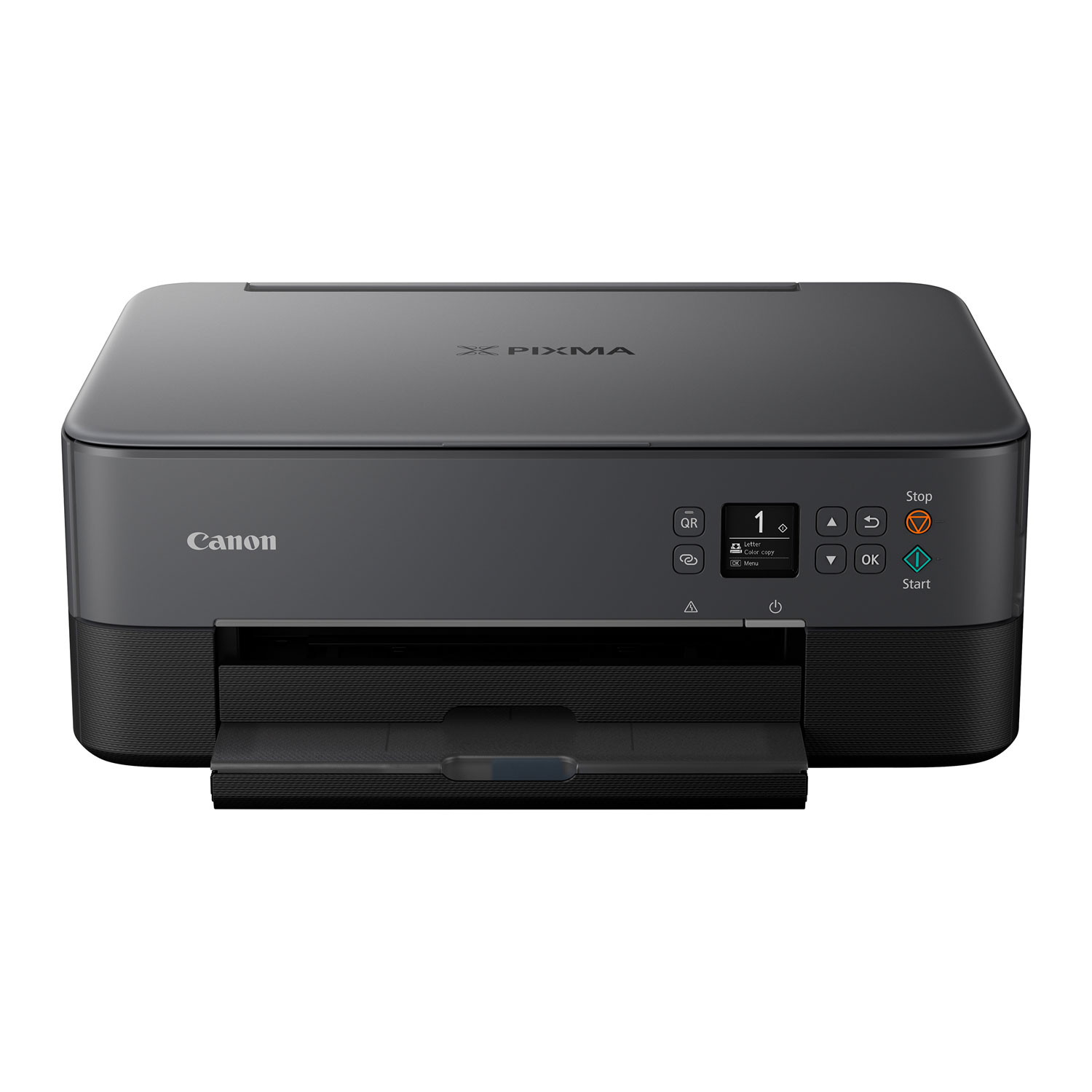
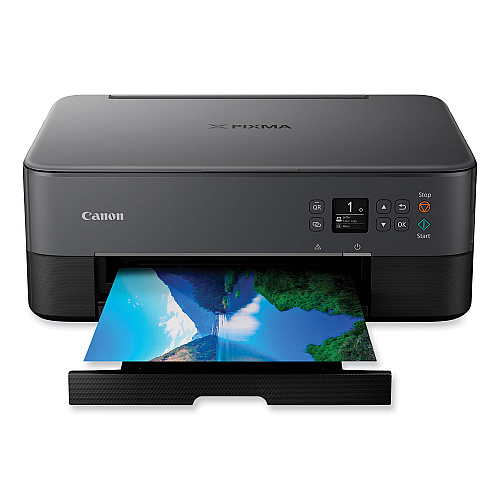
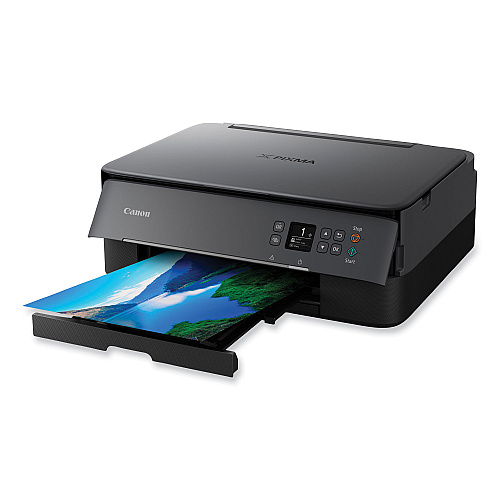
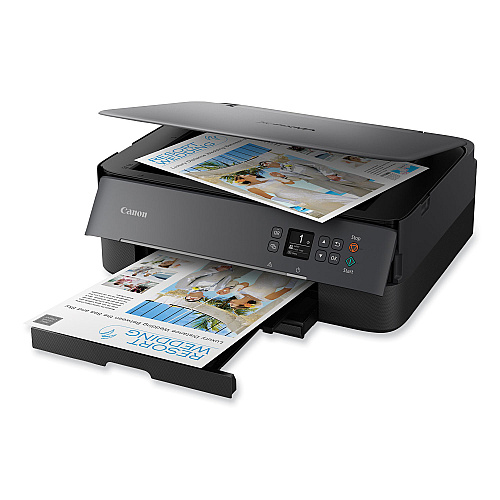
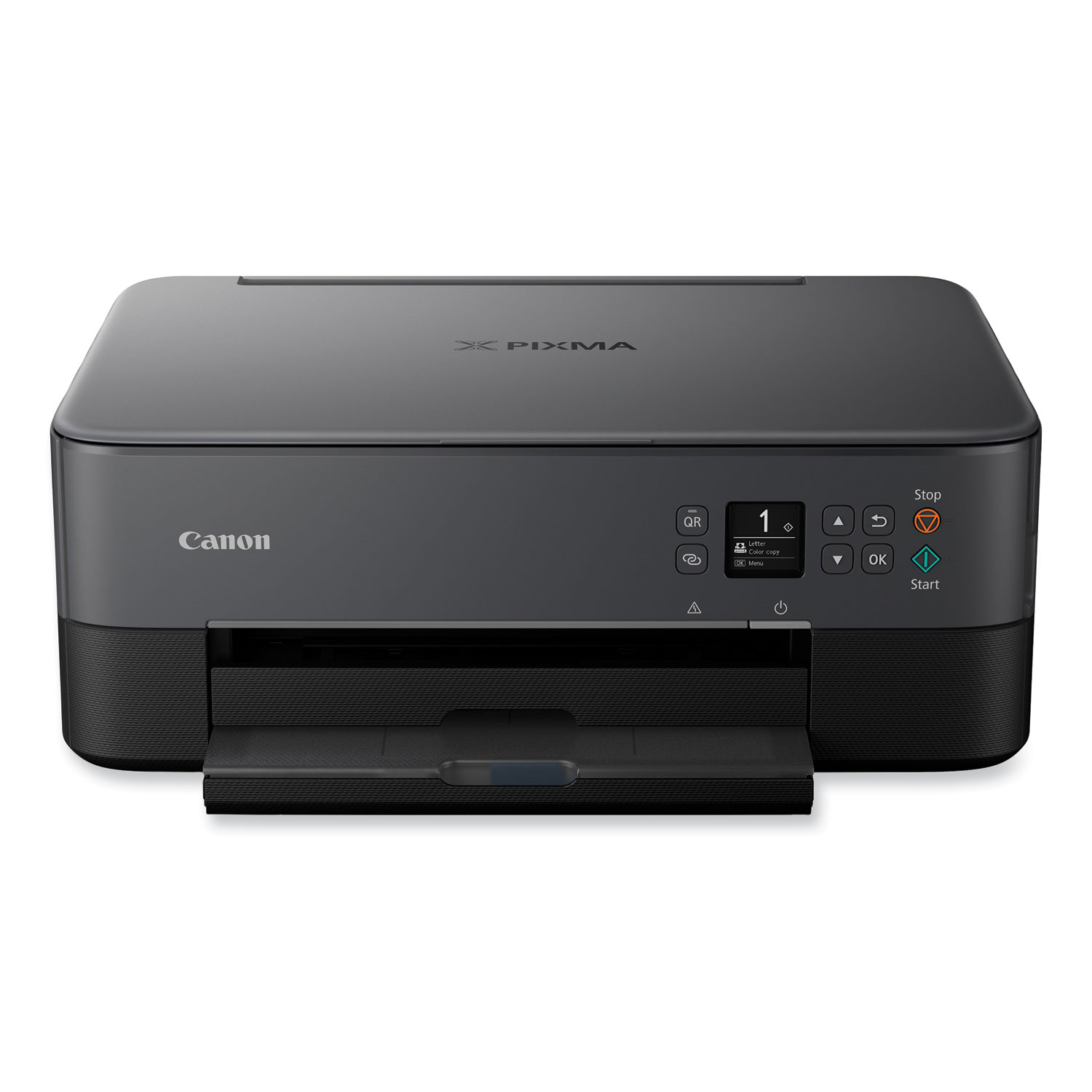
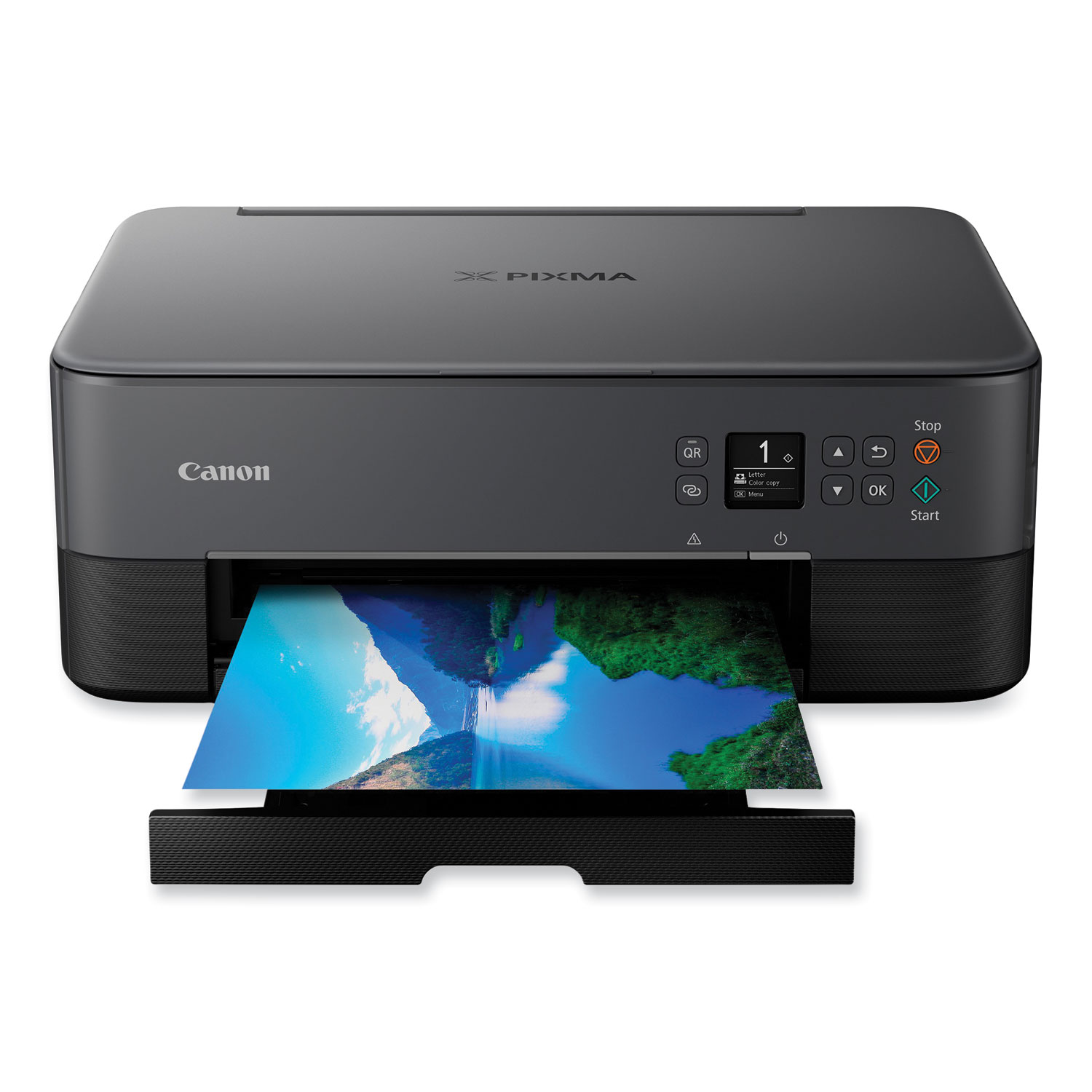
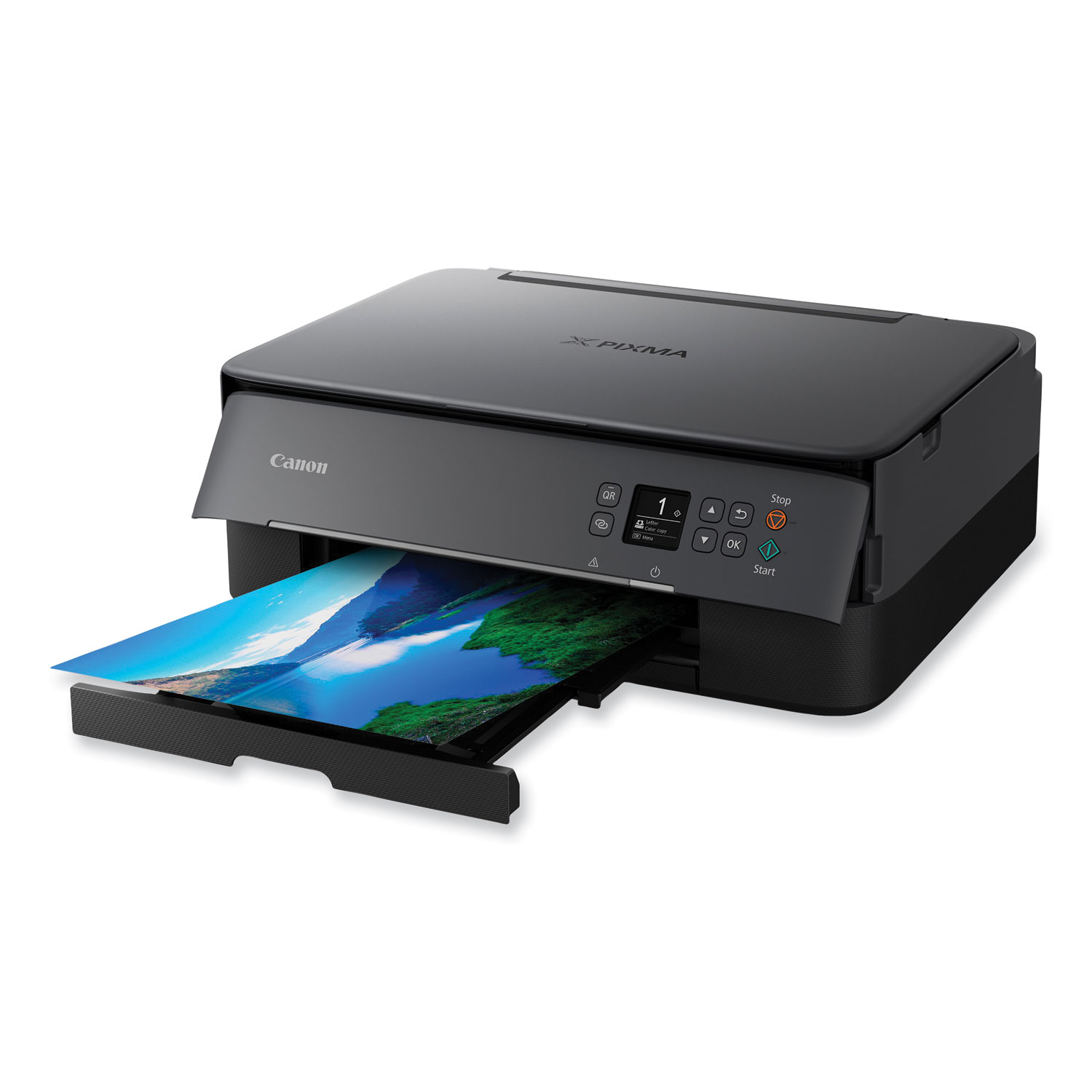
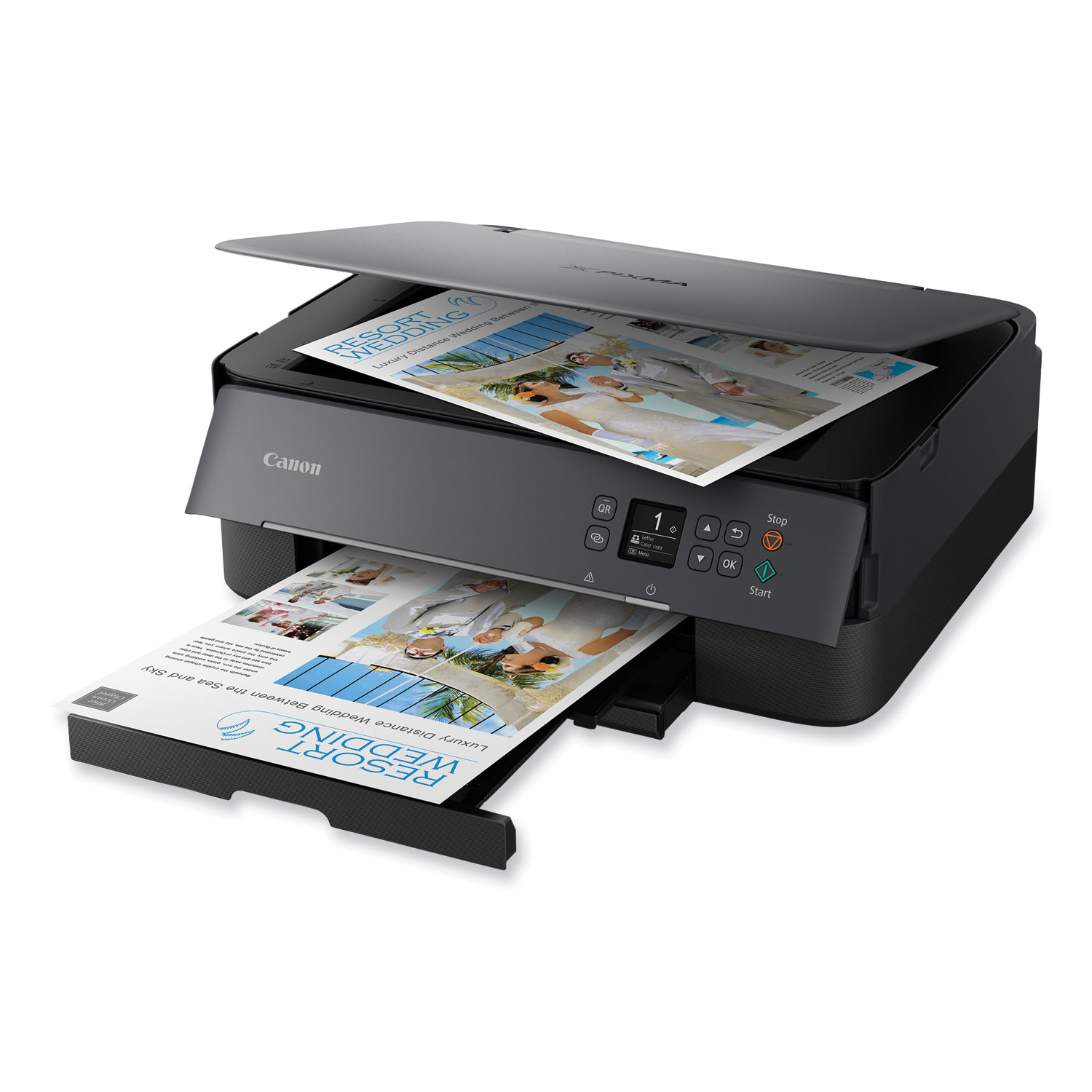
The PIXMA TS6420 is a compact and sleek All-in-One printer built for your busy lifestyle. It's easy to set up and simple to use; featuring a 1.44" OLED window, which delivers clear, easy-to-read status messages as well as front and rear paper feeding, so you can print on a variety of paper types. The TS6420 can handle your everyday tasks with ease, from scanning an old handwritten recipe to printing crafts from the Canon Creative Park App. Whether printing from your computer or wirelessly from your smartphone, the TS6420 is an effortless All-In-One printer that fits your everyday printing needs. Machine Functions: Copy; Print; Scan; Printer Type: Inkjet; Maximum Print Speed (Black): 13 ipm; Maximum Print Speed (Color): 6.8 ipm.
Features
$151.56
Part #: 4462C082
Status: In Stock
ITEM 3707C001
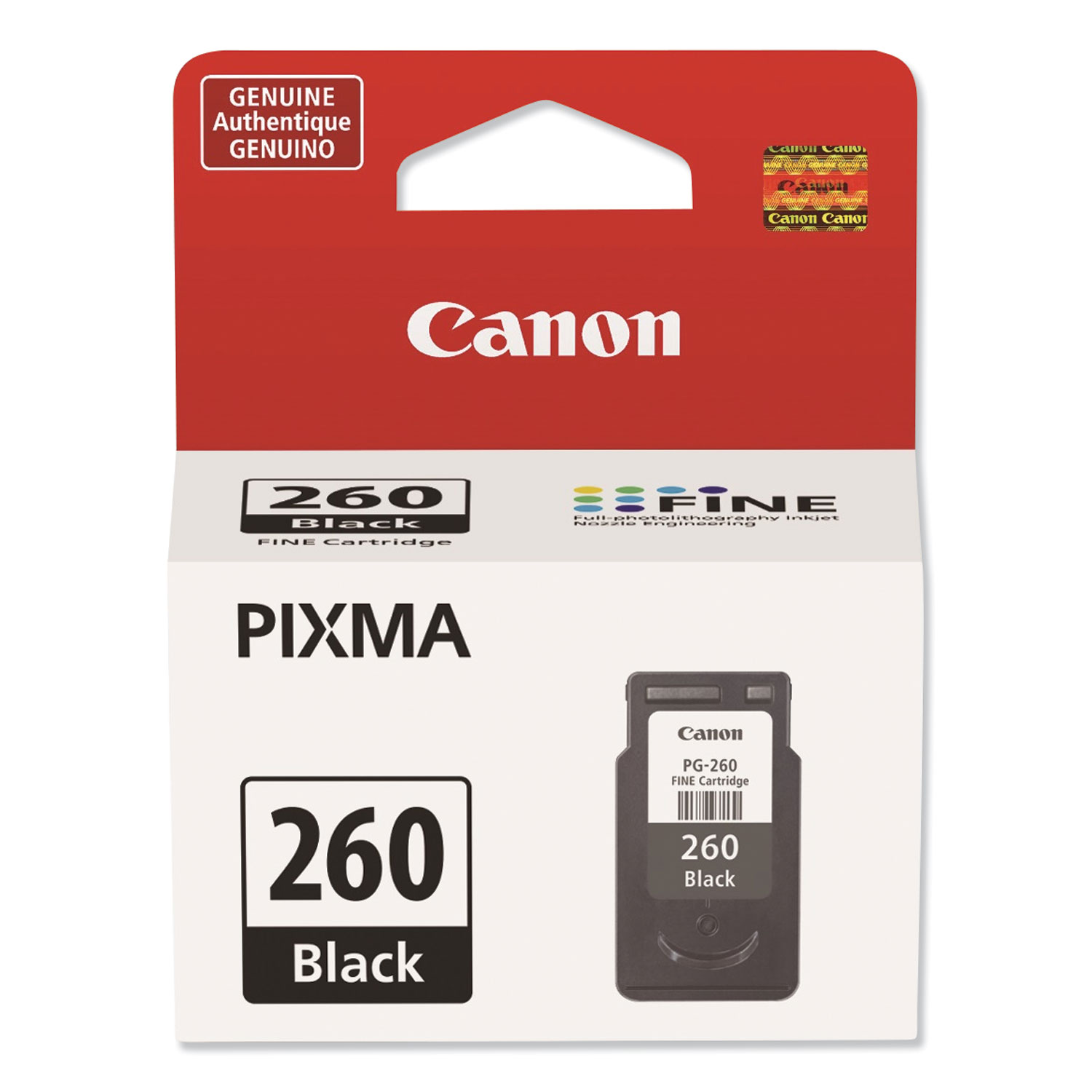
Canon PG-260 Black Ink Cartridge (3707C001)Canon PG-260 Black Ink Cartridge (7.5mL)
$24.99
In Stock
ITEM 3706C001
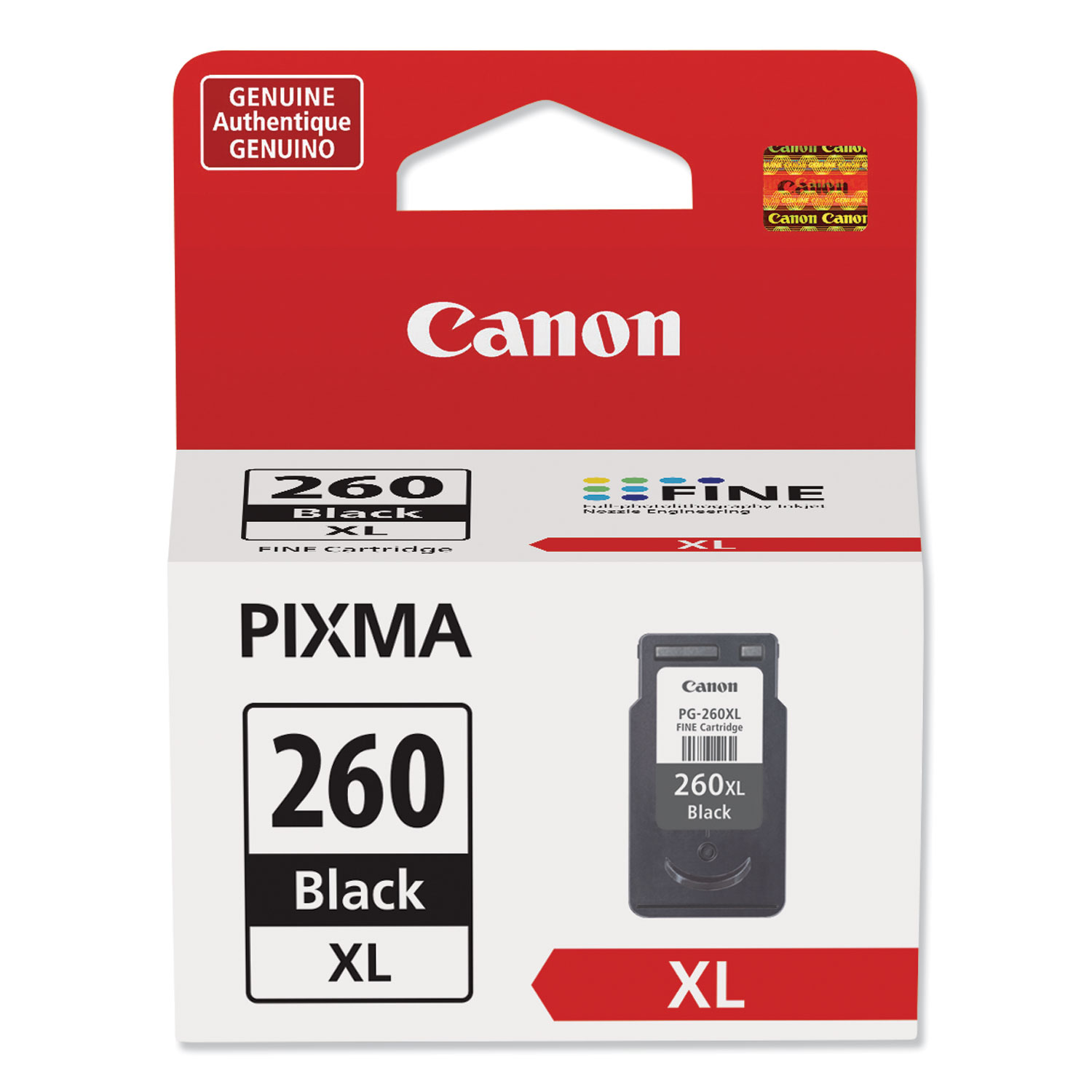
Canon PG-260XL Black Ink Cartridge (3706C001)Canon PG-260XL Black Ink Cartridge (14.3mL)
$44.99
In Stock
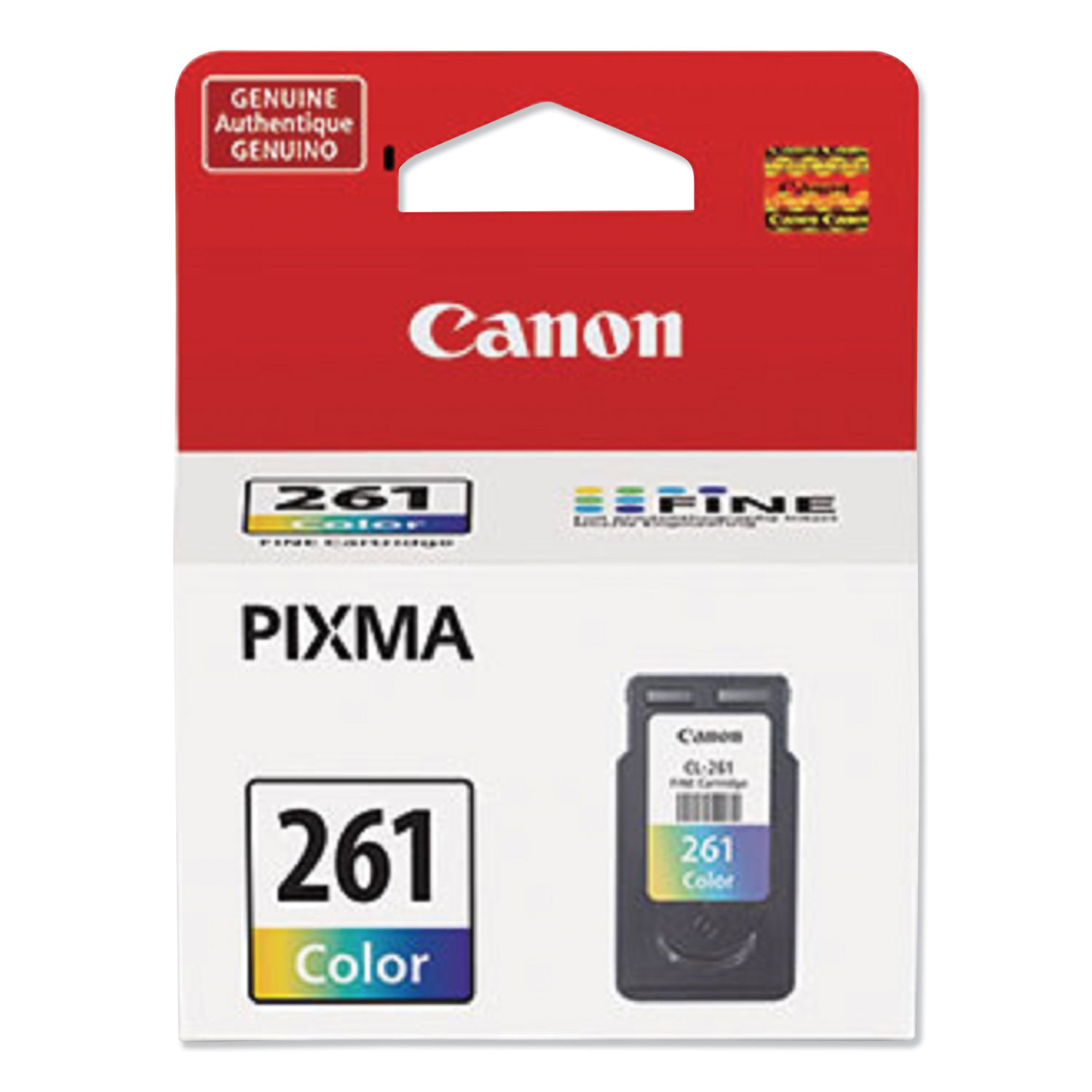
ITEM 3725C001
Canon CL-261 Color Ink Cartridge (3725C001)Canon CL-261 Color Ink Cartridge (8.3mL)
$33.99
In Stock
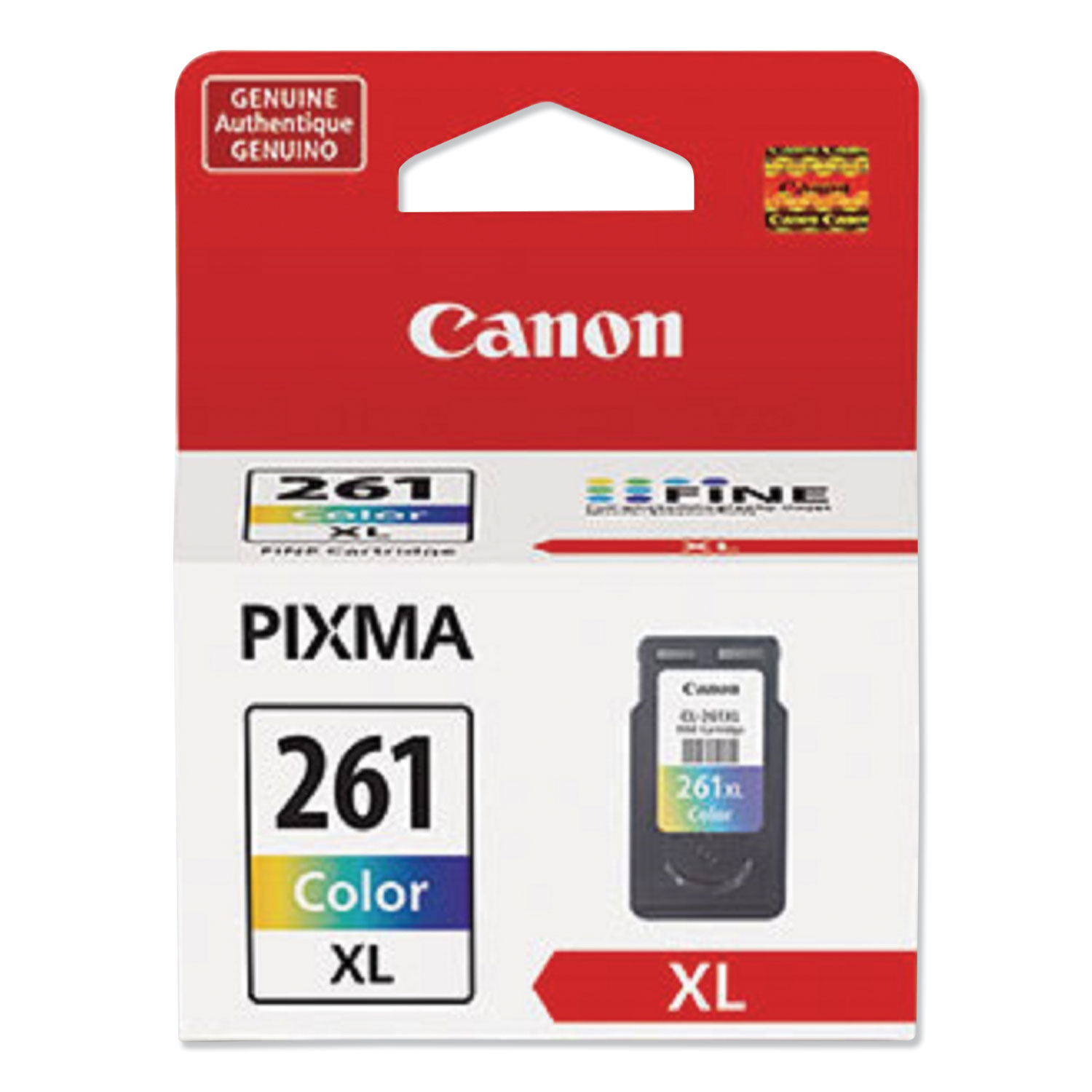
ITEM 3724C001
Canon CL-261XL Color Ink Cartridge (3724C001)Canon CL-261XL Color Ink Cartridge (12.2mL)
$41.99
In Stock

ITEM 3725C006
Canon PG-260 / CLI-261 Value Pack (3725C006)PG-260 / CL-261 Value Pack
$55.99
In Stock

ITEM 3706C005
Canon PG-260 XL / CL-261 XL Value Pack (3706C005)PG-260 XL / CL-261 XL Value Pack
$86.18
In Stock
Brand
Category
Canon Printers - Canon Multifunction Printers - Canon Inkjet Multifunction Printers
Model
4462C082
Accepts Paper Size
#10 Envelopes; 3.5" x 3.5"; 4" x 6"; 5" x 5"; 5" x 7"; 7" x 10"; 8" x 10"; Letter; Legal
Auto Duplexing Functions
Yes
B&W or Color Output
Color
Borderless Printing
Yes
Connector/Port/Interface
USB; Wi-Fi
Copying Speed (Black)
6 ipm
Copying Speed (Color)
6 ipm
Depth
15.9"
First Page Out
4.3 sec
Global Product Type
Multifunction - Printer, Copier, Scanner
Height
5.9"
Individual Ink Cartridges
Yes
LCD Display
Yes
LCD Display Format
1.44" OLED Display; LED Status Bar
Machine Functions
Copy; Print; Scan
Manufacturer Stock No.
4462C082
Maximum Copies
100
Maximum Copy Size (W x H)
8.5 x 15
Maximum Paper Size
8.5 x 15
Maximum Print Speed (Black)
13 ipm
Maximum Print Speed (Color)
6.8 ipm
Memory Card Compatibility
No
Model Name/Number
PIXMA TS6420a BK
Monthly Duty Cycle (Pages)
3,000
Network Capable
Yes
Network Types
802.11b/g/n Wireless
Operating System Compatibility
Android; Fire OS; Mac OS X 10.12.6 and Later; Windows 7, 8.1, 10
Paper Input
100-Sheet Front Cassette; 100-Sheet Rear Tray
Paper Input Capacity (Sheets)
100
PC Free Printing
Yes
Photo Print Speed (4 x 6)
43 sec
Post-Consumer Recycled Content Percent
0%
Pre-Consumer Recycled Content Percent
0%
Print Resolution (Black) (Width x Height)
4800 x 1200 dpi
Print Resolution (Color) (Width x Height)
4800 x 1200 dpi
Printer Type
Inkjet
Reduction/Enlargement Range [Max]
400%
Reduction/Enlargement Range [Min]
25%
Scan Resolution (Width x Height)
1200 x 2400 dpi
Secure Print Function
No
Total Recycled Content Percent
0%
Weight
13.8 lbs
Width
12.5"
Wireless Printing
Yes
What are the key features of the Canon PIXMA TS6420aBK Wireless All-in-One Inkjet Printer?
The Canon PIXMA TS6420aBK offers wireless connectivity, allowing printing from smart devices and computers. It supports printing, scanning, and copying functions. It features auto-duplex printing, a compact design, and is compatible with the Canon PRINT app for mobile printing.
Is the Canon PIXMA TS6420aBK compatible with both Windows and Mac operating systems?
Yes, the Canon PIXMA TS6420aBK is compatible with both Windows and Mac operating systems, making it versatile for various users.
How can I connect my Canon PIXMA TS6420aBK to a wireless network?
To connect the Canon PIXMA TS6420aBK to a wireless network, use the printer's control panel to access the wireless setup menu, then follow the on-screen instructions to connect to your Wi-Fi network. Alternatively, you can use the Canon PRINT app for setup.
What ink cartridges does the Canon PIXMA TS6420aBK use, and are they available in high-yield options?
The Canon PIXMA TS6420aBK uses the PG-260 pigment black and CL-261 dye color ink cartridges. High-yield options, PG-260XL and CL-261XL, are available for extended printing before replacements are needed.
Does the Canon PIXMA TS6420aBK support mobile printing, and if so, which apps are compatible?
Yes, the Canon PIXMA TS6420aBK supports mobile printing. It is compatible with the Canon PRINT app, Apple AirPrint, and Mopria Print Service, allowing for convenient printing from smartphones and tablets.
What is the print resolution of the Canon PIXMA TS6420aBK, and how does it affect print quality?
The Canon PIXMA TS6420aBK offers a maximum print resolution of 4800 x 1200 dpi, which ensures high-quality, detailed prints suitable for both documents and photos.

Bluedogink.com is a leading provider of printer, printer supplies, office and paper products. Our wholesale price on Canon PIXMA TS6420aBK Wireless All-in-One Inkjet Printer, Copy/Print/Scan (4462C082) is part of our commitment to provide consumers with the lowest discount price available. Our customers are very important to us. We cater to many industries including military, government, schools, educational, medical, corporate, healthcare, legal, accounting, finance and many more. So, act now and Canon PIXMA TS6420aBK Wireless All-in-One Inkjet Printer, Copy/Print/Scan (4462C082) at our low price.

Bluedogink is an authorized Boardwalk dealer 






Thank you for your interest in this item.
Please note: Once you receive word that this item is available, it's up to you to act! An email notification guarantees neither inventory nor price. But don't worry: should you miss out on the first shipment, you can always request another notification.

your order $99+
Sign up for the best discounts and exclusive offers not advertised anywhere else
your order $99+
Sign up for the best discounts and exclusive offers not advertised anywhere else
 At Checkout
*Get $10 off your order $99+, limit one use per customer, expires in 14 days