




Ads

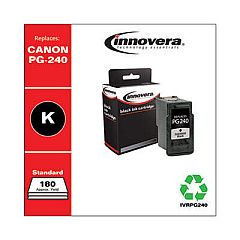
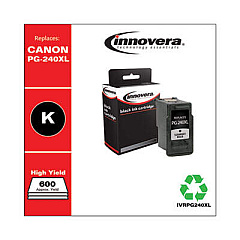
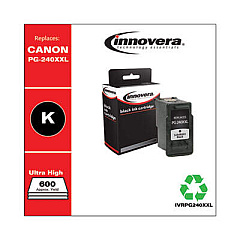
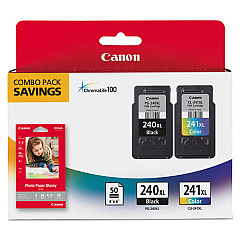
Canon PIXMA TS5120 Black Ink Cartridges

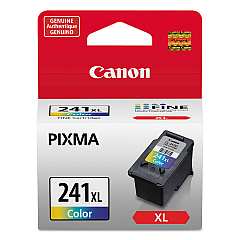
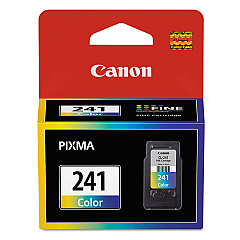
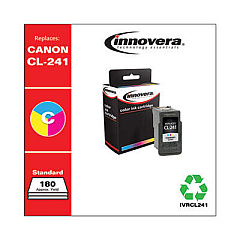
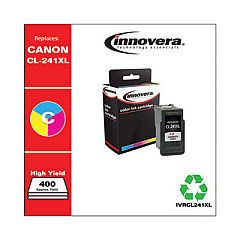
Canon PIXMA TS5120 Color Ink Cartridges

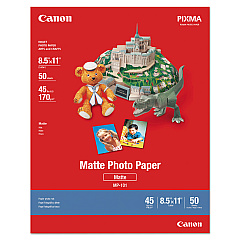
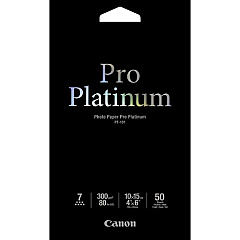
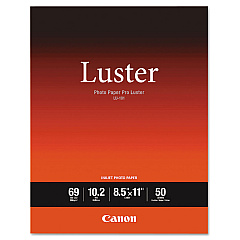
Canon PIXMA TS5120 Photo Paper

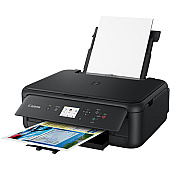
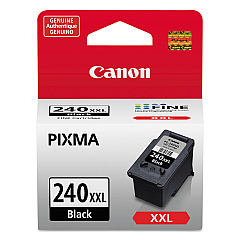
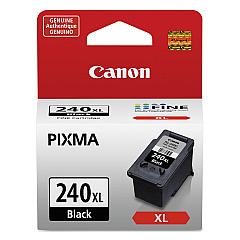
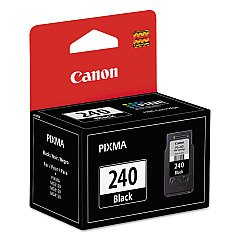
Enhance your printing experience with genuine Canon PIXMA TS5120 Ink Cartridges. These high-quality cartridges are designed to deliver exceptional results for your home or office printing needs. Choose from a range of options, including the standard Canon CL-241 Color and PG-240 Black cartridges, or opt for higher-capacity XL and XXL versions for extended printing. The Canon PIXMA TS5120 Ink Cartridges ensure vibrant colors, sharp text, and long-lasting prints. Whether you're printing documents, photos, or creative projects, these cartridges provide reliable performance and superior print quality. Compatible with the versatile Canon PIXMA TS5120 printer, these ink cartridges are easy to install and offer consistent results. Maximize your printer's potential and enjoy professional-grade prints with genuine Canon ink cartridges.

Canon PIXMA TS5120 Ink Cartridges FAQs

  • What ink cartridges are compatible with the Canon PIXMA TS5120 printer?

    The Canon PIXMA TS5120 is compatible with Canon CL-241 and CL-241XL Color cartridges, as well as PG-240, PG-240XL, and PG-240XXL Black cartridges.

  • What's the difference between standard, XL, and XXL cartridges?

    XL and XXL cartridges have higher ink capacities than standard cartridges, allowing for more prints before replacement. XXL cartridges offer the highest capacity.

  • Can I use third-party ink cartridges in my Canon PIXMA TS5120?

    While third-party cartridges may work, using genuine Canon ink cartridges ensures the best print quality and printer performance.

  • How do I install ink cartridges in the Canon PIXMA TS5120?

    Open the printer's front cover, wait for the cartridge holder to move to the center, then insert the cartridges into their respective slots until they click into place.

  • How long do Canon PIXMA TS5120 ink cartridges last?

    Cartridge life depends on usage, but XL cartridges typically last longer than standard ones. Check your printer's ink levels regularly to know when replacement is needed.

  • Can I use color ink cartridges to print in black and white?

    While possible, it's not recommended. For best results and efficiency, use the black ink cartridge for black and white printing.

  • What should I do if my printer doesn't recognize the new ink cartridge?

    Try removing and reinserting the cartridge. If the issue persists, clean the cartridge contacts and ensure you're using genuine Canon cartridges.

  • Are Canon PIXMA TS5120 ink cartridges refillable?

    Canon does not recommend refilling cartridges as it may affect print quality and potentially damage the printer. It's best to use new, genuine Canon cartridges.

  • How can I extend the life of my ink cartridges?

    Print in draft mode for non-essential documents, avoid unnecessary color printing, and keep your printer on to prevent ink from drying out.

  • What's the shelf life of unopened Canon PIXMA TS5120 ink cartridges?

    Unopened cartridges typically last up to two years from the production date when stored properly in a cool, dry place.

Warehouse Locations

Policy & Agreement | Copyright © 1995-2026 BlueDogInk.com
