





Ads

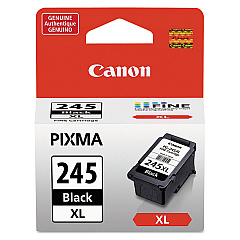
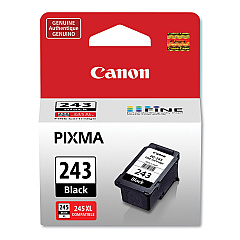
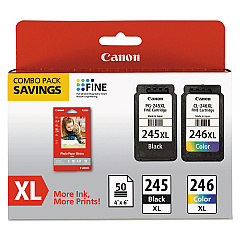
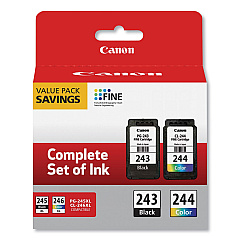
Canon PIXMA TS3320 White Black Ink Cartridges

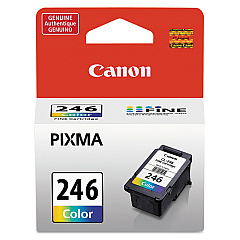
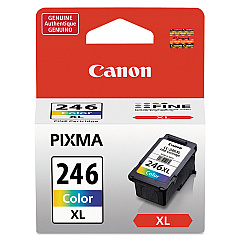
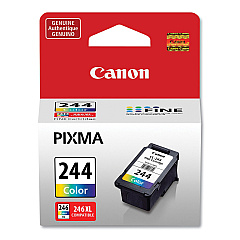
Canon PIXMA TS3320 White Color Ink Cartridges

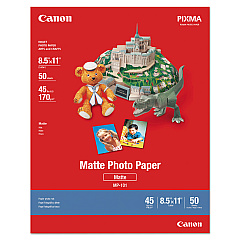
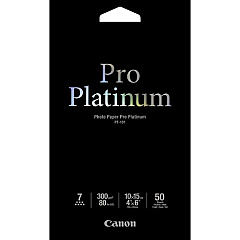
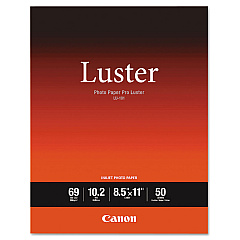
Canon PIXMA TS3320 White Photo Paper

Enhance your printing experience with genuine Canon PIXMA TS3320 White Ink Cartridges. These high-quality cartridges are designed specifically for your Canon PIXMA TS3320 printer, ensuring optimal performance and stunning results. Choose from a range of options including the standard CL-244 and CL-246 color cartridges, or opt for the high-yield CL-246XL for more prints. For crisp text and sharp black-and-white documents, select from PG-243, PG-245, or PG-245XL black ink cartridges. Value packs like the PG-243 CL-244 combo and PG-245 CL-246 XL pack offer cost-effective solutions for frequent printing. Whether you're printing photos, reports, or everyday documents, these Canon ink cartridges deliver exceptional color accuracy, fade resistance, and long-lasting quality. Trust in Canon's innovative ink technology to bring your ideas to life with vivid, professional-grade prints every time.

Canon PIXMA TS3320 White Ink Cartridges FAQs

  • Are these ink cartridges compatible with other Canon printers?

    These cartridges are specifically designed for the Canon PIXMA TS3320 printer. Always check your printer's compatibility before purchasing.

  • What's the difference between standard and XL cartridges?

    XL cartridges contain more ink and typically yield more prints than standard cartridges, making them more cost-effective for frequent printing.

  • How long do these ink cartridges last?

    The lifespan of ink cartridges varies depending on usage and print settings. XL cartridges generally last longer than standard ones.

  • Can I use third-party ink cartridges in my Canon PIXMA TS3320?

    While third-party cartridges may work, using genuine Canon cartridges ensures the best print quality and helps maintain your printer's warranty.

  • What's included in the value pack options?

    Value packs typically include both black and color cartridges, offering a cost-effective solution for replacing multiple cartridges at once.

  • How do I install these ink cartridges?

    Installation is simple. Open your printer's ink cartridge compartment, remove the old cartridge, and insert the new one until it clicks into place.

  • Are these cartridges refillable?

    Canon does not recommend refilling these cartridges. For best results and to protect your printer, use new, genuine Canon cartridges.

  • What's the shelf life of unopened ink cartridges?

    Unopened cartridges typically last up to two years from the production date when stored properly in a cool, dry place.

  • Can I buy individual color cartridges?

    Yes, you can purchase individual color cartridges like the CL-244 or CL-246, as well as black cartridges separately.

  • How do I know when it's time to replace my ink cartridges?

    Your Canon PIXMA TS3320 printer will alert you when ink levels are low. You can also check ink levels through the printer software on your computer.

Warehouse Locations

Policy & Agreement | Copyright © 1995-2026 BlueDogInk.com
