





Ads

Canon PIXMA MX722 Black Ink Cartridges

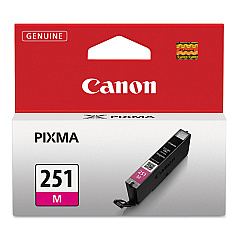
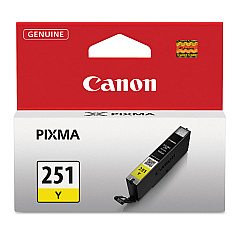
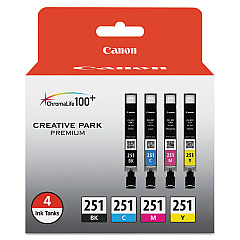
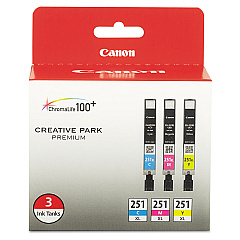
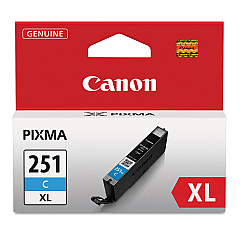
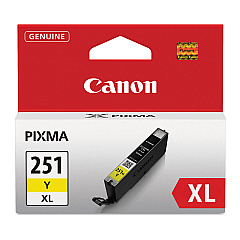
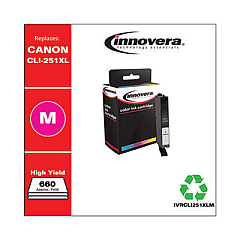
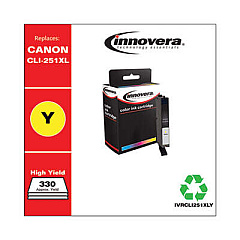
Canon PIXMA MX722 Color Ink Cartridges

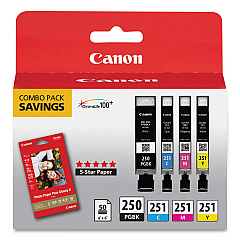
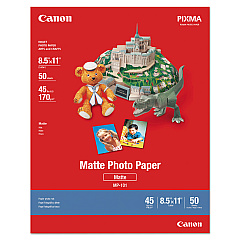
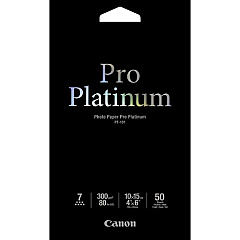
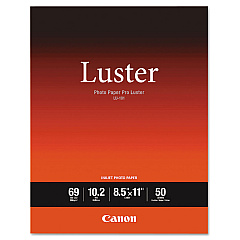
Canon PIXMA MX722 Photo Paper

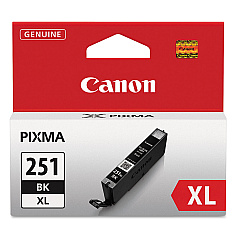
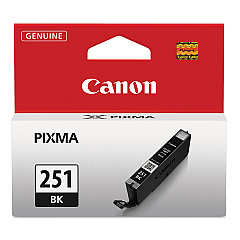
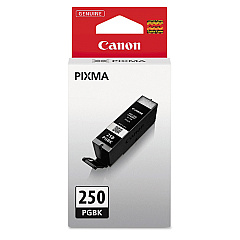
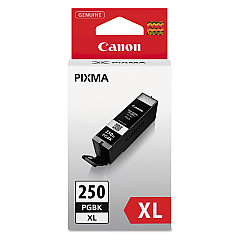
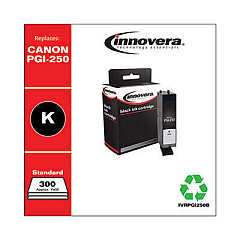
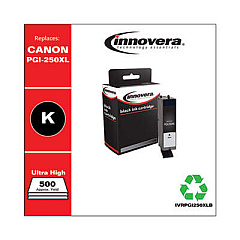
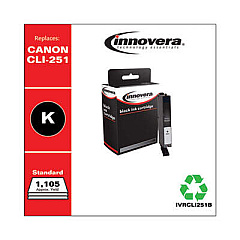
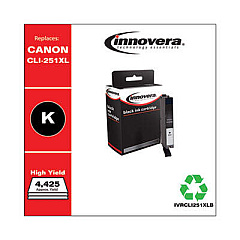
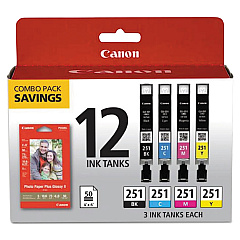
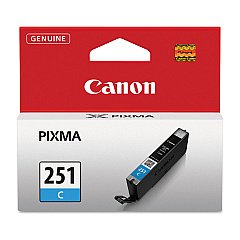
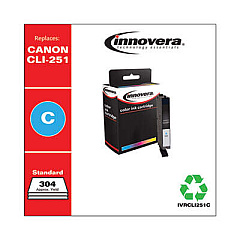
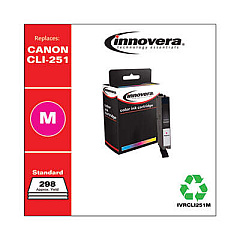
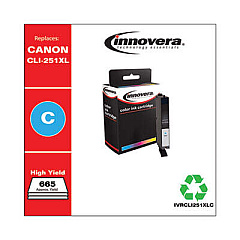
Enhance your printing experience with genuine Canon PIXMA MX722 Ink Cartridges. This versatile printer supports a wide range of ink options, including the Canon CLI-251 Color Value Pack for vibrant color prints and the PGI-250PGBK XL Pigment Black Ink Cartridge for crisp text documents. Whether you need high-yield XL cartridges for frequent printing or standard capacity tanks for occasional use, the MX722 has you covered. The printer utilizes individual ink tanks, allowing you to replace only the colors you need. From the CLI-251BK Black Ink Tank to the CLI-251Y Yellow Ink Tank, each cartridge is designed to deliver exceptional print quality and longevity. For ultimate convenience, consider combo packs like the PGI-250 CLI-251 Combo Pack, which includes multiple colors in one package. Trust in Canon's genuine inks to bring your documents and photos to life with stunning clarity and color accuracy.

Canon PIXMA MX722 Ink Cartridges FAQs

  • What is the difference between standard and XL ink cartridges?

    XL cartridges contain more ink and typically yield more pages than standard cartridges, making them more cost-effective for frequent printing.

  • Can I use non-Canon ink cartridges in my PIXMA MX722?

    While third-party cartridges may work, using genuine Canon ink cartridges ensures optimal print quality and protects your printer's warranty.

  • How do I know which ink cartridges are compatible with my Canon PIXMA MX722?

    The Canon PIXMA MX722 is compatible with PGI-250 and CLI-251 series ink cartridges, including their XL variants.

  • What's the benefit of using individual ink tanks?

    Individual ink tanks allow you to replace only the colors that run out, reducing waste and saving money compared to all-in-one cartridges.

  • How long do Canon PIXMA MX722 ink cartridges last?

    Cartridge life varies based on usage, but XL cartridges typically last longer than standard ones. Check the estimated page yield on each cartridge for more specific information.

  • Can I mix XL and standard cartridges in my printer?

    Yes, you can use a combination of XL and standard cartridges in your Canon PIXMA MX722 without any issues.

  • What's the difference between pigment and dye-based inks?

    Pigment inks (like PGI-250PGBK) are more water-resistant and ideal for text, while dye-based inks (CLI-251 series) offer vibrant colors for photos and graphics.

  • How do I install new ink cartridges in my Canon PIXMA MX722?

    Open the printer's front cover, wait for the cartridge holder to move to the replacement position, then gently push each new cartridge into its corresponding slot until it clicks.

  • Are color value packs more economical than buying individual cartridges?

    Color value packs often offer better value if you use all colors equally. However, if you use one color more than others, individual cartridges might be more cost-effective.

  • How can I extend the life of my Canon PIXMA MX722 ink cartridges?

    To extend cartridge life, print in draft mode when possible, maintain your printer regularly, and avoid leaving the printer unused for long periods.

Warehouse Locations

Policy & Agreement | Copyright © 1995-2026 BlueDogInk.com
