





Ads

Canon PIXMA MX532 Black Ink Cartridges

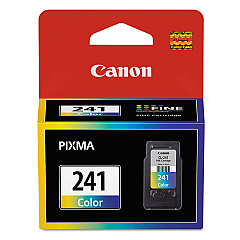
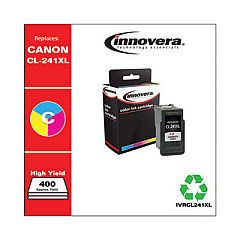
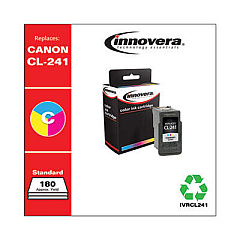
Canon PIXMA MX532 Color Ink Cartridges

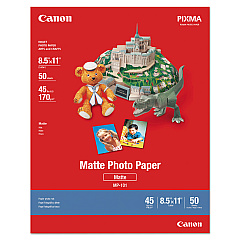
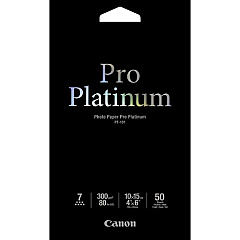
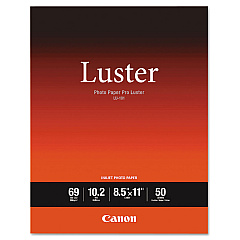
Canon PIXMA MX532 Photo Paper

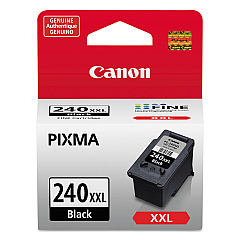
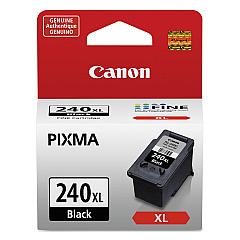
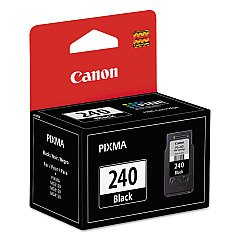
Ensure optimal performance for your Canon PIXMA MX532 with genuine Canon PIXMA MX532 Ink Cartridges. These high-quality cartridges are designed to deliver crisp text and vibrant images, meeting the diverse needs of businesses, schools, government offices, and healthcare facilities. Choose from a range of options including the standard CL-241 Color and PG-240 Black cartridges, or opt for high-yield XL and XXL versions for increased printing capacity. The Canon PIXMA MX532 Ink Cartridges are engineered to work seamlessly with your printer, providing consistent results and reducing the risk of printer damage. Whether you're printing important documents, colorful presentations, or high-quality photos, these cartridges ensure professional-grade output every time. Maximize your printer's potential and enjoy cost-effective, reliable printing with genuine Canon ink cartridges.

Canon PIXMA MX532 Ink Cartridges FAQs

  • What ink cartridges are compatible with the Canon PIXMA MX532?

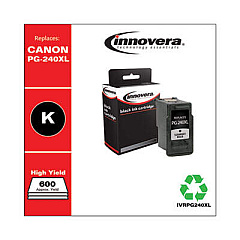
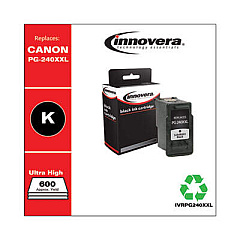
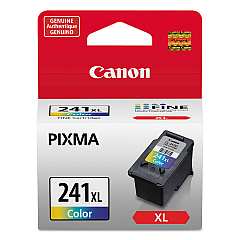
    The Canon PIXMA MX532 is compatible with CL-241 Color, CL-241XL Color, PG-240 Black, PG-240XL Black, PG-240XL CL-241XL with GP502, and PG-240XXL Black ink cartridges.

  • What's the difference between standard and XL ink cartridges?

    XL cartridges have a higher ink capacity than standard cartridges, allowing for more prints before replacement is needed.

  • Can I use non-Canon ink cartridges in my PIXMA MX532?

    While third-party cartridges may work, using genuine Canon cartridges ensures optimal print quality and reduces the risk of printer damage.

  • How do I install new ink cartridges in my Canon PIXMA MX532?

    Open the printer cover, wait for the cartridge holder to move to the center, remove the old cartridge, insert the new one until it clicks, then close the cover.

  • How long do Canon PIXMA MX532 ink cartridges last?

    Cartridge life depends on usage, but standard cartridges typically last for 180-195 pages, while XL cartridges can print 300-400 pages.

  • Can I use XL cartridges if my printer currently has standard cartridges?

    Yes, XL cartridges are designed to be compatible with printers that use standard cartridges.

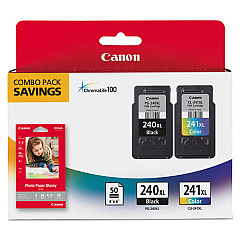
  • What's the benefit of using the PG-240XL CL-241XL with GP502 combo pack?

    This combo pack includes both black and color XL cartridges along with photo paper, offering convenience and value for users who print both documents and photos.

  • How can I check the ink levels in my Canon PIXMA MX532?

    You can check ink levels through the printer's LCD display or via the Canon printer software on your computer.

  • Are Canon PIXMA MX532 ink cartridges recyclable?

    Yes, Canon offers a cartridge recycling program. You can return your used cartridges to Canon for environmentally friendly disposal.

  • What should I do if my printer doesn't recognize a new ink cartridge?

    Try removing and reinserting the cartridge, cleaning the cartridge contacts, or running a printer head alignment. If issues persist, contact Canon support.

Warehouse Locations

Policy & Agreement | Copyright © 1995-2026 BlueDogInk.com
