





Ads

Canon PIXMA MX459 Black Ink Cartridges

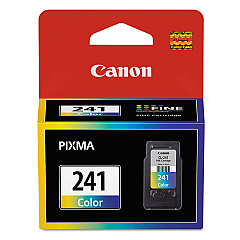
Canon PIXMA MX459 Color Ink Cartridges

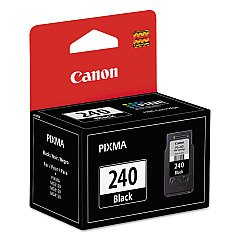
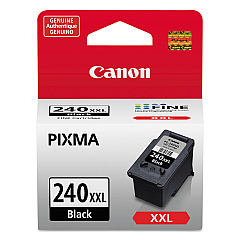
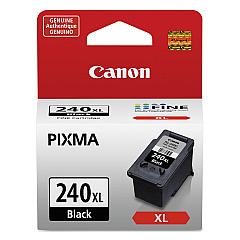
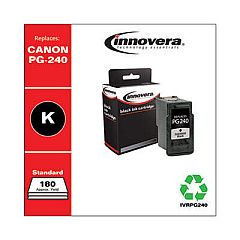
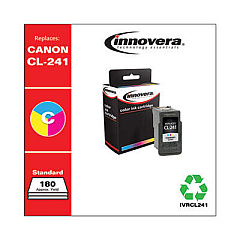
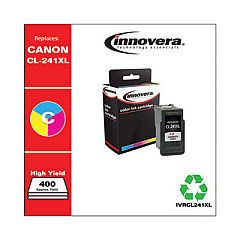
Ensure optimal performance for your Canon PIXMA MX459 with genuine Canon PIXMA MX459 Ink Cartridges. These high-quality cartridges are designed to deliver crisp text and vibrant color prints for all your home or office needs. Choose from a range of options including the standard CL-241 Color and PG-240 Black cartridges, or opt for high-yield XL and XXL versions for more prints and greater value. The Canon PIXMA MX459 is compatible with various cartridge combinations, allowing you to tailor your printing supplies to your specific requirements. Whether you're printing documents, photos, or graphics, these authentic Canon ink cartridges ensure consistent, professional-quality results every time. Don't compromise on quality – trust genuine Canon ink cartridges to keep your PIXMA MX459 performing at its best.

Canon PIXMA MX459 Ink Cartridges FAQs

  • What ink cartridges are compatible with the Canon PIXMA MX459?

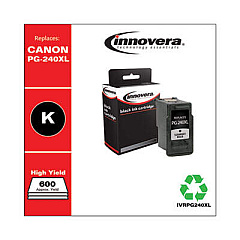
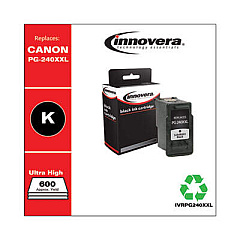
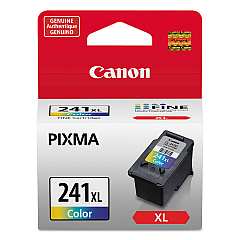
    The Canon PIXMA MX459 is compatible with CL-241 and CL-241XL color cartridges, as well as PG-240, PG-240XL, and PG-240XXL black cartridges.

  • How long do Canon PIXMA MX459 ink cartridges typically last?

    The lifespan of ink cartridges varies depending on usage, but standard cartridges typically last for 180-195 pages, while XL cartridges can print up to 300-400 pages.

  • Can I use third-party ink cartridges in my Canon PIXMA MX459?

    While third-party cartridges may work, using genuine Canon ink cartridges is recommended for optimal print quality and to avoid potential damage to your printer.

  • What's the difference between XL and XXL ink cartridges?

    XL cartridges have a higher ink capacity than standard cartridges, while XXL cartridges offer even more ink, providing the most prints per cartridge.

  • How do I install ink cartridges in my Canon PIXMA MX459?

    Open the printer's front cover, wait for the cartridge holder to move to the center, remove the old cartridge, insert the new one until it clicks, then close the cover.

  • Can I use a black ink cartridge only for printing?

    Yes, you can print using only the black ink cartridge for text documents, but you'll need both black and color cartridges installed for the printer to function properly.

  • How can I check the ink levels in my Canon PIXMA MX459?

    You can check ink levels through the printer's LCD display or by using the Canon printer software on your computer.

  • What should I do if my Canon PIXMA MX459 doesn't recognize a new ink cartridge?

    Try removing and reinserting the cartridge, cleaning the cartridge contacts, or running a printer head alignment. If issues persist, contact Canon support.

  • Are Canon PIXMA MX459 ink cartridges refillable?

    While it's possible to refill cartridges, it's not recommended as it may affect print quality and potentially damage your printer. It's best to use new, genuine Canon cartridges.

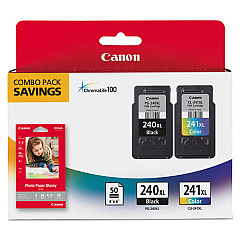
  • What's included in the Canon PG-240XL CL-241XL with GP502 package?

    This package includes high-yield PG-240XL black and CL-241XL color ink cartridges, along with 50 sheets of 4"x6" Canon photo paper (GP502).

Warehouse Locations

Policy & Agreement | Copyright © 1995-2026 BlueDogInk.com
