







Ads

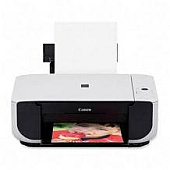
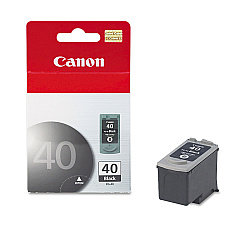
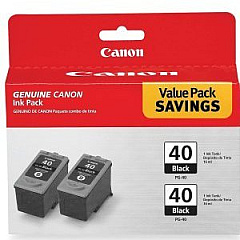
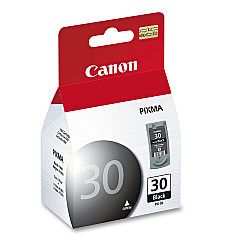
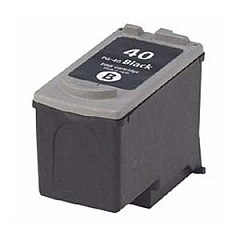
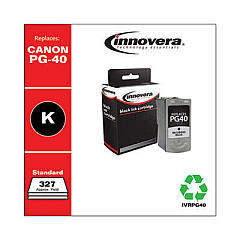
Canon PIXMA MP210 Black Ink Cartridges

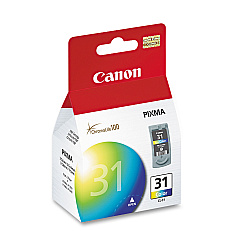
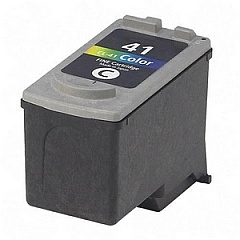
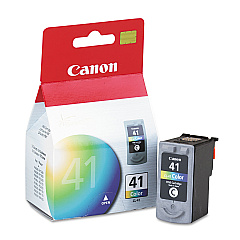
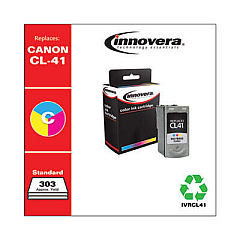
Canon PIXMA MP210 Color Ink Cartridges

Canon PIXMA MP210 Photo Paper

Ensure optimal performance from your Canon PIXMA MP210 with genuine Canon PIXMA MP210 Ink Cartridges. This versatile all-in-one printer requires high-quality ink to produce crisp text and vibrant images. Choose from a range of compatible cartridges, including the Canon CL-31 and CL-41 for vivid color prints, and the Canon PG-30 and PG-40 for sharp black text. For high-volume printing, consider the cost-effective PG-40 Black Twin Pack. The PG-40 CL-41 with GP502 combo offers a complete solution for all your printing needs. These authentic Canon cartridges ensure consistent, professional-quality results for your home or office projects. Don't compromise on quality – trust genuine Canon ink cartridges to bring your documents and photos to life with exceptional clarity and color accuracy.

Canon PIXMA MP210 Ink Cartridges FAQs

  • What ink cartridges are compatible with the Canon PIXMA MP210?

    The Canon PIXMA MP210 is compatible with CL-31 and CL-41 color cartridges, and PG-30 and PG-40 black cartridges.

  • Can I use third-party ink cartridges in my Canon PIXMA MP210?

    While third-party cartridges may work, using genuine Canon cartridges ensures the best print quality and prevents potential damage to your printer.

  • How long do Canon PIXMA MP210 ink cartridges typically last?

    Cartridge life varies depending on usage, but on average, a standard cartridge can print 200-300 pages.

  • Is there a difference between PG-30 and PG-40 black cartridges?

    Yes, the PG-40 has a higher page yield compared to the PG-30, making it more suitable for frequent printing.

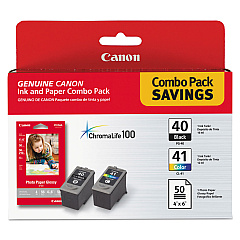
  • Can I use the PG-40 CL-41 with GP502 combo in my Canon PIXMA MP210?

    Yes, this combo pack is compatible with the Canon PIXMA MP210 and includes both black and color cartridges.

  • How do I install new ink cartridges in my Canon PIXMA MP210?

    Open the printer cover, wait for the cartridge holder to move to the center, remove the old cartridge, insert the new one until it clicks, and close the cover.

  • What should I do if my Canon PIXMA MP210 doesn't recognize a new cartridge?

    Try removing and reinserting the cartridge, cleaning the cartridge contacts, or running a printer head alignment.

  • Are Canon PIXMA MP210 ink cartridges refillable?

    While it's possible to refill cartridges, Canon doesn't recommend this as it may affect print quality and potentially damage the printer.

  • How can I extend the life of my Canon PIXMA MP210 ink cartridges?

    Print in draft mode for non-essential documents, maintain your printer regularly, and avoid leaving the printer unused for long periods.

  • Does the Canon PIXMA MP210 use separate ink tanks for each color?

    No, the Canon PIXMA MP210 uses a tri-color cartridge (CL-31 or CL-41) that contains cyan, magenta, and yellow inks in one unit.

Warehouse Locations

Policy & Agreement | Copyright © 1995-2026 BlueDogInk.com
