





Ads

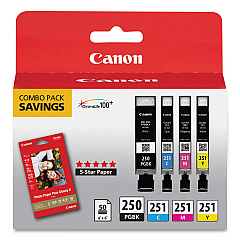
Canon PIXMA MG5522 Black Ink Cartridges

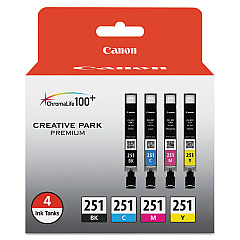
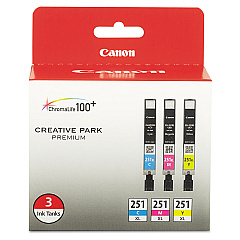
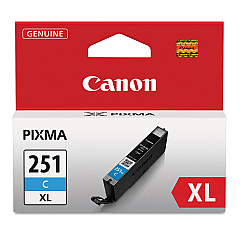
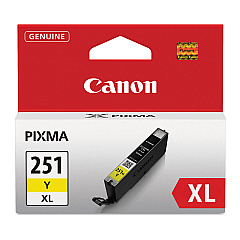
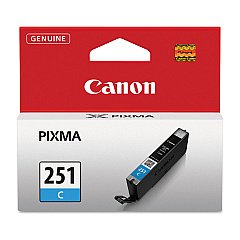
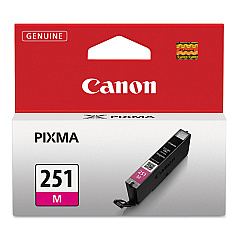
Canon PIXMA MG5522 Color Ink Cartridges

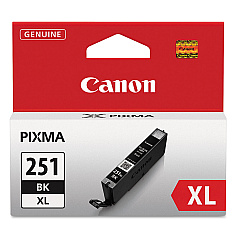
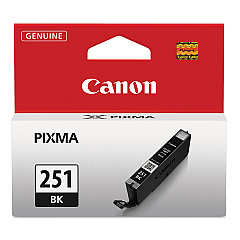
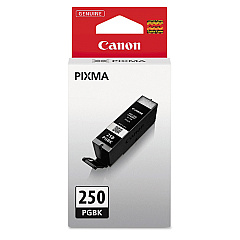
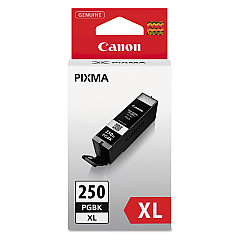
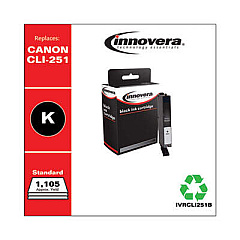
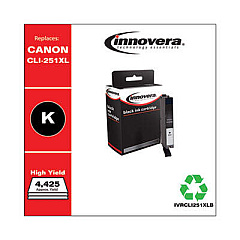
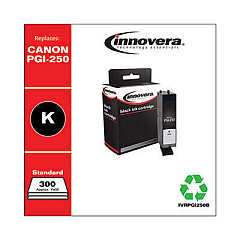
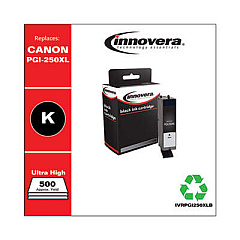
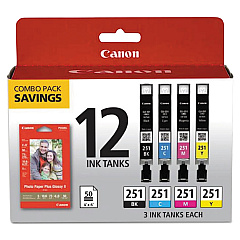
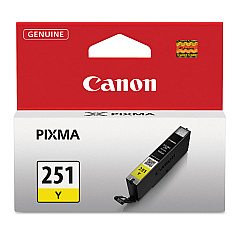
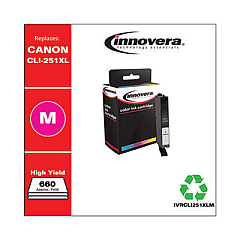
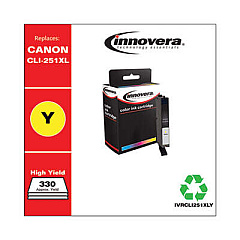
Enhance your printing experience with genuine Canon PIXMA MG5522 Ink Cartridges. This versatile printer utilizes a range of high-quality ink options, including the Canon CLI-251 Color Value Pack and Combo Pack for vibrant, long-lasting prints. Choose from individual color cartridges like CLI-251BK Black, CLI-251C Cyan, CLI-251M Magenta, and CLI-251Y Yellow, available in standard and high-yield XL versions. For text-heavy documents, the PGI-250PGBK Pigment Black Ink Tank ensures crisp, professional results. Maximize efficiency with the PGI-250 CLI-251 Combo Pack or the PGI-250PGBK XL Twin Pack for extended printing capacity. Whether you're a home user or small business owner, these genuine Canon ink cartridges deliver exceptional print quality and reliability for all your printing needs.

Canon PIXMA MG5522 Ink Cartridges FAQs

  • What is the difference between standard and XL ink cartridges?

    XL cartridges contain more ink and offer a higher page yield, making them more cost-effective for frequent printing.

  • Are these ink cartridges compatible with other Canon printers?

    These cartridges are specifically designed for the Canon PIXMA MG5522 and may not be compatible with other models. Always check your printer's compatibility before purchasing.

  • How long do these ink cartridges typically last?

    The lifespan of ink cartridges varies depending on usage and print settings. On average, standard cartridges last for about 300 pages, while XL cartridges can print up to 500 pages.

  • Can I use third-party ink cartridges in my Canon PIXMA MG5522?

    While third-party cartridges may work, using genuine Canon ink cartridges ensures optimal print quality and prevents potential damage to your printer.

  • What's the benefit of purchasing a combo pack?

    Combo packs offer a cost-effective solution by bundling multiple cartridges together, often at a discounted price compared to buying them individually.

  • How should I store unused ink cartridges?

    Store unused cartridges in a cool, dry place away from direct sunlight. Keep them in their original packaging until ready for use to prevent drying out.

  • What's the shelf life of these ink cartridges?

    Unopened ink cartridges typically have a shelf life of 1-2 years from the date of manufacture when stored properly.

  • Can I recycle empty ink cartridges?

    Yes, Canon offers a recycling program for empty ink cartridges. Check their website or local office supply stores for recycling options.

  • What should I do if my printer doesn't recognize a new cartridge?

    Try removing and reinserting the cartridge, cleaning the contacts, or running a printer head alignment. If issues persist, contact Canon support.

  • Is it necessary to replace all colors at once?

    No, you can replace individual color cartridges as needed. The printer will indicate which specific colors are low or empty.

Warehouse Locations

Policy & Agreement | Copyright © 1995-2026 BlueDogInk.com
