




Ads

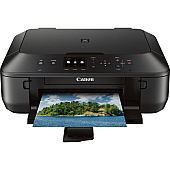
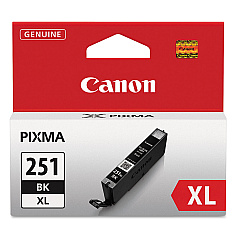
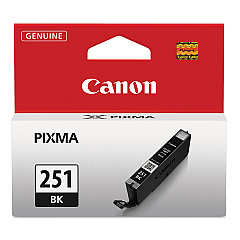
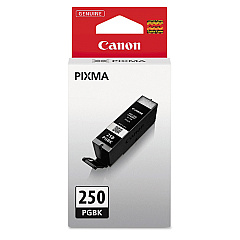
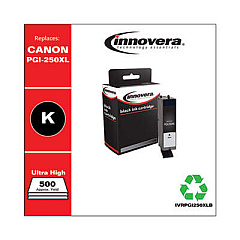
Canon PIXMA MG5520 Black Ink Cartridges

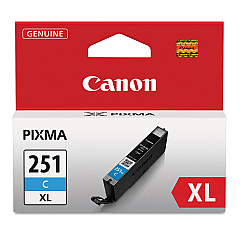
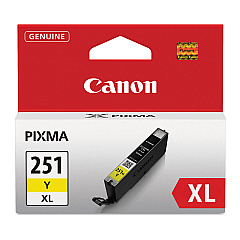
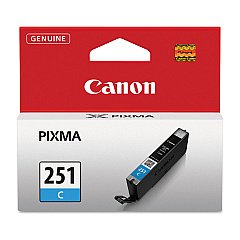
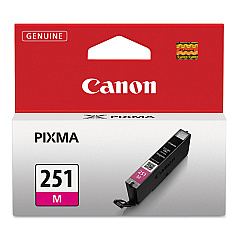
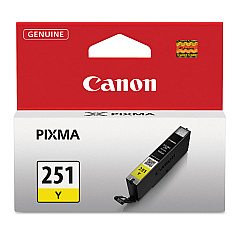
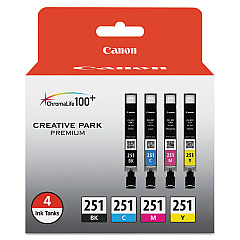
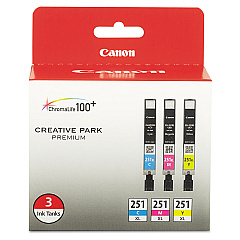
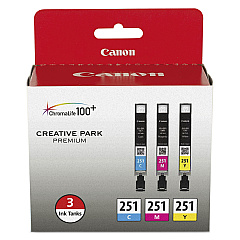
Canon PIXMA MG5520 Color Ink Cartridges

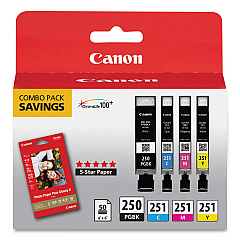
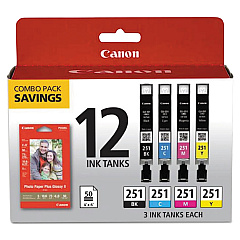
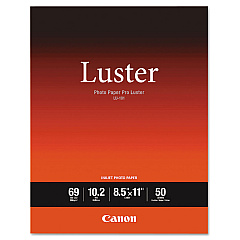
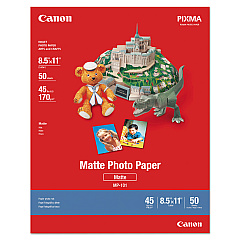
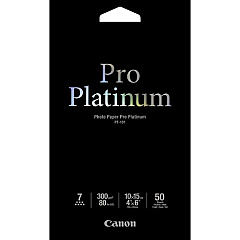
Canon PIXMA MG5520 Photo Paper

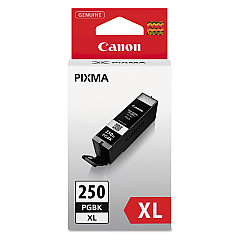
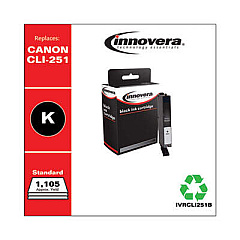
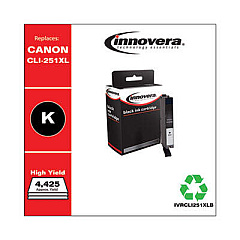
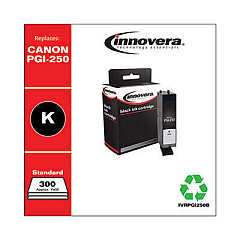
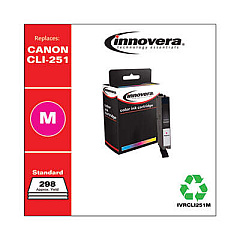
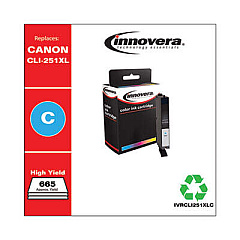
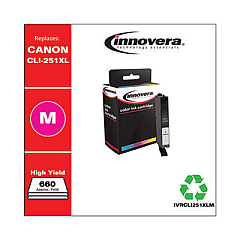
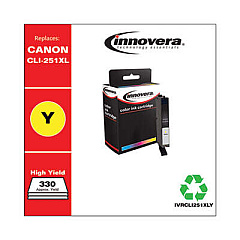
Enhance your printing experience with genuine Canon PIXMA MG5520 Ink Cartridges. This versatile printer utilizes a range of high-quality ink options, including the Canon CLI-251 Color Value Pack and Combo Pack for vibrant, long-lasting prints. Choose from individual color cartridges like CLI-251BK Black, CLI-251C Cyan, CLI-251M Magenta, and CLI-251Y Yellow, available in standard and high-yield XL versions. For crisp text and documents, the PGI-250PGBK Pigment Black Ink Tank delivers exceptional results. Maximize efficiency with the PGI-250 CLI-251 Combo Pack or the PGI-250PGBK XL Twin Pack for extended printing capacity. Whether you're printing photos, reports, or everyday documents, these genuine Canon ink cartridges ensure optimal performance and stunning output for your Canon PIXMA MG5520 printer.

Canon PIXMA MG5520 Ink Cartridges FAQs

  • What is the difference between standard and XL ink cartridges?

    XL cartridges contain more ink and offer a higher page yield, making them more cost-effective for frequent printing.

  • Are these ink cartridges compatible with other Canon printers?

    While they are designed for the Canon PIXMA MG5520, they may be compatible with other Canon models. Check your printer's manual for compatibility.

  • How long do these ink cartridges typically last?

    The lifespan of ink cartridges varies depending on usage, but standard cartridges generally last for 300-400 pages, while XL cartridges can print up to 700 pages.

  • Can I use third-party ink cartridges in my Canon PIXMA MG5520?

    While third-party cartridges may work, using genuine Canon ink cartridges ensures optimal print quality and prevents potential damage to your printer.

  • What's the shelf life of unopened ink cartridges?

    Unopened ink cartridges typically have a shelf life of 1-2 years when stored properly in a cool, dry place.

  • How do I know when it's time to replace an ink cartridge?

    Your printer will display a low ink warning when a cartridge needs replacement. You may also notice a decrease in print quality.

  • Can I replace individual color cartridges, or do I need to replace them all at once?

    You can replace individual color cartridges as needed, which helps reduce waste and save money.

  • What's the difference between pigment and dye-based inks?

    Pigment inks (like PGI-250PGBK) are more water-resistant and ideal for text, while dye-based inks (CLI-251 series) offer vibrant colors for photos and graphics.

  • How do I properly store unused ink cartridges?

    Store unused cartridges in their original packaging, away from direct sunlight and extreme temperatures, to maintain their quality.

  • Are these ink cartridges environmentally friendly?

    Canon offers a recycling program for used ink cartridges, promoting environmental sustainability. Check Canon's website for details on how to participate.

Warehouse Locations

Policy & Agreement | Copyright © 1995-2026 BlueDogInk.com
