





Ads

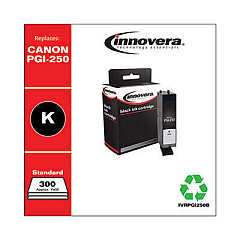
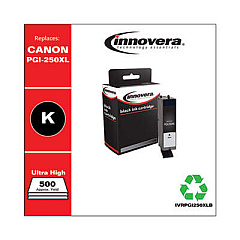
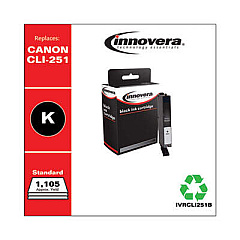
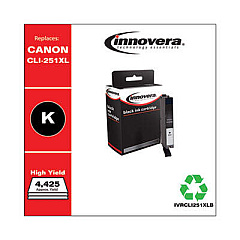
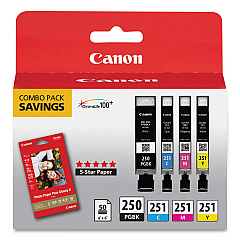
Canon PIXMA MG5422 Black Ink Cartridges

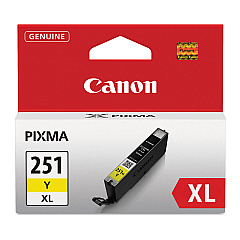
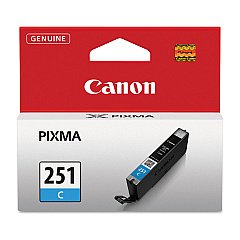
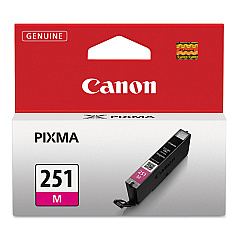
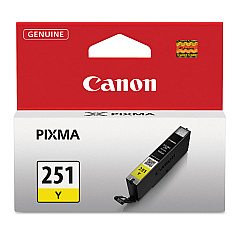
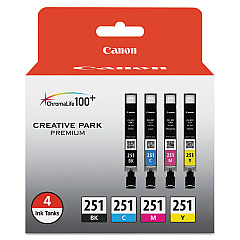
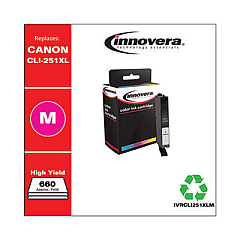
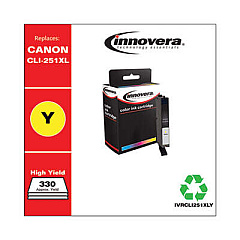
Canon PIXMA MG5422 Color Ink Cartridges

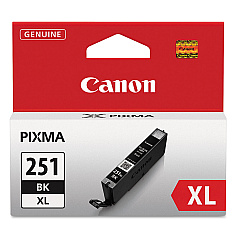
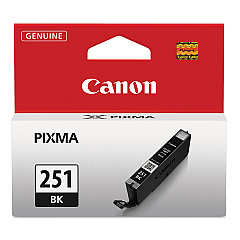
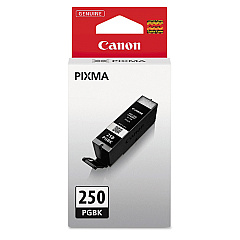
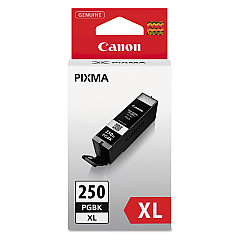
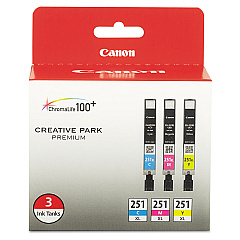
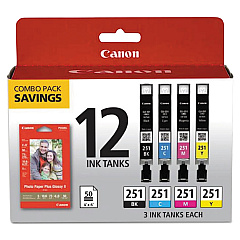
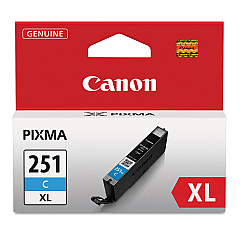
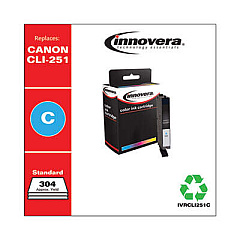
Enhance your printing experience with genuine Canon PIXMA MG5422 Ink Cartridges. These high-quality cartridges ensure vibrant, long-lasting prints for all your documents and photos. Choose from a variety of options, including the Canon CLI-251 Color Value Pack for cost-effective color printing, or individual tanks like the CLI-251BK Black and PGI-250PGBK Pigment Black for sharp text. For high-volume printing, opt for XL cartridges such as the CLI-251C XL Cyan or PGI-250PGBK XL Pigment Black. Combo packs offer convenience and savings. Whether you need replacement inks for everyday printing or professional-quality photo output, these genuine Canon cartridges deliver exceptional results. Trust in the reliability and performance of Canon PIXMA MG5422 Ink Cartridges to bring your ideas to life with stunning clarity and color accuracy.

Canon PIXMA MG5422 Ink Cartridges FAQs

  • What is the difference between CLI and PGI ink cartridges?

    CLI cartridges contain dye-based ink for vibrant colors, while PGI cartridges contain pigment-based ink for sharp, crisp text.

  • How long do Canon PIXMA MG5422 ink cartridges typically last?

    The lifespan of ink cartridges varies depending on usage, but on average, they can last for 200-300 pages for standard cartridges and 500-700 pages for XL cartridges.

  • Can I use non-Canon ink cartridges in my PIXMA MG5422 printer?

    While third-party cartridges may work, using genuine Canon ink cartridges ensures optimal print quality and prevents potential damage to your printer.

  • What's the difference between standard and XL ink cartridges?

    XL cartridges contain more ink than standard cartridges, allowing for more prints before replacement and offering better value for high-volume printing.

  • How do I know when it's time to replace my ink cartridges?

    Your printer will display a low ink warning when cartridges are running low. You can also check ink levels through the printer software on your computer.

  • Are Canon PIXMA MG5422 ink cartridges recyclable?

    Yes, Canon offers a recycling program for used ink cartridges. You can return them to Canon or participating retailers for proper recycling.

  • Can I replace individual color cartridges, or do I need to replace all colors at once?

    You can replace individual color cartridges as needed. The Canon PIXMA MG5422 uses separate cartridges for each color.

  • What's the shelf life of unopened Canon ink cartridges?

    Unopened Canon ink cartridges typically have a shelf life of 1-2 years from the date of manufacture when stored properly.

  • How do I install new ink cartridges in my Canon PIXMA MG5422 printer?

    Open the printer cover, wait for the cartridge holder to move to the center, remove the old cartridge, insert the new one until it clicks, and close the cover. The printer will recognize the new cartridge automatically.

  • Are Canon PIXMA MG5422 ink cartridges compatible with other Canon printer models?

    While some cartridges may be compatible with other models, it's best to check your printer's manual or Canon's website for specific compatibility information.

Warehouse Locations

Policy & Agreement | Copyright © 1995-2026 BlueDogInk.com
