





Ads

Canon PIXMA MG4120 Black Ink Cartridges

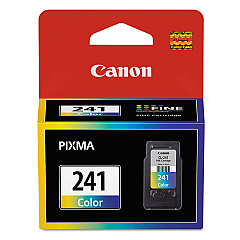
Canon PIXMA MG4120 Color Ink Cartridges

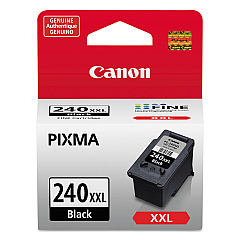
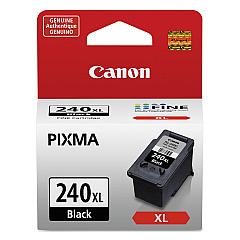
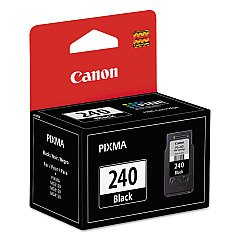
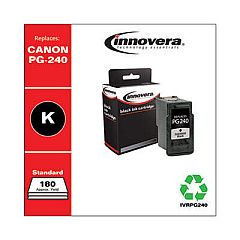
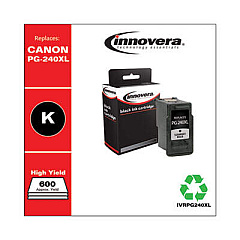
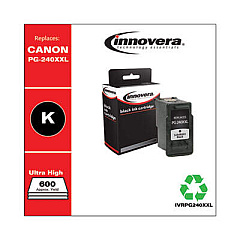
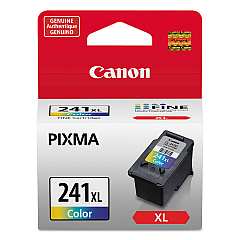
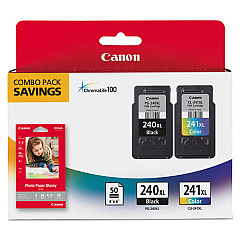
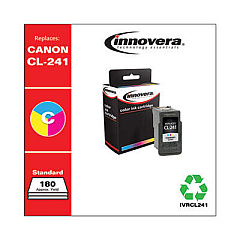
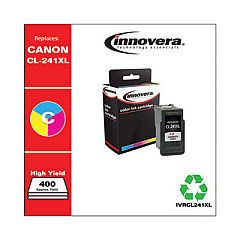
Enhance your printing experience with genuine Canon PIXMA MG4120 Ink Cartridges. These high-quality cartridges are designed to deliver exceptional results for your home or office printing needs. Choose from a range of options, including the standard Canon CL-241 Color and PG-240 Black cartridges, or opt for the high-yield XL versions for more prints and better value. For those seeking maximum efficiency, the Canon PG-240XXL Black Ink Cartridge offers extended print capacity. The Canon PG-240XL CL-241XL with GP502 combo pack provides a complete solution for all your printing requirements. Whether you're printing documents, photos, or graphics, these cartridges ensure crisp text, vibrant colors, and long-lasting prints. Trust in Canon's superior ink technology to bring your ideas to life with the Canon PIXMA MG4120 Ink Cartridges.

Canon PIXMA MG4120 Ink Cartridges FAQs

  • How many ink cartridges does the Canon PIXMA MG4120 use?

    The Canon PIXMA MG4120 uses two ink cartridges: one black (PG-240) and one tri-color (CL-241).

  • What's the difference between standard and XL ink cartridges?

    XL cartridges have a higher ink capacity, allowing for more prints before replacement, making them more cost-effective for frequent printing.

  • Can I use non-Canon ink cartridges in my PIXMA MG4120?

    While third-party cartridges may work, using genuine Canon ink cartridges ensures optimal print quality and printer performance.

  • How do I install new ink cartridges in my Canon PIXMA MG4120?

    Open the printer cover, wait for the cartridge holder to move to the center, remove the old cartridge, insert the new one until it clicks, and close the cover.

  • What's the page yield for the Canon PG-240 and CL-241 cartridges?

    The standard PG-240 yields approximately 180 pages, while the CL-241 yields about 180 pages. XL versions offer higher yields.

  • Can I use XL cartridges if I previously used standard ones?

    Yes, XL cartridges are compatible with the Canon PIXMA MG4120 and can be used interchangeably with standard cartridges.

  • How can I check the ink levels in my Canon PIXMA MG4120?

    You can check ink levels through the printer's LCD screen or by using the Canon printer software on your computer.

  • What should I do if my printer doesn't recognize a new ink cartridge?

    Try removing and reinserting the cartridge, cleaning the cartridge contacts, or running a printer head alignment.

  • Are Canon PIXMA MG4120 ink cartridges recyclable?

    Yes, Canon offers a cartridge recycling program. You can return your used cartridges to Canon for environmentally friendly disposal.

  • How long do unopened ink cartridges last?

    Unopened ink cartridges typically last up to two years if stored properly in a cool, dry place away from direct sunlight.

Warehouse Locations

Policy & Agreement | Copyright © 1995-2026 BlueDogInk.com
