





Ads

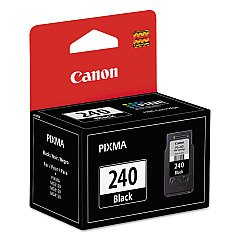
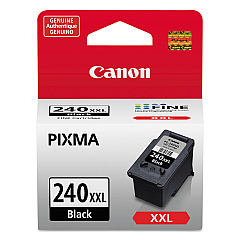
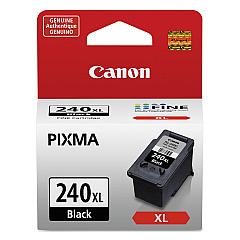
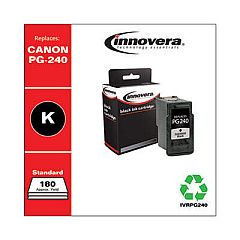
Canon PIXMA MG3120 Black Ink Cartridges

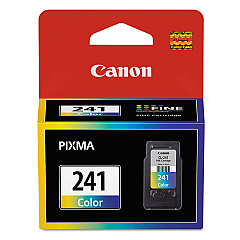
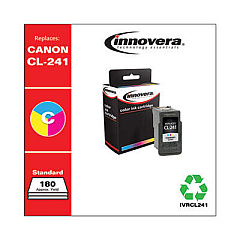
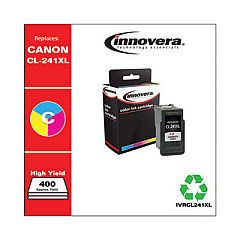
Canon PIXMA MG3120 Color Ink Cartridges

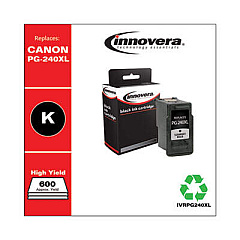
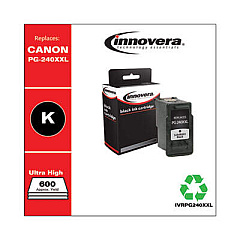
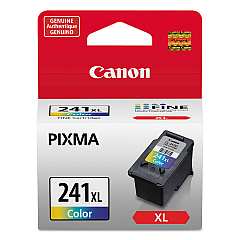
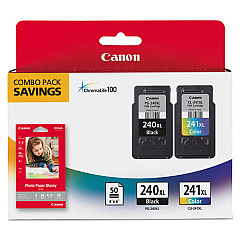
Ensure optimal print quality with genuine Canon PIXMA MG3120 Ink Cartridges. These high-performance cartridges are designed specifically for your Canon PIXMA MG3120 printer, delivering crisp text and vibrant images. Choose from a range of options, including the standard Canon CL-241 Color and PG-240 Black cartridges for everyday printing, or opt for high-yield XL and XXL versions for increased page output and cost savings. The Canon PG-240XL CL-241XL with GP502 combo pack offers added value for frequent users. Whether you're printing documents, photos, or graphics, these authentic Canon ink cartridges provide reliable performance and superior results. Don't compromise on quality – trust Canon PIXMA MG3120 Ink Cartridges for all your printing needs.

Canon PIXMA MG3120 Ink Cartridges FAQs

  • How long do Canon PIXMA MG3120 ink cartridges typically last?

    The lifespan of ink cartridges varies depending on usage, but standard cartridges typically last for 180-200 pages, while XL cartridges can print up to 300-400 pages.

  • Can I use third-party ink cartridges in my Canon PIXMA MG3120?

    While third-party cartridges may work, Canon recommends using genuine Canon ink cartridges for optimal print quality and to avoid potential damage to your printer.

  • What's the difference between XL and XXL ink cartridges?

    XL cartridges have a higher ink capacity than standard cartridges, while XXL cartridges offer even greater capacity, allowing for more prints before replacement.

  • How do I install new ink cartridges in my Canon PIXMA MG3120?

    Open the printer cover, wait for the cartridge holder to move to the center, remove the old cartridge, insert the new one until it clicks, and close the cover.

  • Are Canon PIXMA MG3120 ink cartridges refillable?

    Canon does not recommend refilling cartridges as it may affect print quality and potentially damage the printer. It's best to use new, genuine Canon cartridges.

  • How can I check the ink levels in my Canon PIXMA MG3120?

    You can check ink levels through the printer's LCD display or by using the Canon printer software on your computer.

  • What should I do if my printer doesn't recognize a new ink cartridge?

    Try removing and reinserting the cartridge, ensuring it's properly seated. If the issue persists, clean the cartridge contacts and try again.

  • Can I use a color cartridge if I'm only printing in black and white?

    The Canon PIXMA MG3120 requires both black and color cartridges to be installed and functioning, even when printing in black and white.

  • How should I store unused ink cartridges?

    Store cartridges in their original packaging, at room temperature, and away from direct sunlight. Use them before the expiration date for best results.

  • Is it necessary to replace all ink cartridges at the same time?

    No, you only need to replace the cartridge that has run out of ink. However, it's a good idea to have spare cartridges on hand for all colors.

Warehouse Locations

Policy & Agreement | Copyright © 1995-2026 BlueDogInk.com
