





Ads

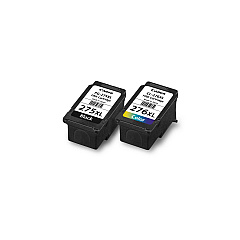
Canon PIXMA MG3020 Black Ink Cartridges

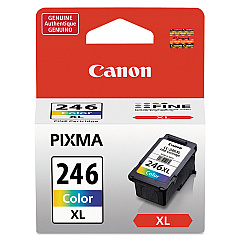
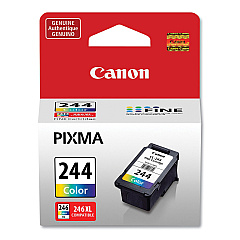
Canon PIXMA MG3020 Color Ink Cartridges

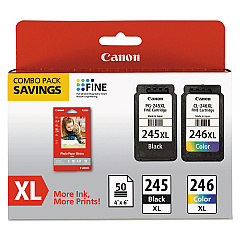
Canon PIXMA MG3020 Ink Set

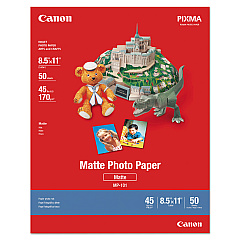
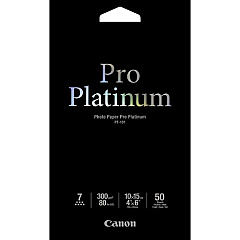
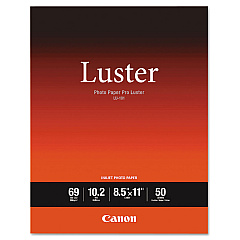
Canon PIXMA MG3020 Photo Paper

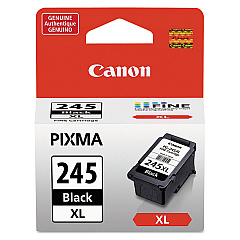
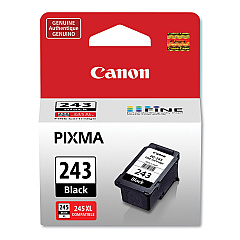
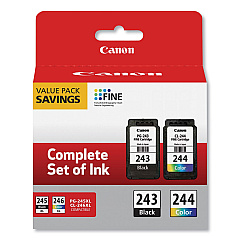
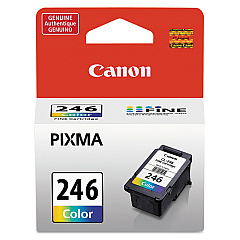
Enhance your printing experience with genuine Canon PIXMA MG3020 Ink Cartridges. This versatile all-in-one printer demands high-quality ink for optimal performance. Choose from a range of cartridges including the Canon CL-244 and CL-246 for vibrant color prints, or the PG-243 and PG-245 for crisp black text. For high-volume printing, opt for XL versions like the CL-246XL or PG-245XL, offering extended page yields. Value packs such as the PG-243 CL-244 combo or PG-245 CL-246 XL pack provide cost-effective solutions for both home and office use. Whether you're printing documents, photos, or graphics, these authentic Canon cartridges ensure consistent, professional-quality results. Keep your Canon PIXMA MG3020 running smoothly and efficiently with these reliable ink supplies, designed specifically for optimal compatibility and performance.

Canon PIXMA MG3020 Ink Cartridges FAQs

  • What ink cartridges are compatible with the Canon PIXMA MG3020?

    The Canon PIXMA MG3020 is compatible with CL-244, CL-246, CL-246XL for color, and PG-243, PG-245, PG-245XL for black ink cartridges.

  • Can I use third-party ink cartridges in my Canon PIXMA MG3020?

    While third-party cartridges may work, using genuine Canon ink cartridges is recommended for optimal print quality and to maintain your printer's warranty.

  • What's the difference between standard and XL ink cartridges?

    XL cartridges contain more ink and offer a higher page yield, making them more cost-effective for frequent printing.

  • How often should I replace the ink cartridges in my Canon PIXMA MG3020?

    Replace cartridges when print quality diminishes or when the printer indicates low ink levels. This varies based on usage.

  • Are value packs more economical than buying individual cartridges?

    Yes, value packs like the PG-245 CL-246 XL Combo Pack often offer better value for users who print both color and black frequently.

  • How do I install new ink cartridges in my Canon PIXMA MG3020?

    Open the printer cover, wait for the cartridge holder to move to the center, remove the old cartridge, insert the new one until it clicks, then close the cover.

  • Can I use a color cartridge if I'm only printing in black and white?

    While it's possible, it's not recommended. Using only the black cartridge for monochrome printing is more efficient and cost-effective.

  • How long do unopened ink cartridges last?

    Unopened Canon ink cartridges typically last up to two years from the date of manufacture when stored properly.

  • What should I do if my printer doesn't recognize a new cartridge?

    Try removing and reinserting the cartridge, cleaning the cartridge contacts, or running a printer head cleaning cycle. If issues persist, contact Canon support.

  • Can I refill my Canon PIXMA MG3020 ink cartridges?

    While it's possible to refill cartridges, it's not recommended as it may affect print quality and potentially damage your printer or void its warranty.

Warehouse Locations

Policy & Agreement | Copyright © 1995-2026 BlueDogInk.com
