




Ads

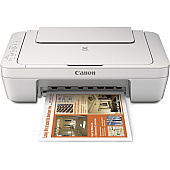
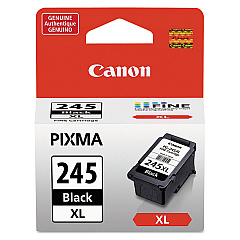
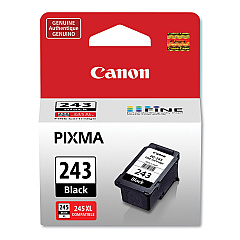
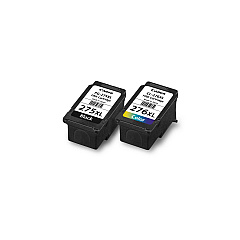
Canon PIXMA MG2924 Black Ink Cartridges

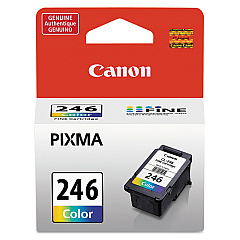
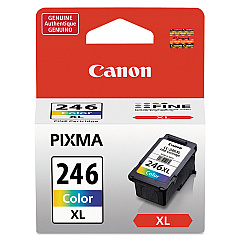
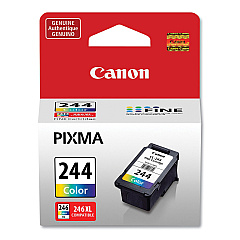
Canon PIXMA MG2924 Color Ink Cartridges

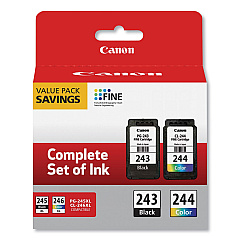
Canon PIXMA MG2924 Ink Set

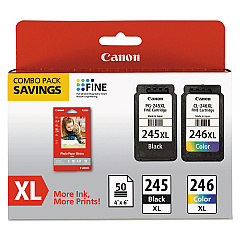
Canon PIXMA MG2924 Photo Paper

Ensure optimal print quality with genuine Canon PIXMA MG2924 Ink Cartridges. This versatile printer supports a range of cartridges, including the standard CL-244 and CL-246 color options, as well as their high-yield XL counterparts. For crisp black text, choose from PG-243, PG-245, or the high-capacity PG-245XL. Value packs offer cost-effective solutions for frequent printing needs. Whether you're printing documents or photos, these cartridges deliver vibrant colors and sharp details. Compatible with various Canon printers, these ink cartridges are designed to work seamlessly with your PIXMA MG2924, ensuring consistent performance and longevity. Invest in authentic Canon ink to maintain your printer's warranty and achieve professional-quality results every time. Stock up on Canon PIXMA MG2924 Ink Cartridges to keep your printing tasks running smoothly.

Canon PIXMA MG2924 Ink Cartridges FAQs

  • What ink cartridges are compatible with the Canon PIXMA MG2924?

    The Canon PIXMA MG2924 is compatible with CL-244, CL-246, CL-246XL for color, and PG-243, PG-245, PG-245XL for black ink.

  • How long do Canon PIXMA MG2924 ink cartridges typically last?

    The lifespan of ink cartridges varies depending on usage, but standard cartridges usually last for 180-200 pages, while XL cartridges can print up to 300 pages.

  • Can I use third-party ink cartridges in my Canon PIXMA MG2924?

    While third-party cartridges may work, using genuine Canon ink cartridges is recommended to ensure optimal print quality and to maintain your printer's warranty.

  • What's the difference between standard and XL ink cartridges?

    XL cartridges contain more ink and can print more pages than standard cartridges, making them more cost-effective for frequent printing.

  • How do I install new ink cartridges in my Canon PIXMA MG2924?

    Open the printer cover, wait for the cartridge holder to move to the center, remove the old cartridge, insert the new one until it clicks, then close the cover.

  • Can I buy Canon PIXMA MG2924 ink cartridges in bulk?

    Yes, value packs and combo packs are available, offering multiple cartridges at a discounted price compared to buying them individually.

  • How can I tell when my ink cartridges need replacing?

    Your printer will display a low ink warning on its screen or through your computer. You may also notice a decrease in print quality.

  • Are Canon PIXMA MG2924 ink cartridges recyclable?

    Yes, Canon offers a cartridge recycling program. You can return your used cartridges to Canon or participating retailers for proper recycling.

  • Can I use color ink cartridges to print in black and white?

    While it's possible, it's not recommended as it's less efficient and may result in a grayish tone. For best results, use black ink cartridges for black and white printing.

  • How should I store unused Canon PIXMA MG2924 ink cartridges?

    Store cartridges in a cool, dry place at room temperature. Keep them in their original packaging until ready for use to prevent the ink from drying out.

Warehouse Locations

Policy & Agreement | Copyright © 1995-2026 BlueDogInk.com
