





Ads

Canon PIXMA MG2140 Black Ink Cartridges

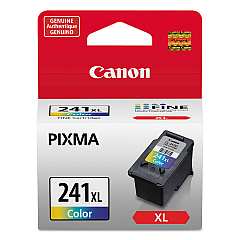
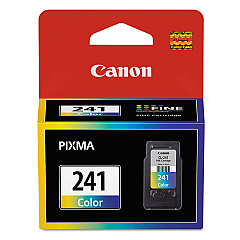
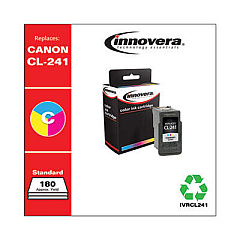
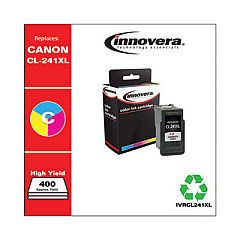
Canon PIXMA MG2140 Color Ink Cartridges

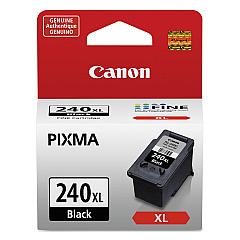
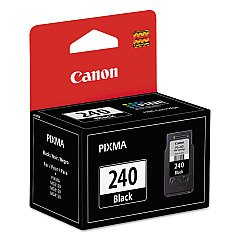
Ensure optimal performance for your Canon PIXMA MG2140 with genuine Canon PIXMA MG2140 Ink Cartridges. These high-quality cartridges are designed to deliver crisp text and vibrant images, making them ideal for both home and office use. Choose from standard capacity options like the Canon CL-241 Color Ink Cartridge and Canon PG-240 Black Ink Cartridge, or opt for high-yield alternatives such as the Canon CL-241XL Color Ink Cartridge and Canon PG-240XL Black Ink Cartridge for more prints and greater value. These cartridges are engineered to work seamlessly with your MG2140 printer, ensuring consistent, professional-quality results every time. Whether you're printing documents, photos, or graphics, these reliable ink cartridges will help you achieve the best possible output while maintaining the longevity of your printer. Stock up on genuine Canon ink cartridges to keep your PIXMA MG2140 running smoothly and efficiently.

Canon PIXMA MG2140 Ink Cartridges FAQs

  • What ink cartridges are compatible with the Canon PIXMA MG2140?

    The Canon PIXMA MG2140 is compatible with Canon CL-241 Color, CL-241XL Color, PG-240 Black, and PG-240XL Black ink cartridges.

  • What's the difference between standard and XL ink cartridges?

    XL cartridges have a higher ink capacity, allowing for more prints before replacement, while standard cartridges have a lower capacity but are typically less expensive upfront.

  • How many pages can I print with each cartridge?

    Page yield varies depending on the specific cartridge and printing habits. XL cartridges generally offer about 2-3 times more prints than standard cartridges.

  • Can I use third-party ink cartridges in my Canon PIXMA MG2140?

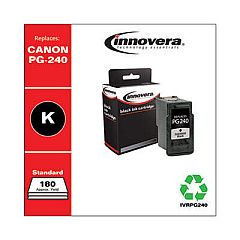
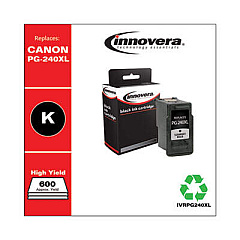
    While third-party cartridges may work, using genuine Canon ink cartridges is recommended for optimal print quality and to maintain your printer's warranty.

  • How do I install new ink cartridges in my Canon PIXMA MG2140?

    Open the printer cover, wait for the cartridge holder to move to the center, remove the old cartridge, insert the new one until it clicks, and close the cover.

  • How long do unopened ink cartridges last?

    Unopened ink cartridges typically last up to two years if stored properly in a cool, dry place away from direct sunlight.

  • Can I use color ink cartridges to print in black and white?

    While possible, it's not recommended as it's less efficient and may result in a grayish output. It's best to use black ink for monochrome printing.

  • How can I tell if my ink cartridge is running low?

    Your printer software will typically alert you when ink levels are low. You may also notice a decrease in print quality or faded output.

  • Are these ink cartridges recyclable?

    Yes, Canon offers a recycling program for used ink cartridges. Check their website for details on how to participate.

  • Can I refill these ink cartridges myself?

    While it's possible to refill cartridges, it's not recommended as it may void your printer's warranty and could potentially damage your printer or affect print quality.

Warehouse Locations

Policy & Agreement | Copyright © 1995-2026 BlueDogInk.com
