





Ads

Canon PIXMA iP7220 Black Ink Cartridges

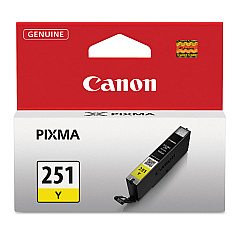
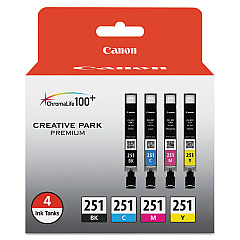
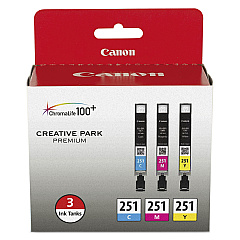
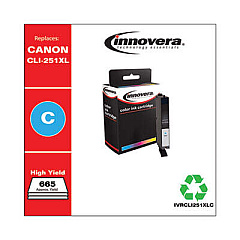
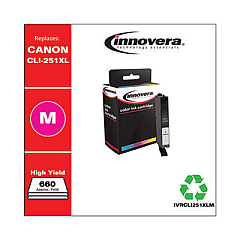
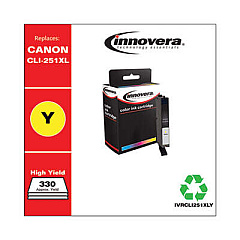
Canon PIXMA iP7220 Color Ink Cartridges

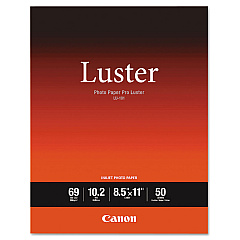
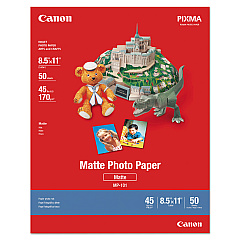
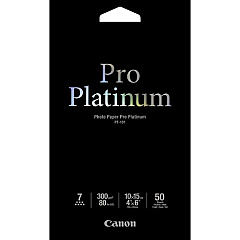
Canon PIXMA iP7220 Photo Paper

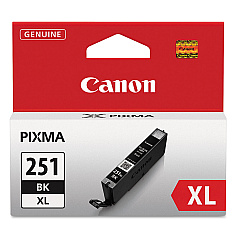
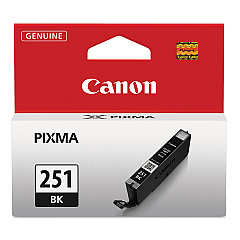
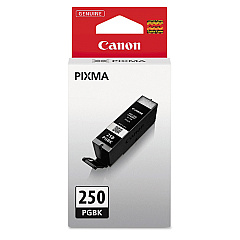
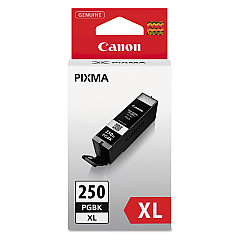
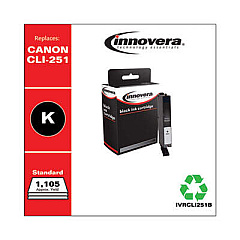
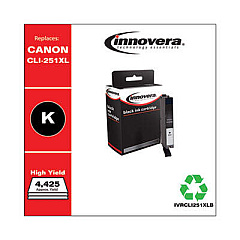
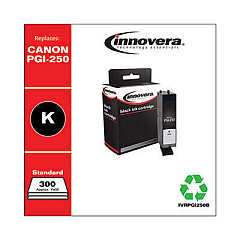
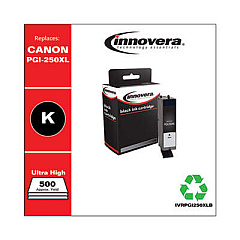
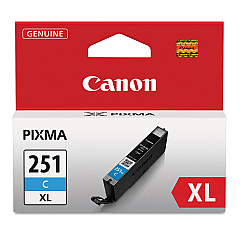
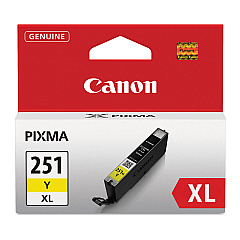
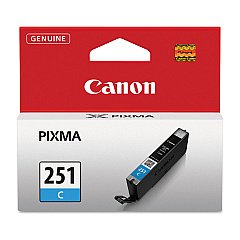
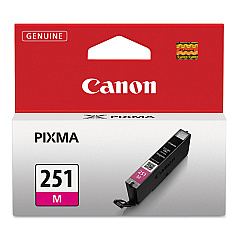
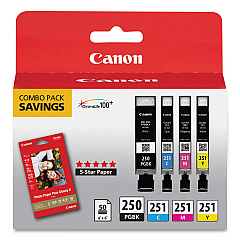
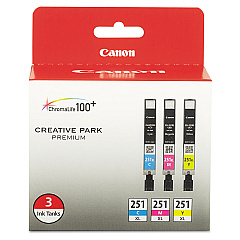
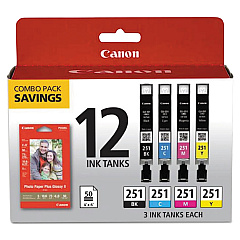
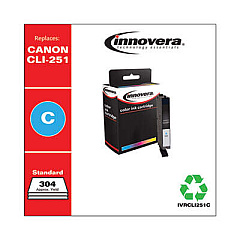
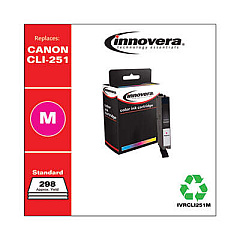
Enhance your printing experience with genuine Canon PIXMA iP7220 Ink Cartridges. These high-quality cartridges ensure vibrant, long-lasting prints for all your projects. Choose from a variety of options, including the Canon CLI-251 Color Value Pack for cost-effective color printing, or individual tanks like the CLI-251BK Black and PGI-250PGBK Pigment Black for sharp text. For high-volume printing, opt for XL versions such as the CLI-251C XL Cyan or PGI-250PGBK XL Twin Pack. The Canon PIXMA iP7220 Ink Cartridges are designed to deliver exceptional results, whether you're printing photos, documents, or creative projects. With options like the PGI-250 CLI-251 Combo Pack, you can easily stock up on all the colors you need. Trust in Canon's superior ink technology to bring your ideas to life with stunning clarity and color accuracy.

Canon PIXMA iP7220 Ink Cartridges FAQs

  • Are these ink cartridges compatible with other Canon printers?

    These cartridges are specifically designed for the Canon PIXMA iP7220. Always check your printer's compatibility before purchasing.

  • What's the difference between standard and XL cartridges?

    XL cartridges contain more ink and are ideal for high-volume printing, offering better value for frequent users.

  • How long do these ink cartridges last?

    Cartridge life depends on usage, but typically, standard cartridges last for about 300 pages, while XL versions can print up to 500 pages.

  • Can I use third-party ink cartridges in my Canon PIXMA iP7220?

    While third-party cartridges may work, using genuine Canon cartridges ensures the best print quality and protects your printer's warranty.

  • What's the shelf life of unopened ink cartridges?

    Unopened Canon ink cartridges typically have a shelf life of 1-2 years from the production date when stored properly.

  • How do I install these ink cartridges?

    Simply open the printer's front cover, remove the old cartridge, and insert the new one until it clicks into place. Follow the printer's on-screen instructions for alignment.

  • What's the difference between pigment and dye-based inks?

    Pigment inks (like PGI-250PGBK) are more water-resistant and ideal for text, while dye-based inks (CLI-251 series) offer vibrant colors for photos.

  • Can I buy these cartridges individually or only in packs?

    Both options are available. You can purchase individual cartridges or choose from various combo packs for better value.

  • How do I know when it's time to replace my ink cartridges?

    Your printer will display a low ink warning. You can also check ink levels through the printer software on your computer.

  • Are these cartridges environmentally friendly?

    Canon offers a cartridge recycling program. You can return used cartridges to Canon or participating retailers for proper recycling.

Warehouse Locations

Policy & Agreement | Copyright © 1995-2026 BlueDogInk.com
