





Ads

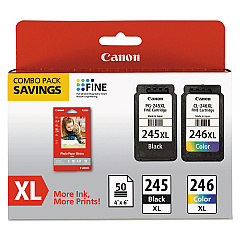
Canon MX492 Black Ink Cartridges

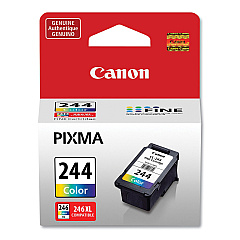
Canon MX492 Color Ink Cartridges

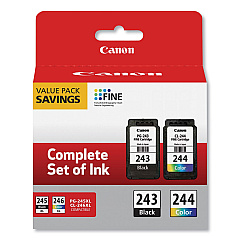
Canon MX492 Ink Set

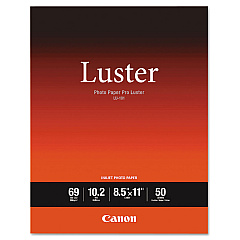
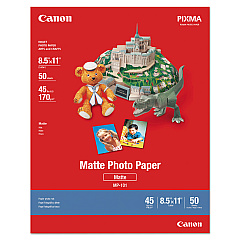
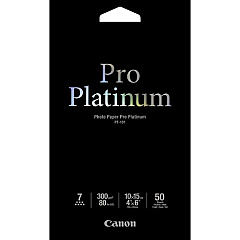
Canon MX492 Photo Paper

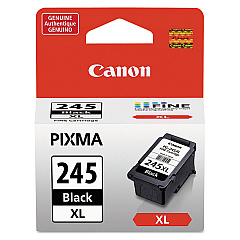
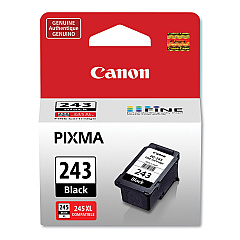
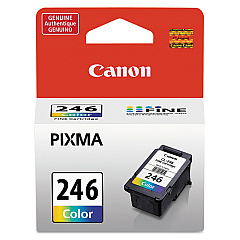
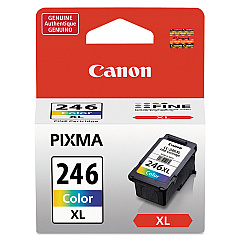
Ensure optimal print quality with genuine Canon MX492 Ink Cartridges. This versatile printer supports a range of cartridges, including the standard CL-244 and CL-246 color options, as well as their high-yield XL counterparts. For crisp text and sharp documents, choose from the PG-243 or PG-245 black cartridges, with an XL version available for extended printing. Value packs offer cost-effective solutions for frequent users, combining black and color cartridges in one convenient package. Whether you're printing vibrant photos or professional reports, these Canon ink cartridges deliver consistent, fade-resistant results. Compatible with various Canon printers, these cartridges are designed to work seamlessly with your MX492, ensuring reliable performance and superior print quality for all your home or office needs.

Canon MX492 Ink Cartridges FAQs

  • What's the difference between standard and XL ink cartridges?

    XL cartridges contain more ink and last longer, making them more economical for frequent printing.

  • Are these cartridges compatible with other Canon printers?

    Yes, many of these cartridges are compatible with various Canon printer models. Check your printer's specifications for exact compatibility.

  • How long do Canon MX492 ink cartridges typically last?

    The lifespan varies depending on usage, but standard cartridges typically print 100-200 pages, while XL versions can print 300-400 pages.

  • Can I use third-party ink cartridges in my Canon MX492?

    While third-party cartridges may work, using genuine Canon cartridges ensures optimal print quality and prevents potential printer damage.

  • What's the benefit of buying value packs?

    Value packs offer a cost-effective solution by bundling black and color cartridges together at a discounted price.

  • How do I install new ink cartridges in my Canon MX492?

    Open the printer cover, wait for the cartridge holder to move to the center, remove the old cartridge, insert the new one until it clicks, then close the cover.

  • Are these ink cartridges recyclable?

    Yes, Canon offers a recycling program for used ink cartridges. Check their website for details on how to participate.

  • How should I store unused ink cartridges?

    Store cartridges in a cool, dry place away from direct sunlight. Keep them in their original packaging until ready for use.

  • What should I do if my printer doesn't recognize the new cartridge?

    Try removing and reinserting the cartridge, cleaning the contacts, or running a printer head alignment. If issues persist, contact Canon support.

  • Can I mix different brands of ink cartridges in my Canon MX492?

    It's not recommended to mix brands. Using all genuine Canon cartridges ensures the best print quality and printer performance.

Warehouse Locations

Policy & Agreement | Copyright © 1995-2026 BlueDogInk.com
