








Ads

Canon MB2720 Black Ink Cartridges

Canon MB2720 Color Ink Cartridges

Canon MB2720 Photo Paper

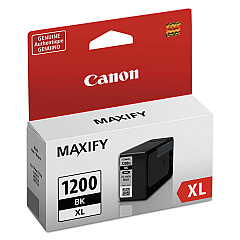
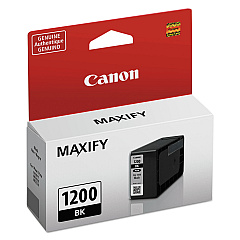
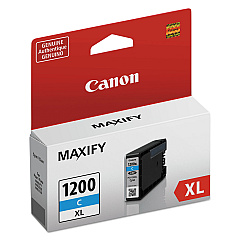
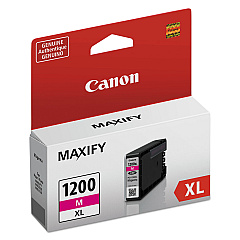
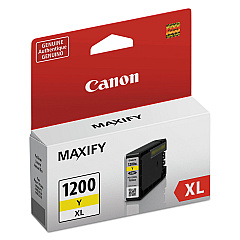
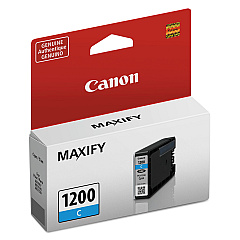
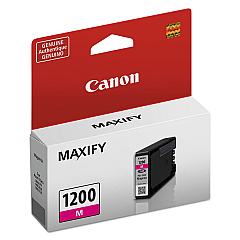
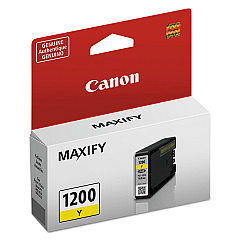
Enhance your printing experience with genuine Canon MB2720 Ink Cartridges. These high-quality cartridges are designed to deliver exceptional results for your Canon MAXIFY MB2720 printer. Choose from a range of options including standard and high-yield (XL) cartridges in black, cyan, magenta, and yellow. The PGI-1200 series offers reliable performance for everyday printing, while the PGI-1200XL series provides extended capacity for high-volume users. Whether you need individual colors or a convenient 3-pack, these Canon MB2720 Ink Cartridges ensure crisp text, vibrant graphics, and long-lasting prints. Compatible with various Canon MAXIFY models, these cartridges are perfect for businesses, schools, and home offices seeking professional-quality output. Trust in Canon's innovative ink technology to produce sharp, smudge-resistant documents and brilliant photos that make a lasting impression.

Canon MB2720 Ink Cartridges FAQs

  • What is the difference between PGI-1200 and PGI-1200XL cartridges?

    PGI-1200XL cartridges have a higher ink capacity and yield more pages than standard PGI-1200 cartridges.

  • Are these cartridges compatible with other Canon printers?

    These cartridges are designed for the Canon MAXIFY MB2720 and other compatible MAXIFY models. Check your printer's manual for specific compatibility.

  • How long do Canon MB2720 Ink Cartridges typically last?

    The lifespan of cartridges varies depending on usage, but XL cartridges generally last longer than standard ones.

  • Can I use third-party ink cartridges in my Canon MB2720?

    While third-party cartridges may work, using genuine Canon cartridges ensures optimal print quality and printer performance.

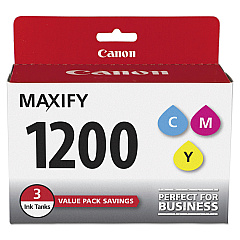
  • What's included in the Canon PGI-1200 Ink Cartridge 3-Pack?

    The 3-Pack typically includes one each of cyan, magenta, and yellow standard capacity cartridges.

  • How do I install new ink cartridges in my Canon MB2720?

    Open the printer's front cover, wait for the cartridge holder to move to the replacement position, then remove the old cartridge and insert the new one until it clicks into place.

  • Are these cartridges recyclable?

    Yes, Canon offers a cartridge recycling program. Check their website for details on how to recycle your used cartridges.

  • How can I tell if my cartridge is running low on ink?

    Your printer will display a low ink warning on its screen or through your computer's print software when a cartridge is running low.

  • Can I use PGI-1200 and PGI-1200XL cartridges interchangeably?

    Yes, you can use both standard and XL cartridges in your Canon MB2720 printer interchangeably.

  • What should I do if my printer doesn't recognize a new cartridge?

    Try removing and reinserting the cartridge, cleaning the cartridge contacts, or running a printer head cleaning cycle. If issues persist, contact Canon support.

Warehouse Locations

Policy & Agreement | Copyright © 1995-2026 BlueDogInk.com
