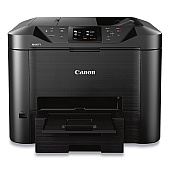
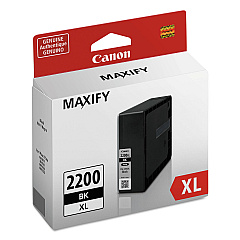
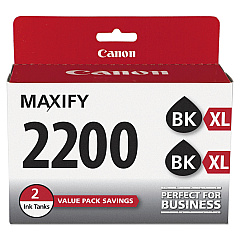
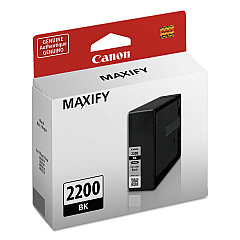





Canon MAXIFY MB5420 Black Ink Cartridges

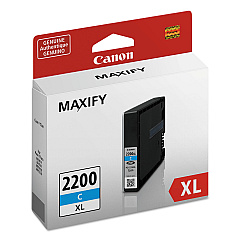
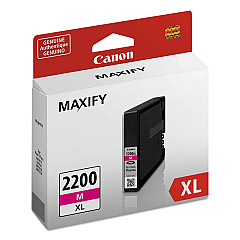
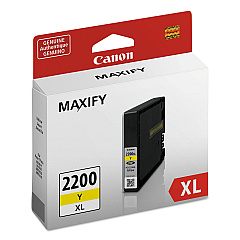
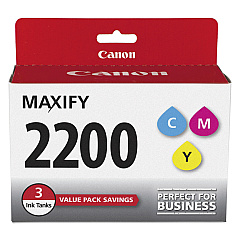
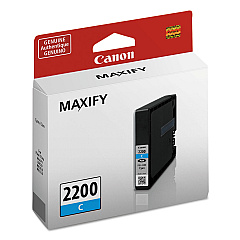
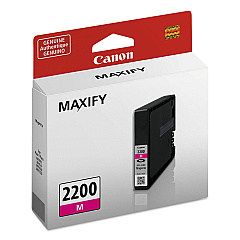
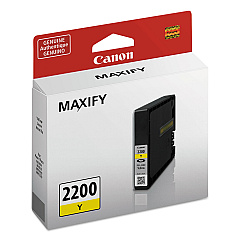
Canon MAXIFY MB5420 Color Ink Cartridges

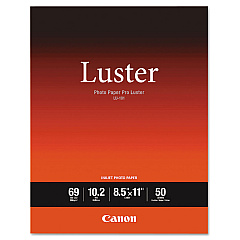
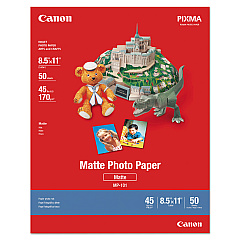
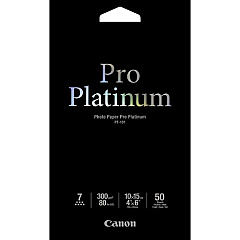
Canon MAXIFY MB5420 Photo Paper

Keep your Canon MAXIFY MB5420 printer running at peak performance with our comprehensive range of Canon MAXIFY MB5420 Ink Cartridges. Choose from standard PGI-2200 or high-yield PGI-2200XL cartridges in black, cyan, magenta, and yellow to suit your printing needs. Our selection includes individual colors, convenient multi-packs, and cost-effective twin packs for high-volume users. These genuine Canon ink cartridges ensure crisp text, vibrant colors, and long-lasting prints for your business, educational, or healthcare documents. With options like the PGI-2200 Ink Cartridge 3-Pack or the PGI-2200XL Black Twin Pack, you can stock up and save. Trust in the quality and reliability of Canon inks to deliver professional results every time, whether you're printing reports, presentations, or marketing materials.

Canon MAXIFY MB5420 Ink Cartridges FAQs

  • What's the difference between PGI-2200 and PGI-2200XL cartridges?

    PGI-2200XL cartridges are high-yield versions that contain more ink and can print more pages than the standard PGI-2200 cartridges.

  • Are these cartridges compatible with other Canon printers?

    These cartridges are specifically designed for the Canon MAXIFY MB5420 printer. Always check your printer's compatibility before purchasing.

  • How many pages can I print with a PGI-2200XL Black cartridge?

    The PGI-2200XL Black cartridge typically yields around 2,500 pages, but actual yield may vary based on printing conditions and content.

  • Can I use third-party ink cartridges in my Canon MAXIFY MB5420?

    While third-party cartridges may work, using genuine Canon cartridges ensures optimal print quality and prevents potential damage to your printer.

  • How long do these ink cartridges last?

    Shelf life is typically 6-12 months if unopened. Once installed, use within 6 months for best results.

  • Is it more economical to buy individual cartridges or multi-packs?

    Multi-packs like the PGI-2200 Ink Cartridge 3-Pack often offer better value for frequent users, but it depends on your specific printing needs.

  • What should I do if my printer doesn't recognize the new cartridge?

    Try removing and reinserting the cartridge. If the issue persists, clean the cartridge contacts and ensure it's properly seated.

  • Are these cartridges recyclable?

    Yes, Canon offers a cartridge recycling program. Check their website for details on how to participate.

  • How do I know when it's time to replace my ink cartridge?

    Your Canon MAXIFY MB5420 will display a low ink warning. You can also check ink levels through the printer's menu or your computer.

  • Can I use PGI-2200 and PGI-2200XL cartridges interchangeably?

    Yes, you can use both standard and XL cartridges in your Canon MAXIFY MB5420 printer interchangeably.

Warehouse Locations

Policy & Agreement | Copyright © 1995-2026 BlueDogInk.com
