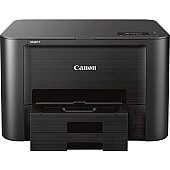
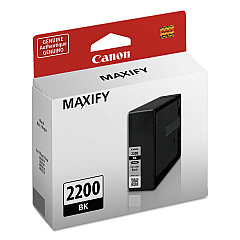
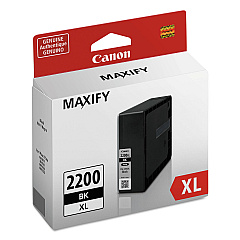
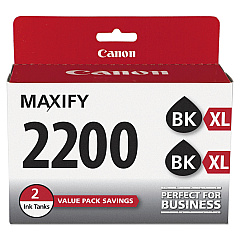
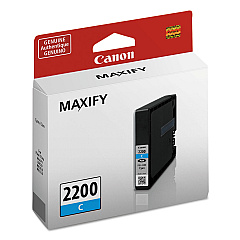
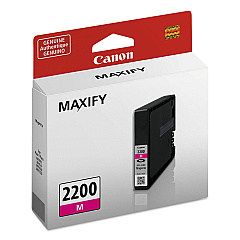
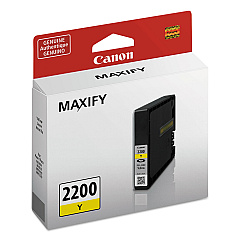
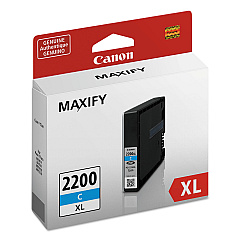





Canon MAXIFY iB4120 Black Ink Cartridges

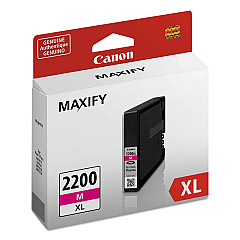
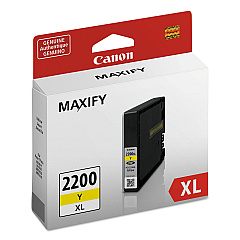
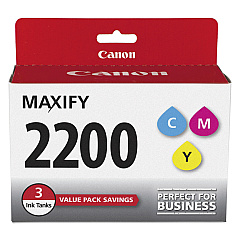
Canon MAXIFY iB4120 Color Ink Cartridges

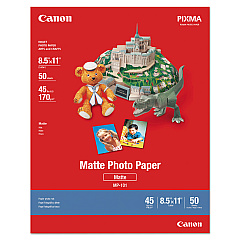
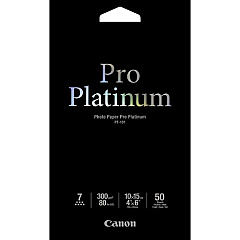
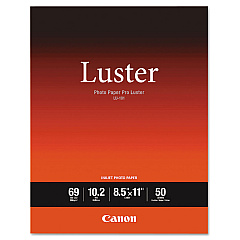
Canon MAXIFY iB4120 Photo Paper

Enhance your printing experience with genuine Canon MAXIFY iB4120 Ink Cartridges. These high-quality cartridges are designed to deliver exceptional results for businesses, schools, government offices, and healthcare facilities. Choose from a range of options including standard and high-yield (XL) cartridges in black, cyan, magenta, and yellow. The PGI-2200 series offers reliable performance, while the PGI-2200XL provides extended print capacity for high-volume needs. For cost-effective printing, consider the convenient 3-pack or twin pack options. These cartridges ensure crisp text, vibrant colors, and professional-quality documents every time. Compatible with the Canon MAXIFY iB4120 printer, these cartridges are engineered to maximize efficiency and minimize downtime, making them ideal for demanding print environments across various sectors.

Canon MAXIFY iB4120 Ink Cartridges FAQs

  • What is the difference between PGI-2200 and PGI-2200XL cartridges?

    PGI-2200XL cartridges have a higher ink capacity and can print more pages than standard PGI-2200 cartridges, making them more cost-effective for high-volume printing.

  • Are these cartridges compatible with other Canon printers?

    These cartridges are specifically designed for the Canon MAXIFY iB4120 printer. Always check your printer's compatibility before purchasing ink cartridges.

  • How long do these ink cartridges last?

    The lifespan of the cartridges depends on usage and print settings. XL cartridges typically last longer than standard cartridges.

  • Can I use third-party ink cartridges in my Canon MAXIFY iB4120?

    While third-party cartridges may work, using genuine Canon cartridges ensures optimal print quality and prevents potential damage to your printer.

  • What's the benefit of buying the 3-pack or twin pack?

    Multi-packs often offer better value for money and ensure you have replacement cartridges on hand when needed.

  • How do I install these ink cartridges?

    Follow the instructions in your printer's manual. Generally, you'll need to open the printer, remove the old cartridge, and insert the new one until it clicks into place.

  • Are these cartridges environmentally friendly?

    Canon has a cartridge recycling program to minimize environmental impact. Check their website for details on how to recycle used cartridges.

  • How can I tell if my cartridge is running low on ink?

    Your printer software will typically alert you when ink levels are low. You can also check ink levels through your printer's control panel.

  • What should I do if my printer doesn't recognize the new cartridge?

    Try removing and reinserting the cartridge. If the issue persists, ensure the cartridge is properly seated and that there's no protective tape left on the cartridge.

  • Can I use these cartridges for photo printing?

    While these cartridges can produce good quality photos, for professional photo printing, you may want to consider a printer specifically designed for photo output.

Warehouse Locations

Policy & Agreement | Copyright © 1995-2026 BlueDogInk.com
