









Ads

Canon LBP710Cx Black Toner Cartridges

Canon LBP710Cx Color Toner Cartridges

Canon LBP710Cx Waste Toner Kits

Canon LBP710Cx Copy Paper

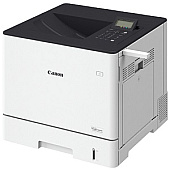
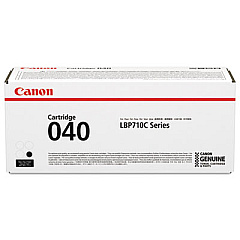
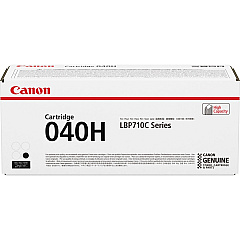
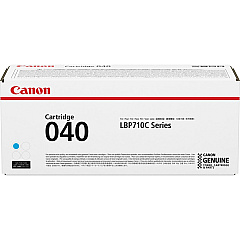
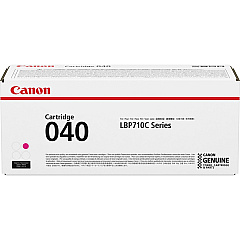
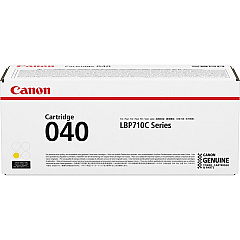
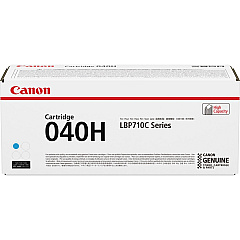
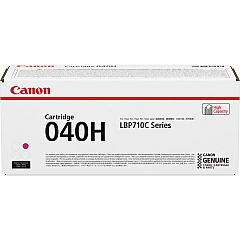
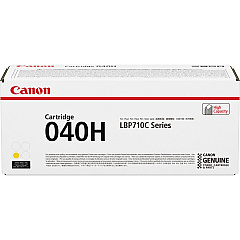
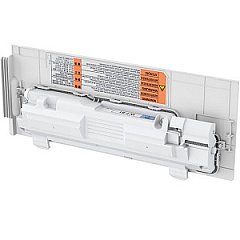
Enhance your printing experience with genuine Canon LBP710Cx Toner Cartridges. These high-quality consumables are designed specifically for the Canon LBP710Cx printer, ensuring optimal performance and stunning output. Choose from a range of options including the standard Canon 040 series in black, cyan, magenta, and yellow, or opt for the high-yield Canon 040H series for extended printing capacity. The Canon WT-B1 Waste Toner Box efficiently collects excess toner, maintaining your printer's cleanliness and functionality. Whether you're printing important business documents, vibrant marketing materials, or detailed reports, these toner cartridges deliver crisp text and vivid colors. Trust in Canon's superior technology to provide consistent, professional-grade results for all your printing needs.

Canon LBP710Cx Toner Cartridges FAQs

  • What is the difference between Canon 040 and Canon 040H toner cartridges?

    The Canon 040H series are high-yield cartridges that offer a larger toner capacity compared to the standard Canon 040 series, allowing for more prints before replacement.

  • How often should I replace the Canon WT-B1 Waste Toner Box?

    The replacement frequency depends on usage, but typically it should be changed when prompted by the printer or after several toner cartridge replacements.

  • Are these toner cartridges compatible with other Canon printers?

    These cartridges are specifically designed for the Canon LBP710Cx printer. Always check your printer's manual for compatible cartridge models.

  • What is the estimated page yield for Canon 040 toner cartridges?

    Page yields vary by color, but generally, the Canon 040 black cartridge yields about 6,300 pages, while color cartridges yield approximately 5,400 pages each.

  • Can I use third-party toner cartridges in my Canon LBP710Cx printer?

    While third-party cartridges may work, using genuine Canon toner cartridges ensures optimal print quality and prevents potential damage to your printer.

  • How do I properly store unused toner cartridges?

    Store cartridges in a cool, dry place away from direct sunlight. Keep them in their original packaging until ready for use to protect from light and humidity.

  • Is it normal for print quality to decrease as the toner cartridge nears empty?

    Yes, print quality may slightly decrease as toner levels become low. Replace the cartridge when prompted or when you notice a significant decrease in print quality.

  • How do I recycle used toner cartridges?

    Canon offers a recycling program for used toner cartridges. Check their website or contact your local Canon dealer for details on how to participate.

  • Can I replace individual color cartridges or do I need to replace all colors at once?

    You can replace individual color cartridges as needed. The printer will indicate which specific color needs replacement.

  • What should I do if I experience streaking or uneven printing with new cartridges?

    First, ensure the cartridge is properly installed. If the issue persists, try running the printer's cleaning cycle or contact Canon support for further assistance.

Warehouse Locations

Policy & Agreement | Copyright © 1995-2026 BlueDogInk.com
