




Ads

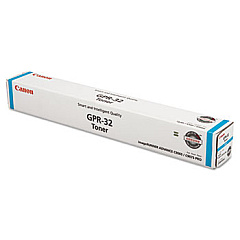
Canon imageRUNNER C9270 Black Toner Cartridges

Canon imageRUNNER C9270 Color Toner Cartridges

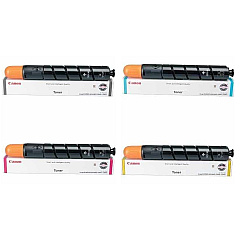
Canon imageRUNNER C9270 Toner Set

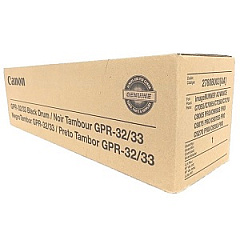
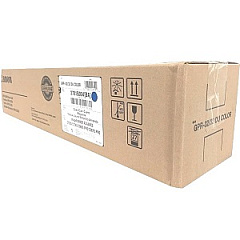
Canon imageRUNNER C9270 Drum Units

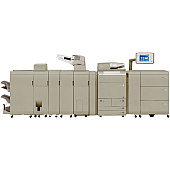
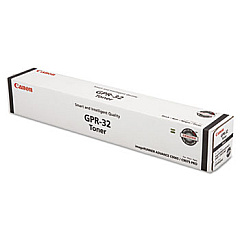
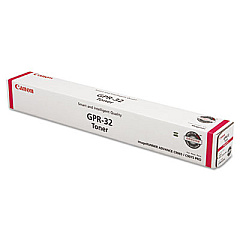
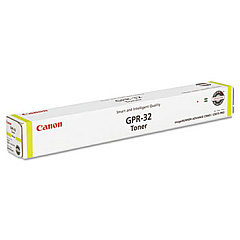
Enhance your printing experience with genuine Canon imageRUNNER C9270 Toner Cartridges. These high-quality consumables are designed to deliver exceptional results for your Canon imageRUNNER C9270 printer. The comprehensive range includes the GPR-32 series of toner cartridges in black, cyan, magenta, and yellow, ensuring vibrant and accurate color reproduction. For optimal performance, consider the GPR-32 Toner Cartridge Set, which provides a complete solution for all your printing needs. Additionally, the GPR32 GPR33 Black and Color Drum Units are essential components that work seamlessly with the toner cartridges to produce sharp, professional-quality prints. By choosing these authentic Canon supplies, you'll maximize your printer's efficiency, minimize downtime, and maintain the superior print quality that Canon is known for. Trust in the reliability and consistency of genuine Canon imageRUNNER C9270 Toner Cartridges for all your high-volume printing requirements.

Canon imageRUNNER C9270 Printers Supplies FAQs

  • How long do Canon imageRUNNER C9270 toner cartridges typically last?

    The lifespan of toner cartridges varies depending on usage, but on average, they can print between 70,000 to 80,000 pages for black and 60,000 to 70,000 pages for color cartridges.

  • Are these toner cartridges compatible with other Canon printers?

    These specific GPR-32 toner cartridges are designed for use with the Canon imageRUNNER C9270 and may not be compatible with other printer models.

  • Can I use third-party toner cartridges in my Canon imageRUNNER C9270?

    While third-party cartridges may work, using genuine Canon toner cartridges ensures optimal print quality and prevents potential damage to your printer.

  • How often should I replace the drum units?

    Drum units typically last longer than toner cartridges. They usually need replacement after processing about 500,000 to 600,000 pages.

  • What's the difference between toner cartridges and drum units?

    Toner cartridges contain the powder used to create prints, while drum units transfer the toner onto the paper. Both are essential for the printing process.

  • Can I recycle used toner cartridges and drum units?

    Yes, Canon offers a recycling program for used toner cartridges and drum units. Check their website for details on how to participate.

  • How can I tell when it's time to replace my toner cartridge?

    Your printer will typically display a warning message when toner levels are low. You may also notice a decrease in print quality.

  • Is it necessary to replace all color cartridges at the same time?

    Not necessarily. You can replace individual color cartridges as they run out, but replacing them all at once can ensure consistent color quality across your prints.

  • How should I store unused toner cartridges?

    Store unused cartridges in a cool, dry place away from direct sunlight. Keep them in their original packaging until ready for use.

  • What should I do if I experience print quality issues after installing new cartridges?

    First, ensure the cartridges are properly installed. If issues persist, run a printer cleaning cycle or consult your printer's manual for troubleshooting steps.

Warehouse Locations

Policy & Agreement | Copyright © 1995-2026 BlueDogInk.com
