










Ads

Canon imageRUNNER ADVANCE C3530i Black Toner Cartridges

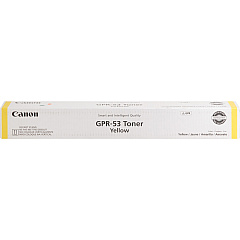
Canon imageRUNNER ADVANCE C3530i Color Toner Cartridges

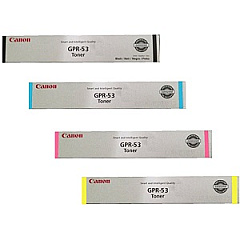
Canon imageRUNNER ADVANCE C3530i Toner Set

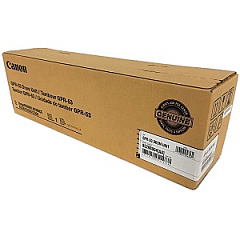
Canon imageRUNNER ADVANCE C3530i Drum Units

Canon imageRUNNER ADVANCE C3530i Copy Paper

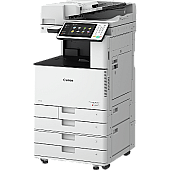
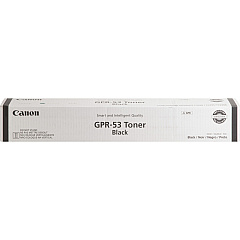
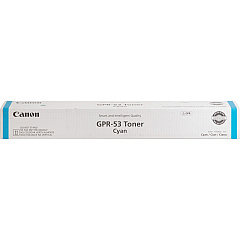
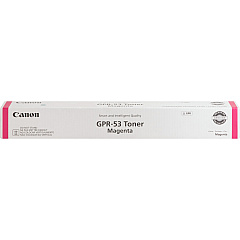
Enhance your printing experience with genuine Canon imageRUNNER ADVANCE C3530i Toner Cartridges. These high-quality consumables ensure optimal performance and vibrant output for your multifunction printer. The comprehensive set includes Canon GPR-53 cartridges in Black, Cyan, Magenta, and Yellow, delivering crisp text and vivid colors for all your business documents. The GPR-53 Drum Unit maintains image quality, while the WT-202 Waste Toner Container efficiently manages residual toner. By choosing authentic Canon supplies, you'll maximize your C3530i's lifespan and minimize downtime. These cartridges are designed for high-volume printing environments, offering excellent page yields and consistent results. Whether you're printing reports, presentations, or marketing materials, Canon imageRUNNER ADVANCE C3530i Toner Cartridges provide the reliability and quality you need to make a lasting impression.

Canon imageRUNNER ADVANCE C3530i Toner Cartridges FAQs

  • What is the page yield for Canon GPR-53 toner cartridges?

    Page yields vary by color: Black yields approximately 36,000 pages, while Cyan, Magenta, and Yellow each yield about 27,500 pages.

  • Are these toner cartridges compatible with other Canon printers?

    Canon GPR-53 toner cartridges are specifically designed for the imageRUNNER ADVANCE C3500 series, including the C3530i model.

  • How often should I replace the GPR-53 Drum Unit?

    The drum unit typically needs replacement after processing about 125,000 pages, but this can vary based on usage patterns.

  • Can I use third-party toner cartridges in my Canon imageRUNNER ADVANCE C3530i?

    While third-party cartridges may work, using genuine Canon toner ensures optimal print quality and protects your printer's warranty.

  • How do I know when to replace the WT-202 Waste Toner Container?

    Your printer will display a message when the waste toner container is nearly full and needs replacement.

  • Are these toner cartridges environmentally friendly?

    Yes, Canon designs its toner cartridges with environmental sustainability in mind and offers recycling programs for used cartridges.

  • How long can I store unused toner cartridges?

    Unopened toner cartridges can typically be stored for up to two years in a cool, dry place away from direct sunlight.

  • Do I need to replace all color cartridges at the same time?

    No, you can replace individual color cartridges as they run out, but it's recommended to keep all colors at similar levels for best print quality.

  • What should I do if I experience print quality issues after installing new toner?

    First, ensure the cartridge is properly installed. If issues persist, run the printer's calibration process or contact Canon support for assistance.

  • Is it normal for toner cartridges to make noise when shaken?

    Yes, a slight rattling sound is normal and is caused by the toner powder moving inside the cartridge. This doesn't indicate a defect.

Warehouse Locations

Policy & Agreement | Copyright © 1995-2026 BlueDogInk.com
