









Ads

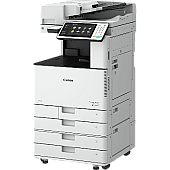
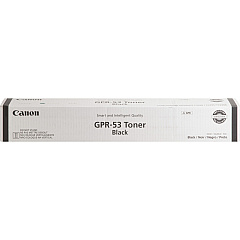
Canon imageRUNNER ADVANCE C3525i Black Toner Cartridges

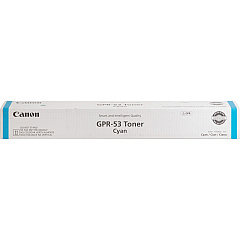
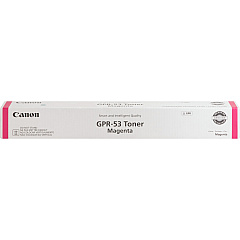
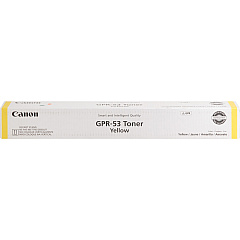
Canon imageRUNNER ADVANCE C3525i Color Toner Cartridges

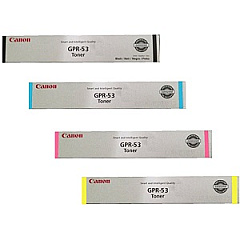
Canon imageRUNNER ADVANCE C3525i Toner Set

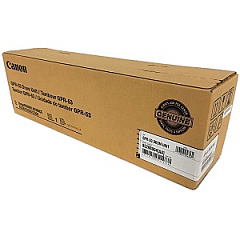
Canon imageRUNNER ADVANCE C3525i Drum Units

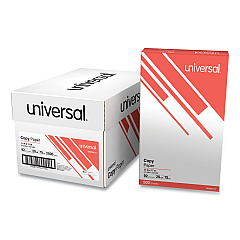
Canon imageRUNNER ADVANCE C3525i Copy Paper

Enhance your printing experience with genuine Canon imageRUNNER ADVANCE C3525i Toner Cartridges. These high-quality consumables ensure optimal performance and vibrant output for your multifunction printer. The comprehensive set includes Canon GPR-53 cartridges in Black, Cyan, Magenta, and Yellow, delivering crisp text and vivid colors for all your business documents. The GPR-53 Drum Unit maintains image quality, while the WT-202 Waste Toner Container efficiently manages excess toner. By choosing authentic Canon supplies, you'll maximize your C3525i's longevity and minimize downtime. Whether you're printing reports, presentations, or marketing materials, these toner cartridges provide consistent, professional results. Invest in Canon's reliable toner cartridges to keep your imageRUNNER ADVANCE C3525i running smoothly and producing exceptional prints that make a lasting impression on clients, colleagues, and stakeholders.

Canon imageRUNNER ADVANCE C3525i Toner Cartridges FAQs

  • How long do Canon imageRUNNER ADVANCE C3525i toner cartridges typically last?

    The lifespan of toner cartridges varies depending on usage, but on average, they can print several thousand pages before needing replacement.

  • Are these toner cartridges compatible with other Canon printers?

    These specific cartridges are designed for the Canon imageRUNNER ADVANCE C3525i model. Always check your printer's compatibility before purchasing.

  • Can I use third-party toner cartridges in my Canon imageRUNNER ADVANCE C3525i?

    While third-party cartridges may work, using genuine Canon toner cartridges ensures optimal performance and print quality, and maintains your printer's warranty.

  • How often should I replace the GPR-53 Drum Unit?

    The drum unit typically lasts longer than toner cartridges. Replace it when print quality noticeably declines or as recommended by your printer's maintenance schedule.

  • What is the purpose of the WT-202 Waste Toner Container?

    The waste toner container collects excess toner during printing. Replace it when it's full to prevent toner leaks and maintain print quality.

  • Can I recycle used toner cartridges and waste containers?

    Yes, Canon offers recycling programs for used toner cartridges and waste containers. Check their website or contact your local Canon dealer for details.

  • How can I tell when it's time to replace a toner cartridge?

    Your printer will typically display a warning message when toner is low. You may also notice a decrease in print quality or faded output.

  • Are these toner cartridges available in high-yield versions?

    Check with your supplier for availability of high-yield versions, which can offer more prints per cartridge for high-volume printing environments.

  • How should I store unused toner cartridges?

    Store unused cartridges in a cool, dry place away from direct sunlight. Keep them in their original packaging until ready for use.

  • What should I do if I experience print quality issues with new toner cartridges?

    First, ensure the cartridges are properly installed. If issues persist, run your printer's cleaning and calibration functions. If problems continue, contact Canon support for assistance.

Warehouse Locations

Policy & Agreement | Copyright © 1995-2026 BlueDogInk.com
