





Canon imagePROGRAF TM-340 Black Ink Cartridges

Canon imagePROGRAF TM-340 Color Ink Cartridges

Canon imagePROGRAF TM-340 Ink Set

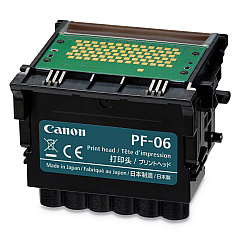
Canon imagePROGRAF TM-340 Printheads

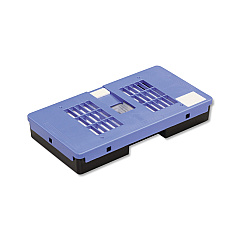
Canon imagePROGRAF TM-340 Maintenance Kits

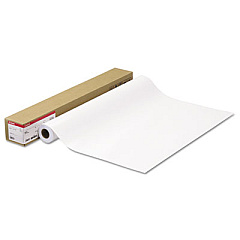
Canon imagePROGRAF TM-340 Photo Paper

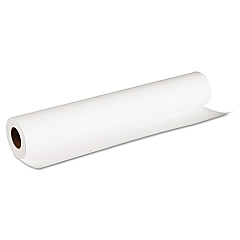
Canon imagePROGRAF TM-340 Large Format Paper

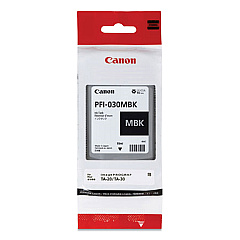
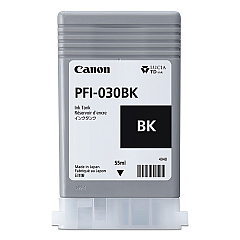
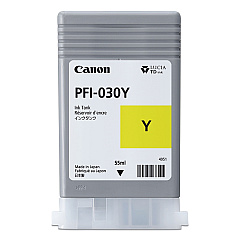
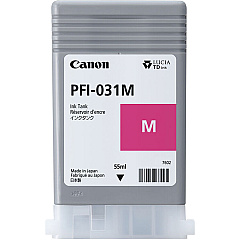
Enhance your printing experience with genuine Canon imagePROGRAF TM-340 Ink Cartridges. This comprehensive set includes the MC-31 Maintenance Cartridge, PF-06 Print Head, and PFI-030 Ink Tank Set, ensuring optimal performance and stunning output. The PFI-030 series offers individual tanks for Black, Cyan, Magenta, Matte Black, and Yellow, allowing for efficient ink management and vibrant color reproduction. These high-capacity cartridges are designed to deliver exceptional print quality and longevity, making them ideal for businesses, educational institutions, government agencies, healthcare facilities, and wholesale operations. The Canon imagePROGRAF TM-340 Ink Cartridges are engineered to work seamlessly with your printer, providing reliable results for a wide range of applications, from technical drawings to posters and presentations. Invest in these premium supplies to maximize your printer's potential and achieve professional-grade results every time.

Canon imagePROGRAF TM-340 Ink Cartridges FAQs

  • How long do Canon imagePROGRAF TM-340 Ink Cartridges typically last?

    The lifespan of the cartridges depends on usage, but they are designed for high-capacity printing and can last for several hundred to a few thousand prints.

  • Are these ink cartridges compatible with other Canon printers?

    These cartridges are specifically designed for the Canon imagePROGRAF TM-340 and may not be compatible with other printer models.

  • Can I use third-party ink cartridges instead of genuine Canon cartridges?

    While third-party options exist, using genuine Canon cartridges ensures optimal print quality and prevents potential damage to your printer.

  • How often should I replace the MC-31 Maintenance Cartridge?

    The maintenance cartridge should be replaced when prompted by the printer, typically after several thousand prints.

  • What is the shelf life of unopened ink cartridges?

    Unopened cartridges typically have a shelf life of 6-12 months, but it's best to check the expiration date on the packaging.

  • Can I replace individual color cartridges, or do I need to replace the entire set?

    You can replace individual color cartridges as needed, which helps reduce waste and save money.

  • How do I properly store unused ink cartridges?

    Store unused cartridges in a cool, dry place away from direct sunlight, and keep them in their original packaging until ready for use.

  • What should I do if my printer doesn't recognize a new ink cartridge?

    Try removing and reinserting the cartridge, cleaning the contacts, or restarting the printer. If issues persist, contact Canon support.

  • Are these ink cartridges environmentally friendly?

    Canon offers a recycling program for used cartridges, promoting environmental sustainability.

  • How can I tell if my ink cartridge is genuine Canon?

    Look for the Canon hologram on the packaging and check the product code to ensure you're purchasing genuine Canon cartridges.

Warehouse Locations

Policy & Agreement | Copyright © 1995-2026 BlueDogInk.com
