
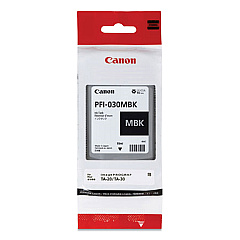
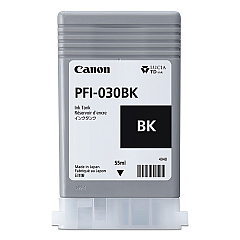
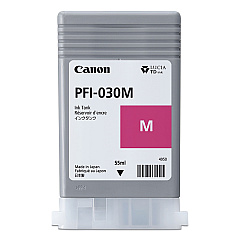
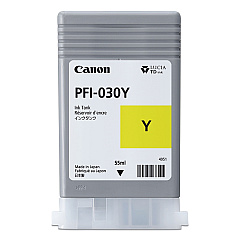
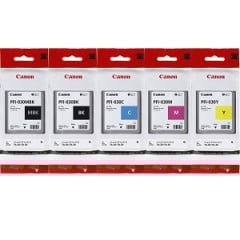





Canon imagePROGRAF TA-20 Black Ink Cartridges

Canon imagePROGRAF TA-20 Color Ink Cartridges

Canon imagePROGRAF TA-20 Ink Set

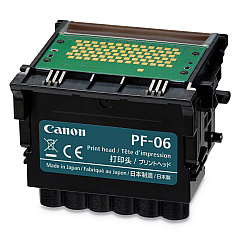
Canon imagePROGRAF TA-20 Printheads

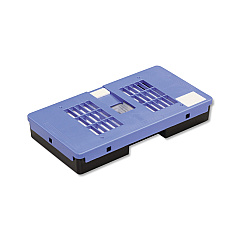
Canon imagePROGRAF TA-20 Maintenance Kits

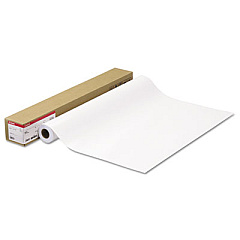
Canon imagePROGRAF TA-20 Photo Paper

Canon imagePROGRAF TA-20 Large Format Paper

Enhance your printing capabilities with Canon imagePROGRAF TA-20 Ink Cartridges, designed to deliver exceptional quality and performance. This comprehensive set includes the Canon MC-31 Maintenance Cartridge, Canon PF-06 Print Head, and the Canon PFI-030 Ink Tank Set, featuring individual tanks for Black, Cyan, Magenta, Matte Black, and Yellow. These high-capacity cartridges ensure vibrant, long-lasting prints for your business, educational, healthcare, or wholesale needs. The Canon imagePROGRAF TA-20 system utilizes advanced ink technology to produce sharp text, vivid graphics, and true-to-life images. With these genuine Canon supplies, you can maximize your printer's efficiency and maintain consistent, professional-grade output. Whether you're printing technical documents, posters, or presentations, these ink cartridges provide the reliability and color accuracy you need to make a lasting impression.

Canon imagePROGRAF TA-20 Ink Cartridges FAQs

  • What is the page yield for Canon imagePROGRAF TA-20 Ink Cartridges?

    Page yield varies depending on the specific cartridge and printing conditions. It's best to check the product specifications for each individual ink tank.

  • Are these ink cartridges compatible with other Canon printers?

    These cartridges are specifically designed for the Canon imagePROGRAF TA-20 printer. They may not be compatible with other models.

  • How often should I replace the Canon MC-31 Maintenance Cartridge?

    The maintenance cartridge should be replaced when prompted by the printer, typically after extended use or when it reaches capacity.

  • Can I use third-party ink cartridges in my Canon imagePROGRAF TA-20?

    While third-party cartridges may work, using genuine Canon cartridges ensures optimal print quality and prevents potential damage to your printer.

  • How do I install the Canon PF-06 Print Head?

    Follow the instructions in your printer's manual for proper installation. Generally, you'll need to open the printer, remove the old print head, and carefully insert the new one.

  • Are these ink cartridges environmentally friendly?

    Canon is committed to environmental sustainability. Many of their cartridges are recyclable through Canon's recycling program.

  • How long do unopened ink cartridges last?

    Unopened cartridges typically have a shelf life of 6-12 months. Check the expiration date on the packaging for specific information.

  • Can I mix old and new ink cartridges in my printer?

    It's generally recommended to replace all cartridges at the same time to ensure consistent print quality and avoid potential issues.

  • What should I do if my printer doesn't recognize a new cartridge?

    Try removing and reinserting the cartridge. If the issue persists, clean the cartridge contacts and try again. If problems continue, contact Canon support.

  • Are these ink cartridges covered by a warranty?

    Yes, genuine Canon ink cartridges are typically covered by a limited warranty. Check the product packaging or Canon's website for specific warranty information.

Warehouse Locations

Policy & Agreement | Copyright © 1995-2026 BlueDogInk.com
